
Product Description
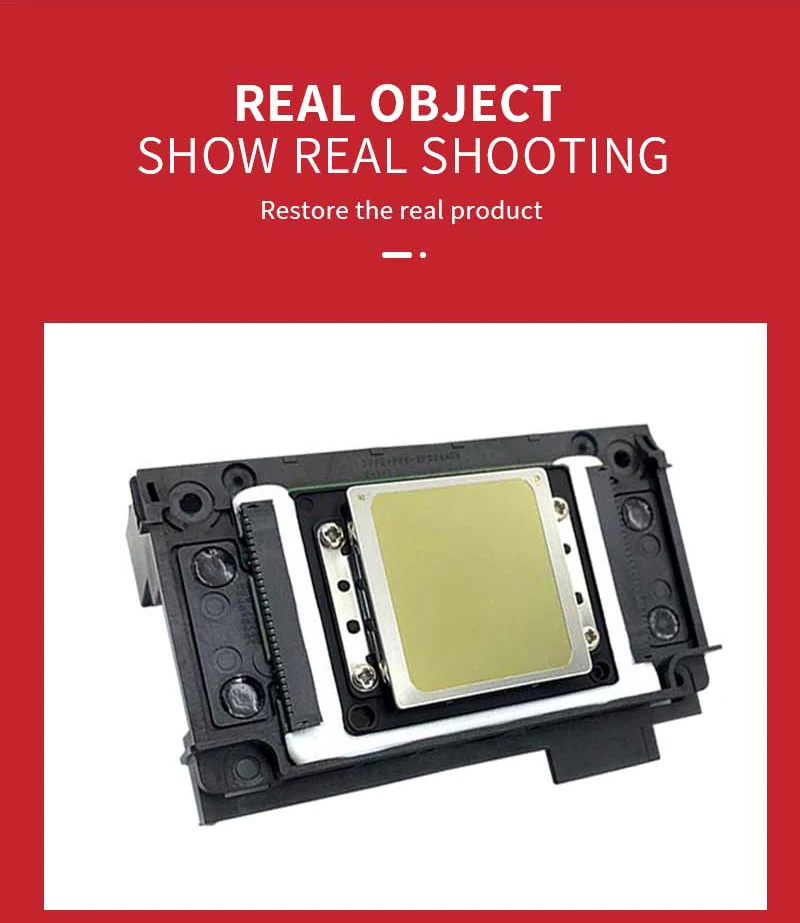
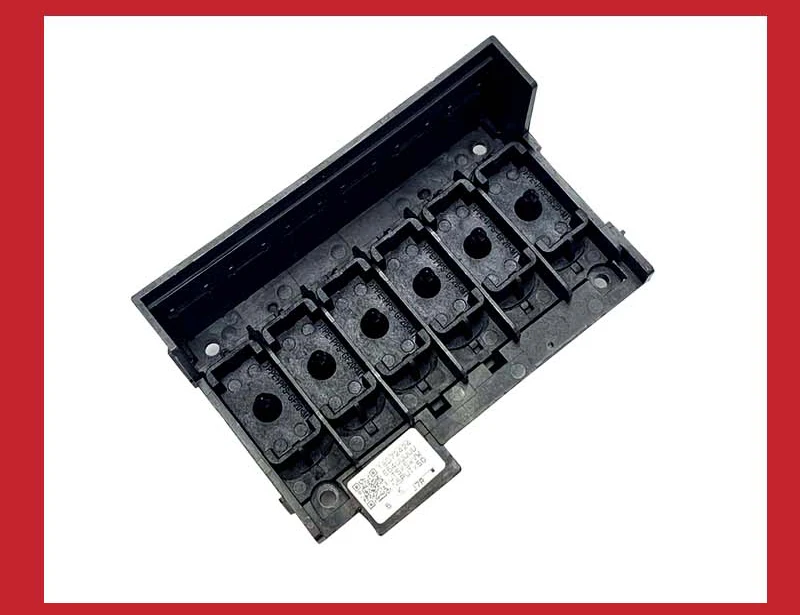
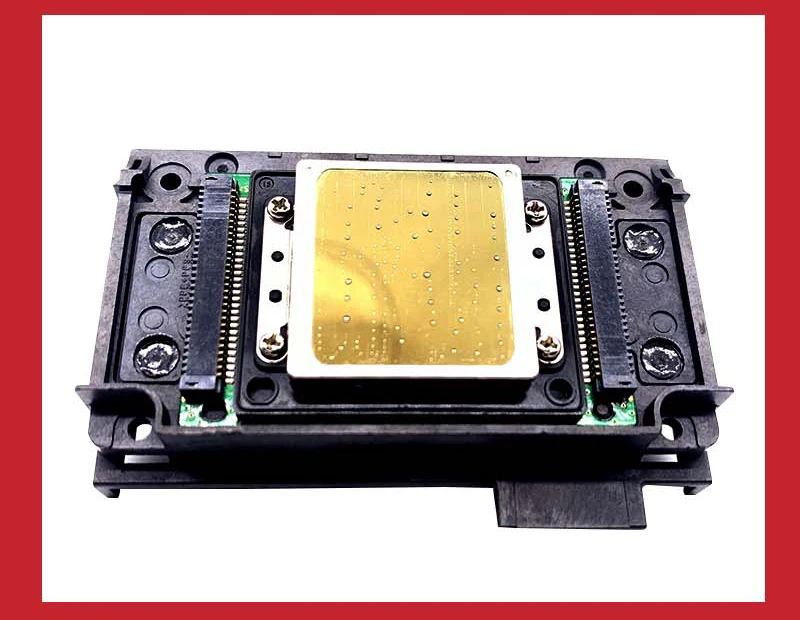
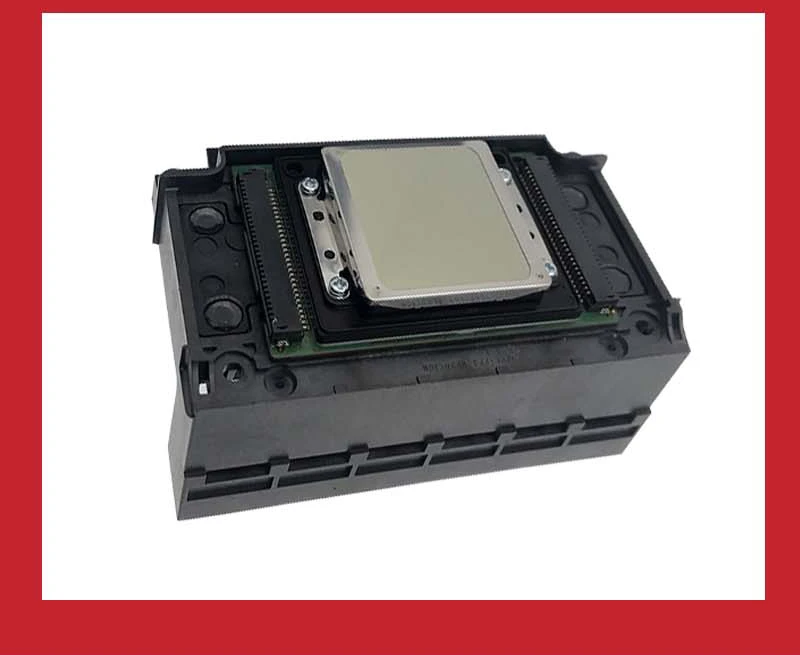
Printhead XP600 Print Head FA09050 UV Printer Head For Epson XP601 XP610 XP700 XP701 XP800 XP820 XP850 DX8 Eco solvent/UV Printe Printhead XP600 Print Head FA09050 UV Printer Head For Epson XP601 XP610 XP700 XP701 XP800 XP820 XP850 DX8 Eco solvent/UV Printe
Applicable Models:
XP600 for Epson XP601 XP610 XP700 XP701 XP800 XP820 XP850 FA09050
Voltage:110V and 220V
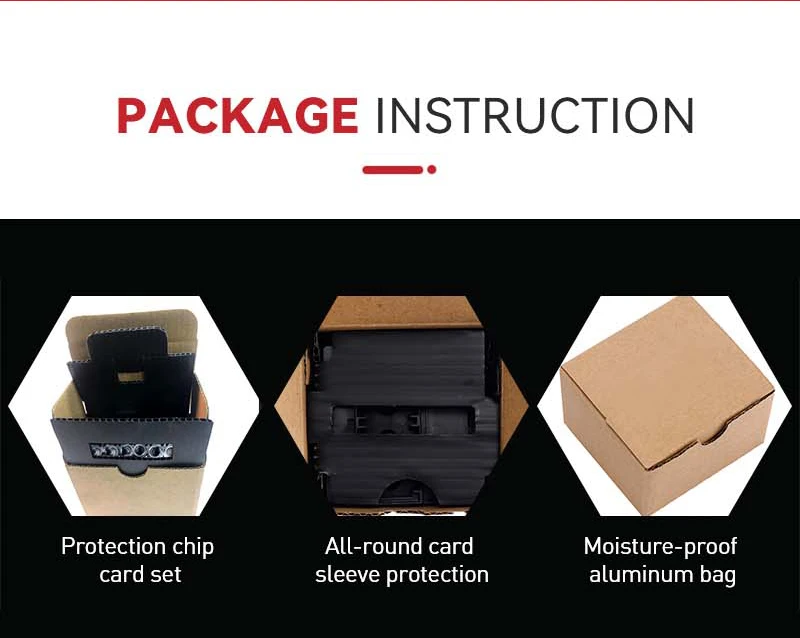
Package:Neutral package.
Weight:70g
Special Reminder
1. The print head is a fragile part. Before installation, please make sure that the ink pump of the machine is working normally, and there is no problem with the ink cartridge or continuous supply and ink, otherwise the print head may be easily damaged or the effect may not reach the expectation;
2. This accessory is the original disassembled machine, and it is tested on the machine before shipment and it has a printed sample. The original protective liquid is injected before shipment, which can protect the nozzle from clogging for 1-2 years when it is not in use. Do not wipe the nozzle head surface before installation;
3. Due to air intake or ink not completely filling the ink sac inside the print head, there may be a small number of nozzles that have not come out completely when you just start the machine. At this time, you only need to clean it with a computer 2-3 times and let it stand for half a day. Do not use a syringe to push the air, and do not use various cleaning fluids to infuse the nozzle. This is likely to cause cross-color inside the nozzle.
Troubleshooting machine problems and precautions
1. The red light flashes when the machine is turned on. It is not necessarily that the print head is broken. There may be a problem with the rack or the motherboard. In this case, please solve the error problem first, and then buy the print head.
2. The machine does not recognize the ink cartridge. The main reason for this situation is that the motherboard fuse is burned. Please replace the motherboard or replace the motherboard fuse.
3. Are there signs of splitting/corrosion or burnout on the data cable? If the data cable is broken or not inserted properly, the nozzle and motherboard will be burned. Please check whether your data cable is in good condition!
4. It is recommended that all buyers use good quality ink cartridges/ink/continuous supply, because the service life of the nozzle is directly related to the ink.
Tips
1. It is risky to install the nozzle/print head, so be careful. Buyers who do not understand the installation skills can contact the owner after receiving the goods, and we will try our best to provide you with services.
2. Before purchasing, please make sure that there is no problem with the motherboard of the machine, if there is a problem with the motherboard or the installation is missing
The nozzles will not be returned or replaced due to errors, and we are not responsible for the failures caused by poor technology.
3. If there is any quality problem within three days after receipt, contact the owner in time to avoid unnecessary numbness
bother.
Note
Please read carefully. Thank you, if you have any questions, please do not give bad reviews directly, we have specialized technical staff to help, please communicate with us first.
1. After receiving the printerhead purchased in our store, please do not use the needle to inject water to check whether the sprinkler is blocked from cold. This is a very redundant and dangerous practice.
The protective liquid is installed in the nozzles, which can ensure that the nozzles will not be blocked within one or two years.
After receiving the nozzle, do not wipe off the protective liquid on the nozzle.
Do not use a syringe to inject the nozzle as it may cause the ink sac to rupture and print cross color!
For your rights, please know that any damage to the printhead caused by this method is not covered by warranty.
First of all, once the pinterhead gets into the water, you turn on the machine before it is dry, and it will burn the board in light, and the pinterhead in severe case;
secondly, the pinterhead sold by our shop are strictly tested and tested before they are shipped, and they are protected. If you inject water into the head with a needle, not only will the protective liquid in the head be washed away, but also because the pressure of the hand is too high, it is easy to cause air blockage of the nozzle, resulting in no ink.
2. The head surface of the nozzle is very fragile and must not be bumped, so be sure to protect it.
Its surface is a piece of aluminum, and the inner layer is coated with a crystal oscillator and very small ink tubes.
When touched, it will be concave, deformed, or even broken, and the nozzle will be scrapped.
3. Be careful when installing the nozzle. Be sure to cut off the power first and install it in place.After installation, gently push the trolley to move left and right with your hand to check whether it is smooth or not. Never turn on the power after installation, because if the head is not in place, the trolley will easily hit the head and shatter when it moves, and the human hand can feel it, and it can be retracted freely Strong controllability.
4. When connecting the plug and cable, do not bring ink, and make sure that it is in good contact with the socket and does not touch the feet, otherwise, the nozzle will be short-circuited and burned.
5. The steel shaft should also be clean and smooth. It can be wiped with a paper towel and lubricating oil. Do not directly add oil to the shaft. The excess oil will flow to the nozzle and cause damage.
6. After the mechanics and circuits are correct, it is necessary to check the water circuit.
First, check that the amount of water in the ink cartridge is insufficient.
Second, check whether the small cleaning blade and the ink suction pump are dirty.
7. There will be air in the newly installed nozzle, so the printing will not be normal immediately. Only after the air in the head is completely exhausted, can the lines be will be normally.
First, intermittent cleaning can be used (clean only 2 times at a time, and then stop for 30 minutes Then clean it 2 times again) Repeatedly over-cleaning will cause the cleaning pump to accumulate ink, which will not only cause the printing to mix colors, leak ink, but also waste ink;
secondly, print more pictures to let the nozzle discharge air during work; , If the machine has drawn out the waste ink tube until 3-5ML of ink is drawn out, then turn it on again, and use the machine to clean it normally once, which is equivalent to artificially pulling out the air in the head, but the side effect is that it is easy to cause the cleaning pump to accumulate ink.
About Prime Living
Prime Living is a Canadian online store offering a carefully selected range of quality products for home, automotive, tools, outdoor living, electronics and more.
We are committed to fast order processing, secure packaging and reliable tracked shipping to provide an excellent shopping experience.
Shipping policy
We carefully handle each order to ensure your package arrives quickly and safely. Please note that factors such as weather, postal traffic, or carrier performance may occasionally cause delays beyond our control.
We provide free shipping and dispatch all orders within 2 business days of payment, often sooner. All shipments are sent via international express air shipping, with a tracking number provided so you can follow your order every step of the way.
. Please provide a physical address, as we do not ship to P.O. Boxes.
Returns
Your satisfaction is important to us. Hexlight offers a 14-day Free return policy: if you are not fully satisfied with your purchase, you may request either a full refund or an exchange. All return shipping costs are fully covered by us.
Condition
Brand New
Shipping
This item is shipped directly from our supplier in China with tracking.