Product Description
Stylus Pen M1 for Microsoft Surface (75-Day Battery Life, Smooth Writing), Work for Surface Pro X/8/7/6/5/4/3, Surface Go 3/Book 3/Laptop 4/Studio 2, ASUS VivoBook Flip 14 for Students & Doers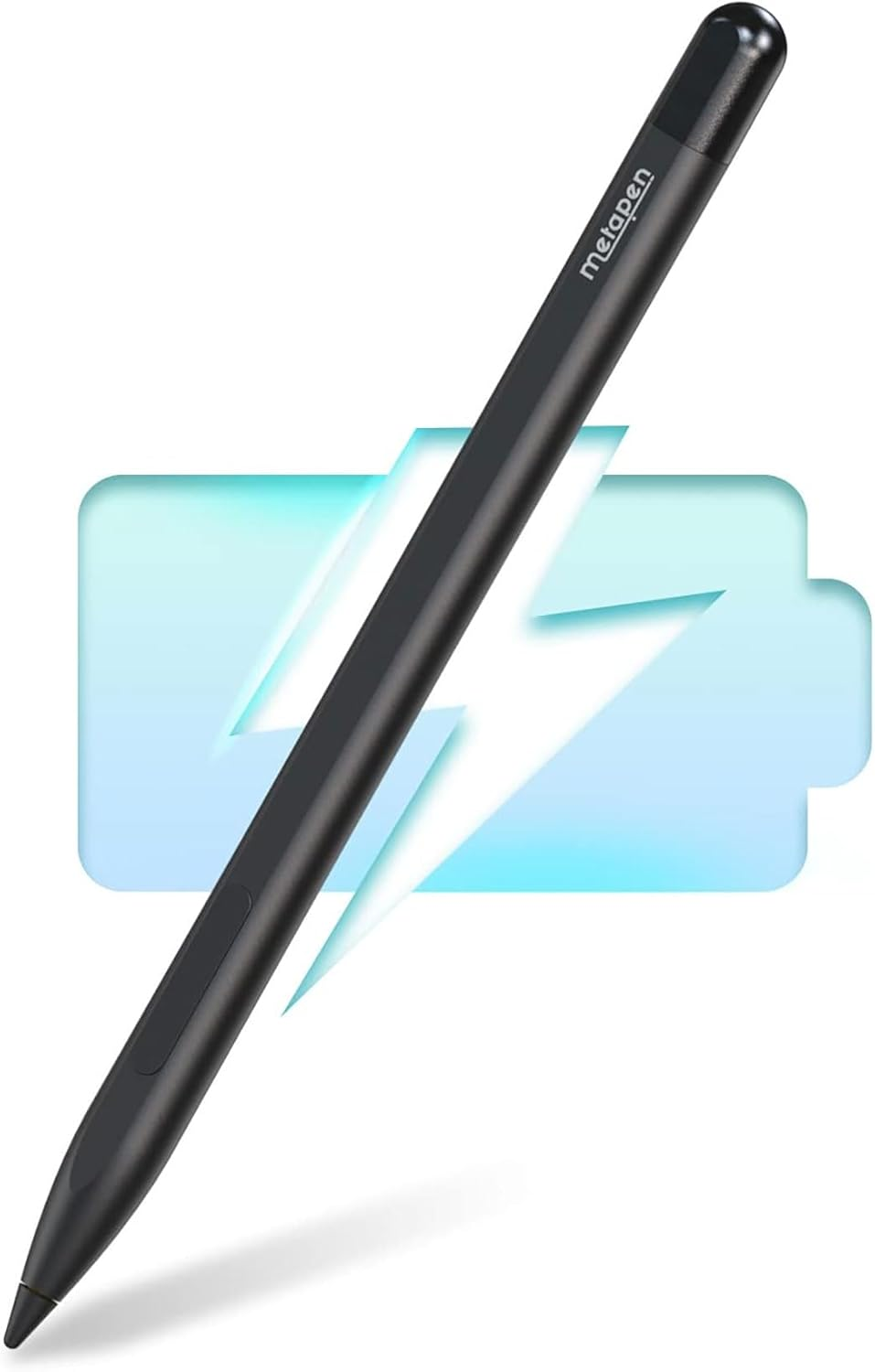 Stylus Pen M1 for Microsoft Surface (75-Day Battery Life, Smooth Writing), Work for Surface Pro X/8/7/6/5/4/3, Surface Go 3/Book 3/Laptop 4/Studio 2, ASUS VivoBook Flip 14 for Students & Doers
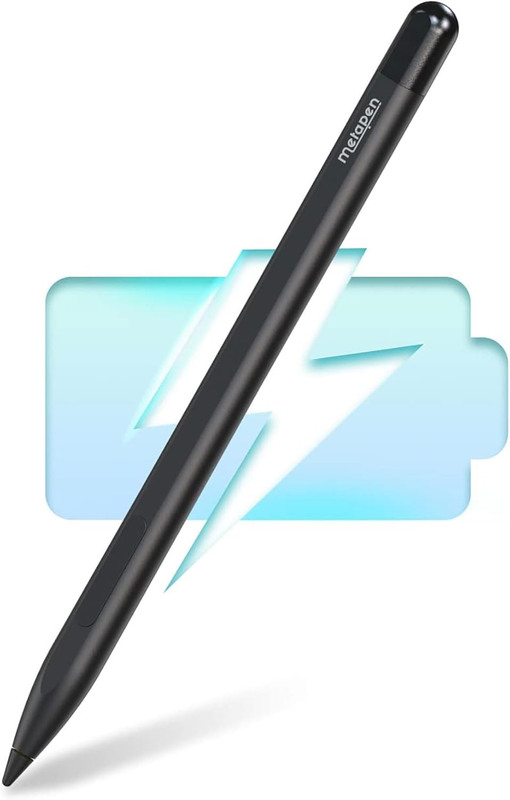
- ✎【Fast Charge & Longer Standby, No Panic】Enjoying Metapen's leading Type-C fast charge and longer battery life, Stylus M1 only takes 40 minutes to fully charge for 300 hours of battery life. This triumphs over most brands on amazon.com. Charge 5 mins = work 80 hours. Perfect for students, business professionals, and creators who take notes and draw frequently.
- ✎【Fluent Writing & Eraser Side Button】Fine control with 1024 pressure points. Metapen M1 ink flows out from a 1.0mm tip in real-time with no lag or latency. Delete mistakes quickly. An eraser button close to the place where your thumb will be put on.
- ✎【Advanced Conelike Tip & Premium Feel】Differ from the old-fashioned styluses with tubular tips, Metapen M1 enjoys a cone tip for a strong signal and a more streamlined design on the whole. Besides, aluminum-alloy seamless body with a flat surface on both sides makes it more comfortable to grip and more likely to stay put on the desk.
- ✎【Double Magnets & Palm Rejection】Metapen M1 is always ready to firmly attach to your Microsoft Surface tablets with 2 stronger built-in magnets. No fatigue on the wrist with 2 hands on the screen, and no breaking points when writing either. M1 is always there and ready to jot down when inspiration strikes.
- ❤【Wide Compatibility】Contat us with the model if you are not sure about the compatibility. M1 supports up to MPP1.15 protocol, compatible with most Microsoft surfaces and some models from HP, ASUS, DELL, Acer, SONY and ViewSonic. [Surface Model List] ✔Surface Pro 3/Pro 4/Pro(5th Gen)/Pro 6/Pro 7/Pro 7+/Pro 8/Pro X, ✔Surface Book/Bk 2/Bk 3, ✔Surface Laptop/Laptop 2/Laptop 3/Laptop 4/Laptop Studio, ✔Surface 3, ✔Surface Go/Go 2/Go 3, ✔Surface Studio/Studio 2.
- ❤【What‘s in the box】1x M1 active pen with tip, 1x USB-C cable, 1x Replacement tip, 1x User manual, 1 x Dust Cover for Charging Port. What's more,quick reply in (24 hours), worry-free (12-month) warranty, friendly customer service. (Contact us to know more information.)
Product Description
Button Guide
- Eraser Side Button. You just press and hold the button to delete and erase your mistakes quickly.
- Right-click and Select Button. It acts like a mouse function when you press the button (the pen tip should contact the screen).
Magnet Attach for Surface
- Note: Magnetic side of the Surface device in on the left. So magnet attach is only available on the left side.
- Support Magnet Attach : Surface Pro 3~Pro 7, Surface Book/Book 2/Book3, Surface 3, Surface Go/Go 2/Go 3, Surface Studio/Studio 2.
- Not support Magnet Attach : Surface Pro 8~Surface Pro X, Surface Duo/Duo 2, Laptop(1st Gen)/Laptop 2/Laptop 3/Laptop 4/Laptop Studio
Identify your surface model and find it in the list (Please make sure to do this before you place an order )
- Go to Settings > Tap System > Tap About and find Model name
YES YES YES M1 compatible with most Surface :)
- √ Surface 3
- √ Surface Pro 3, Pro 4, Pro 5, Pro 6, Pro 7, Pro 7+, Pro 8, Pro 9, Pro X
- √ Surface Laptop(1st Gen), Laptop 2, Laptop 3, Laptop 4, Laptop 5
- √ Surface Book, Book 2, Book 3
- √ Surface Go, Go 2, Go 3
- √ Surface Studio, Studio 2
- √ Surface Duo, Duo 2
NOT NOT NOT Compatible with :(
- X Surface Laptop Go, Surface Laptop Go 2, Surface Laptop Go 3, Surface Laptop SE , Surface Hub 2S
M1 Compatible with devices from other Brands. Before your purchase, make sure your device can support MPP (A Pen Protocol from Microsoft) pen.
Note:
- Please charge M1 for 10 minutes before first use.
- Grab and write. No on/off button. No need to connect Bluetooth, or any APPs.
- When the tip is 5mm or closer to the screen a cursor will hover on it.
- M1 will auto turn off in 5 minutes of inactivity.
- We recommend using the equipped USB-C cable to charge M1. (Charger is not included)
- We don't recommend to use M1 while it is being charged (Fast charge is time to help you, charge 5 minutes for 80 hours of battery life)
Streamlined Design
Differ from the old-fashioned styluses with tubular tips, Metapen M1 enjoys a cone tip and one-piece body for a more seamless, streamlined, and modern design.
Double Magnets
Metapen M1 is always ready to firmly attach to your surface tablets at any time with 2 stronger built-in magnets.
1024 Pressure Level
Fine control with 1024 pressure points. No matter how fast you’re writing or drawing.
Easy to Replace Tip
Slightly pull out the old tip and insert the new one exactly into the thin hole. Do not pull out and insert repeatedly. NOTE: In order to produce pressure sensitivity, it is normal that the pen tip is able to move or loosen a little bit. Please don't worry. This doesn't affect any of its functions.
All Screen Palm Rejection
No fatigue on the wrist with 2 hands on the screen every time you jot down ideas or take notes.
Package List
What‘s in the box: 1 x Metapen Stylus Pen M1 with Tip, 1 x User Manual, 1 x Replacement Tip, 1 x USB-C Cable.
About Prime Living
Prime Living is a Canadian online store offering a carefully selected range of quality products for home, automotive, tools, outdoor living, electronics and more.
We are committed to fast order processing, secure packaging and reliable tracked shipping to provide an excellent shopping experience.
Shipping policy
We carefully handle each order to ensure your package arrives quickly and safely. Please note that factors such as weather, postal traffic, or carrier performance may occasionally cause delays beyond our control.
We provide free shipping across Canada and dispatch all orders within 2 business days of payment, often sooner. Shipping is express, with estimated delivery times of 2 to 4 days. Please provide a physical address, as we do not ship to P.O. Boxes.
Returns
Your satisfaction is important to us. Hexlight offers a 30-day Free return policy: if you are not fully satisfied with your purchase, you may request either a full refund or an exchange. All return shipping costs are fully covered by us.
Condition
Brand New
Shipping
This item is shipped directly from our supplier in China with tracking.