
Product Description
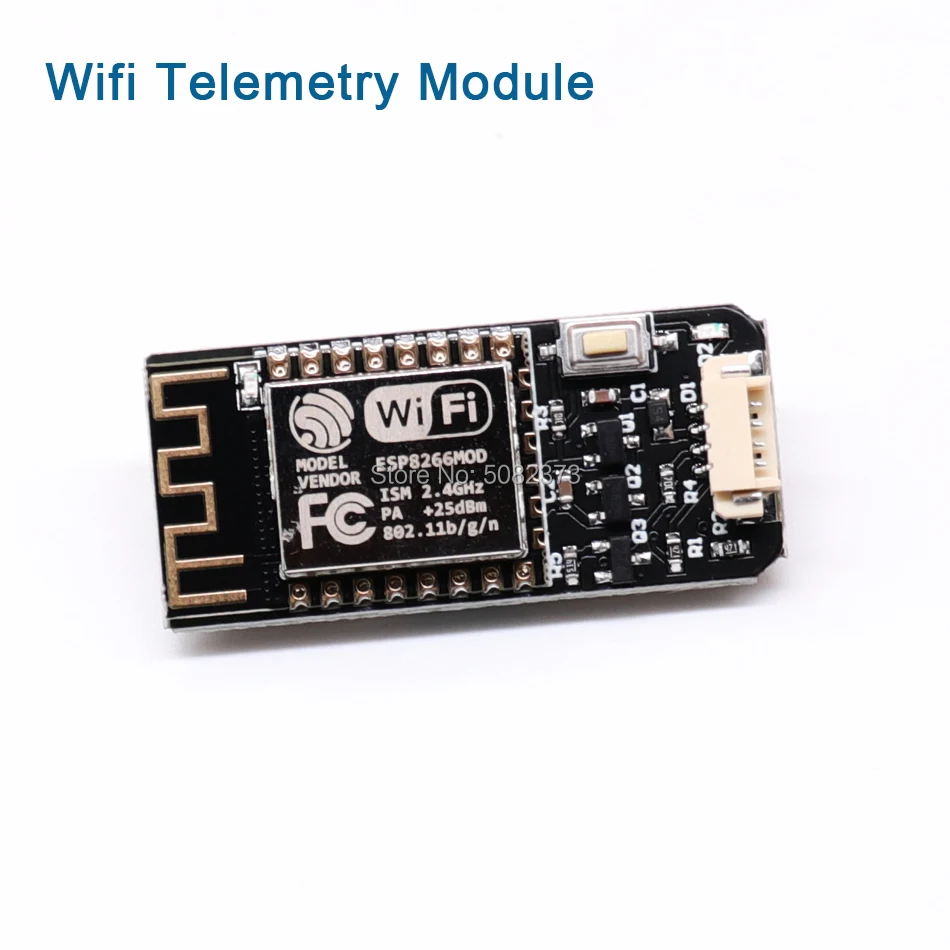
Wireless Wifi Radio Telemetry Module With Antenna for New MAVLink2 for Pixhawk APM Flight Controller FPV Drone Smartphone Table Wireless Wifi Radio Telemetry Module With Antenna for New MAVLink2 for Pixhawk APM Flight Controller FPV Drone Smartphone Table
Package Included:
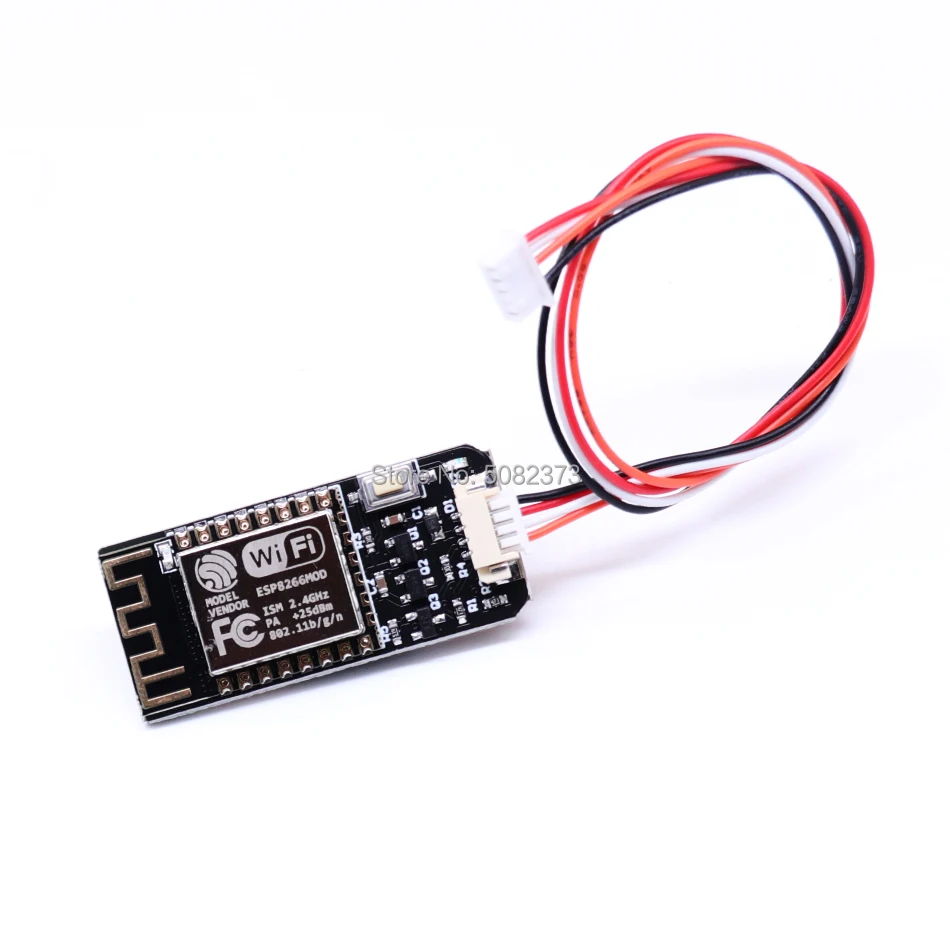
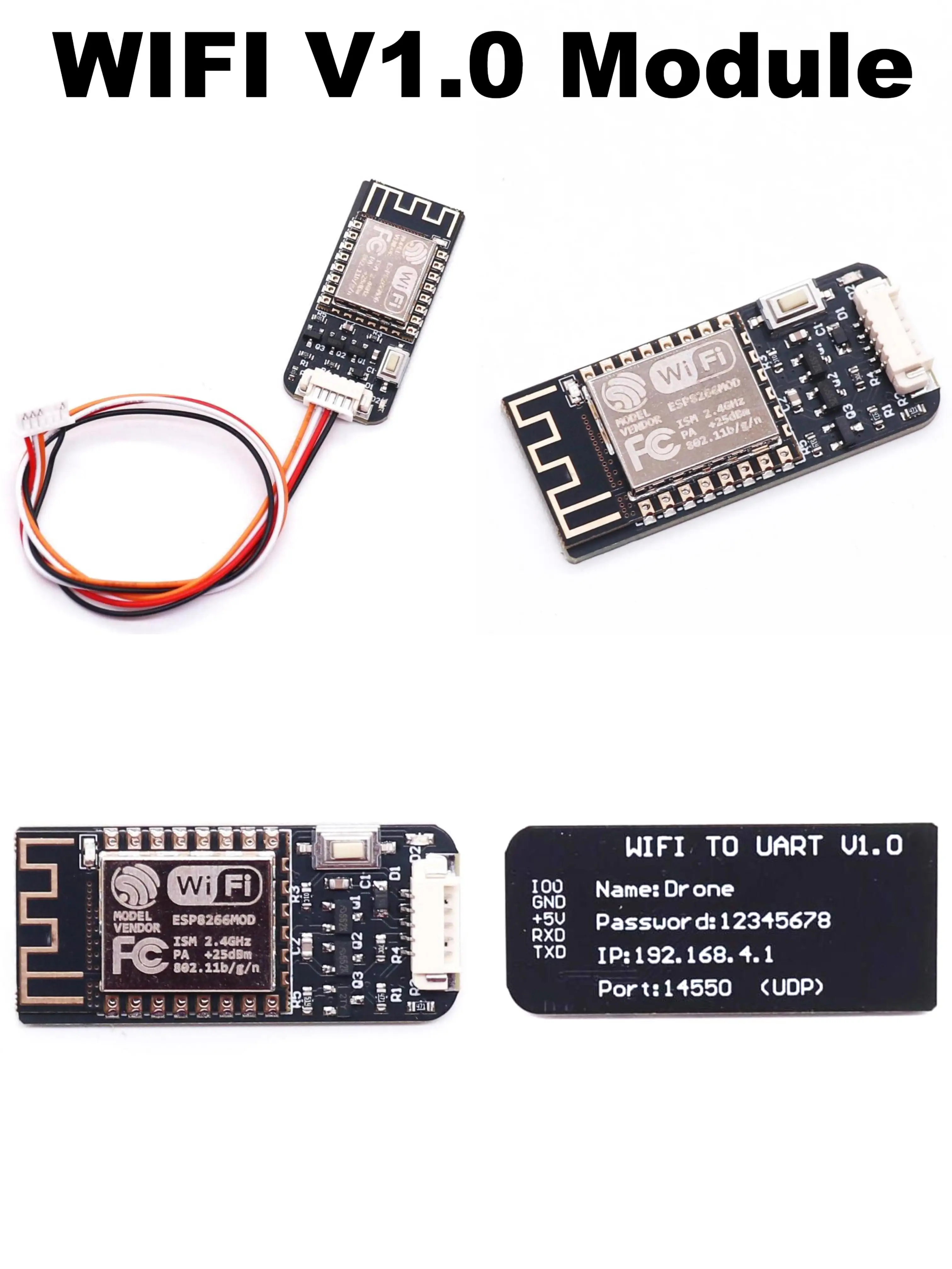
1 x 2.4G Wifi Telemetry Module1 x Shielding Case1 x APM wire or pixhawk wire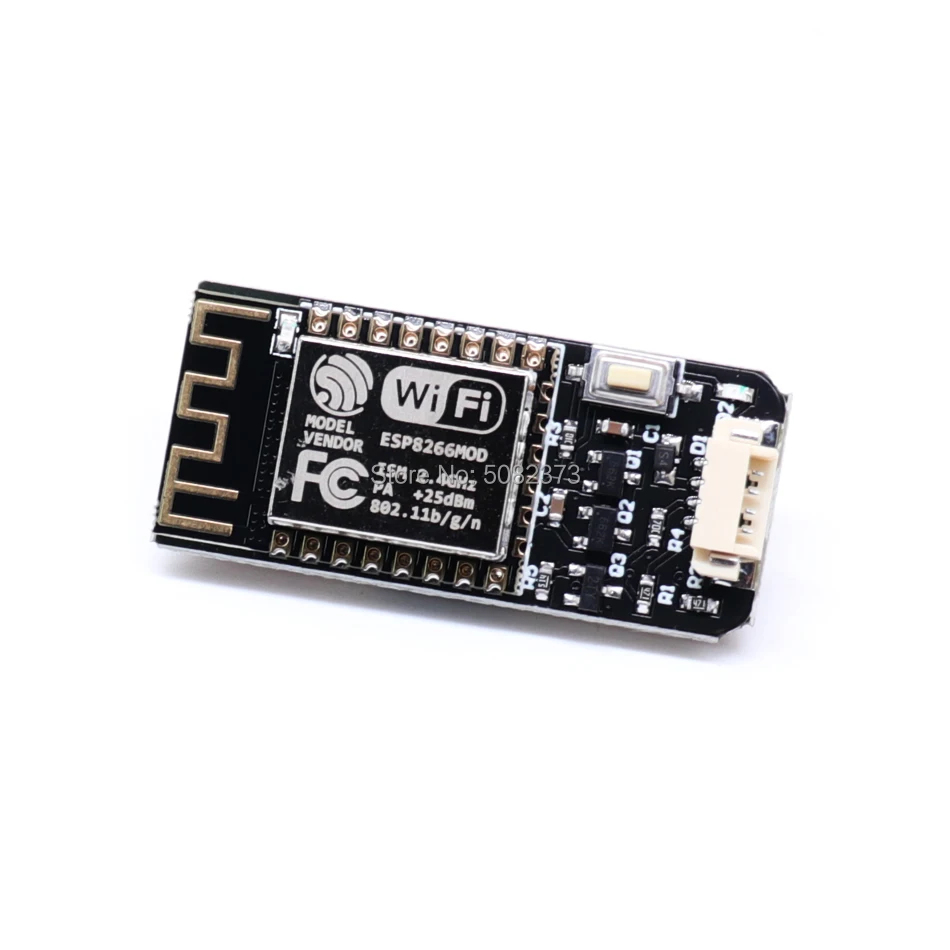
 HOW to use WIFI Module for PIXHAWK?
1.How to connect?
use 6P line connects to pixhawk flight controller.

Due to the different firmware, some firmware, two ports can be used, some firmware can only use one of the ports. So find one of the available ports for the connection.
IF you use PX4 firmware ,only TELEM1 can be used ,can not use TELEM2.
For Ardupilot firmware , It is recommended to use the TELEM2 port. Or find one of the available ports for the connection.
For PX4 firmware , should use TELEM1 port.
2.How to use?
Please note:When using Wifi Radio Telemetry connection, it must use 3DR Power Module or 5V ESC to supply power to the flight control. USB cannot be inserted because USB priority is higher than Radio Telemetry . If USB cable is plugged in, it cannot be used for radio telemetry transmission.

The wifi hotspot name is Drone, so use telephone or computer connect to this hotspot, the password is 12345678.
Note:Some device(For example some iphone IOSsystem) cannot get ip automatically, you should set manual.

Set the Configure IP as Manual. Set IP address as “192.168.4.5” or other, but can not set as ” 192.168.4.1″,the last number cannot exceed 254.Set Subnet Mask as “255.255.255.0”(should set this value, cannot other). Set Router as “192.168.4.1”(should set this value, cannot other)
When your device connect to this hotspot successfully, you can use browser to vist http://192.168.4.1 , you can modify parameter.


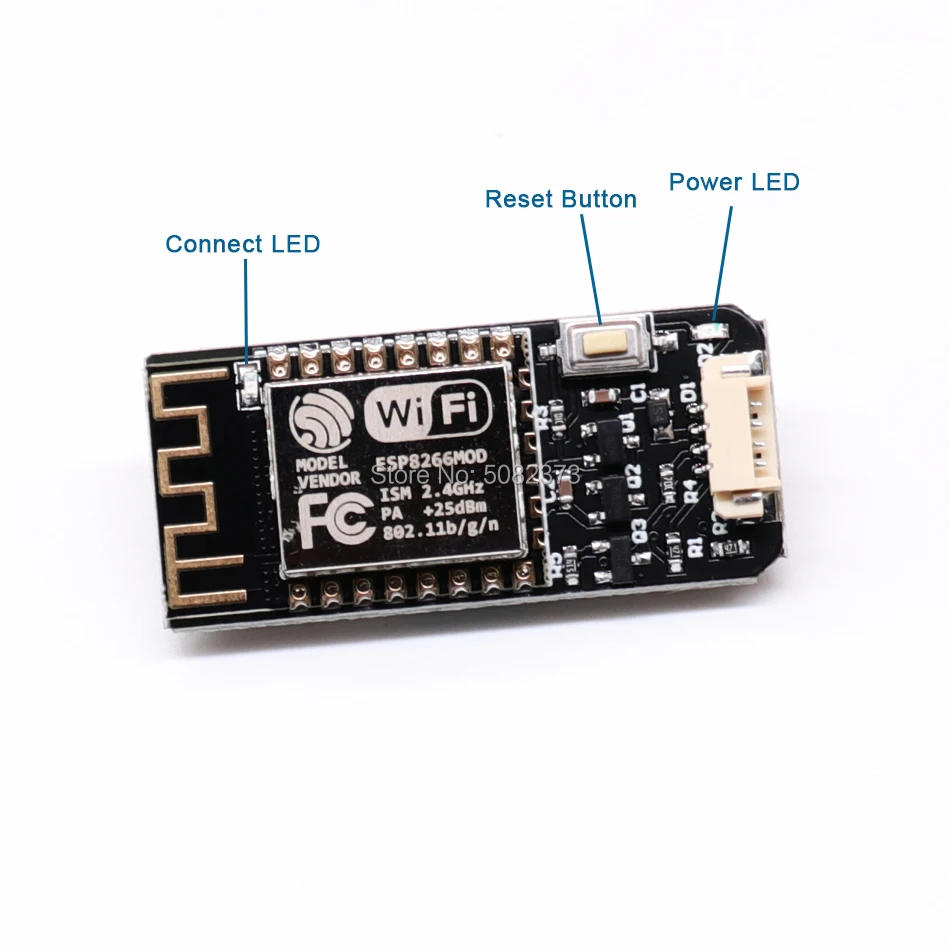
Note, the button is reset button ,not reboot button, when press the button , all the parameter will be set to default if you modify some parameter .
Power LED: when power up, the red LED is on.
Connect LED: when connect with ground control(For example, Mission Planner or Qgroundcontrol) successfully,the blue LED is flahing. when disconnect with ground control ,the blue LED is on.
1.How to use for Mission planner ?
Firstly, connect your PC to hotspot Drone successfully. Select UDP. Then click “Connect” button ,use 14550 port. Click “Ok”.There is no need to choose the baud rate. The default baud rate of the wifi module is 57600. But 115200 or other can also work.

2.How to use for Telephone
For Android: Download qgroundcontrol (only for pixhawk,not for APM)
from here,
Download DroidPlanner from here,
For iphone(IOS): Search qgroundcontrol on app store.
qgroundcontrol(only for pixhawk,not for APM) can connect automatically, DroidPlanner should choose “UDP” and “14550” port before connecting to groundcontrol.
HOW to use WIFI Module for APM?use 5pin Line connect to APM flight controller.

About Prime Living
Prime Living is a Canadian online store offering a carefully selected range of quality products for home, automotive, tools, outdoor living, electronics and more.
We are committed to fast order processing, secure packaging and reliable tracked shipping to provide an excellent shopping experience.
Shipping policy
We carefully handle each order to ensure your package arrives quickly and safely. Please note that factors such as weather, postal traffic, or carrier performance may occasionally cause delays beyond our control.
We provide free shipping and dispatch all orders within 2 business days of payment, often sooner. All shipments are sent via international express air shipping, with a tracking number provided so you can follow your order every step of the way.
. Please provide a physical address, as we do not ship to P.O. Boxes.
Returns
Your satisfaction is important to us. Hexlight offers a 14-day Free return policy: if you are not fully satisfied with your purchase, you may request either a full refund or an exchange. All return shipping costs are fully covered by us.
Condition
Brand New
Shipping
This item is shipped directly from our supplier in China with tracking.