
Product Description
Heat setting temperature parameters for reference:
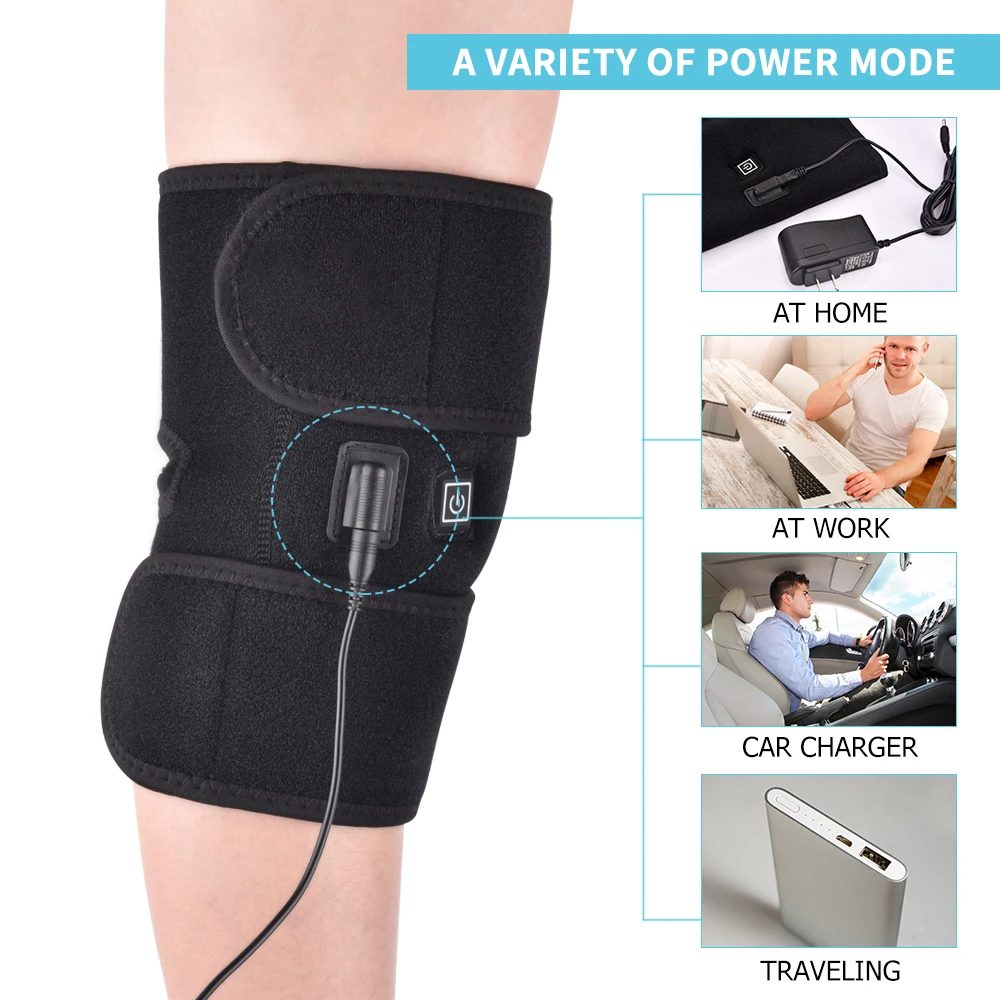
When use the USB cable to plug in an USB port of desktop computer to get source, the output is about 5V/DC:
Highest (red): the temp is 111.2℉/44℃, hot, for long time use.
Medium (white): the temp is 105.8℉/41℃, warm, for long time use.
Lowest (blue): the temp is 100.4℉/38℃, lukewarm, no need to use this setting.
PS: if you connect it to a power bank with an output current higher than 500mA, the temp can be higher than the above measurements, and you can get more heat.
Instructions:
1. Please long press the switch for 3 seconds to start power.
2. This product will work normally when the plug is plugged in, and the red light, white light, blue light goes out after 0.5 seconds without pressing the switch.
3. This product is fully heated when the light turns red in breathing pattern (it is not always bright, it is shown as flickering).
4. This product will be automatically transferred to 70% heating if you do not press the switch, and the light will turn white after 5 minutes.
5. Once pressing the switch, it will be transferred to 45% heating, and the light turn blue.
6. This product will be off after long press the switch for 3 seconds.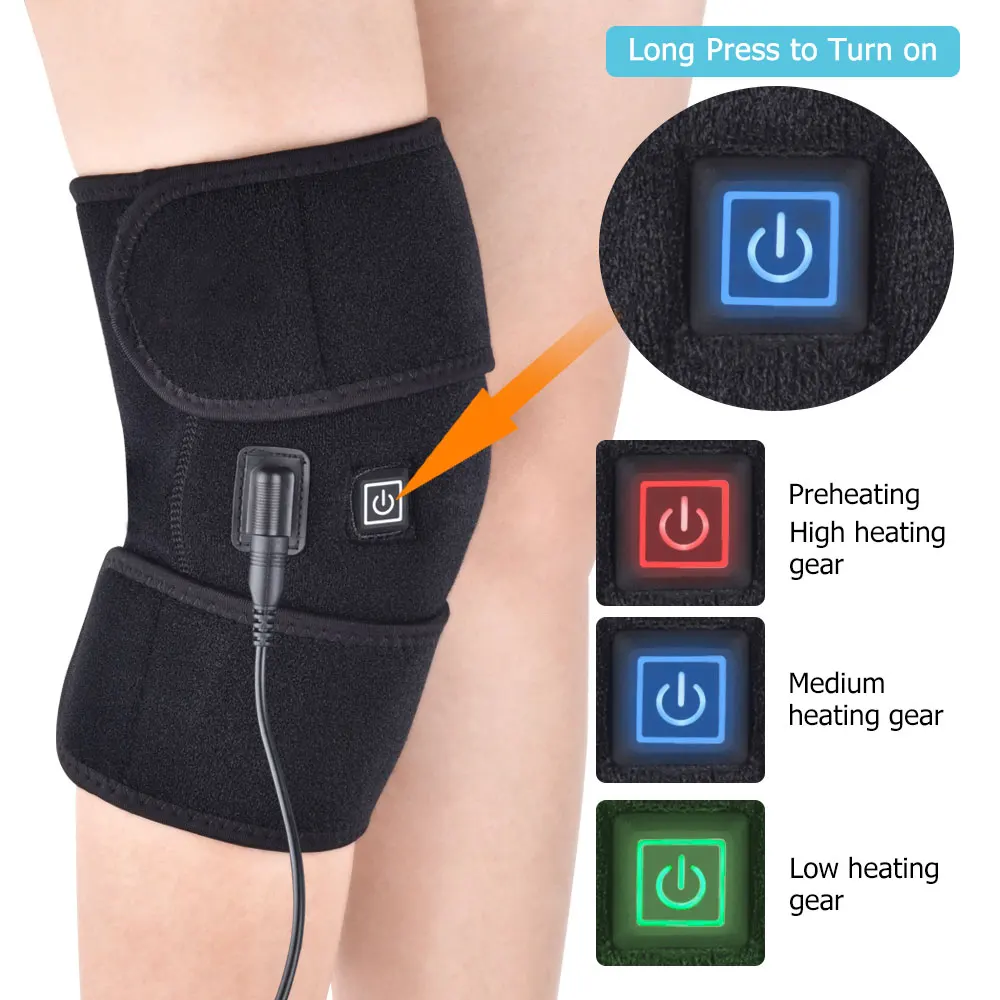
About Prime Living
Prime Living is a Canadian online store offering a carefully selected range of quality products for home, automotive, tools, outdoor living, electronics and more.
We are committed to fast order processing, secure packaging and reliable tracked shipping to provide an excellent shopping experience.
Shipping policy
We are always working hard to ensure your package arrives as soon as possible. Please understand that some factors like weather, high postal traffic, and the performance of shipping companies are outside of our control.
Returns
We offer a 14-Day Return Policy on items in which you are not completely satisfied with. You have the option of a full-refund or an exchange of the item.
Condition
Brand New
Shipping
This item is shipped directly from our supplier in China with tracking.