
Product Description
2500Mbps USB3.0 Type-C To RJ45 Ethernet Network Card RTL8156B High Speed Gigabit Adapter Drive Free For PC Laptop Win 7/8/10/11
【Gigabit Ethernet Adapter】
• USB3.0 5Gbps Fast Speed • Plug & Play
• Aluminum Metal Shell • ASIX Powerful Chip
• Support Laptop/Desktop • Support for Xiaomi Mi Box • Support for Nintendo Switch


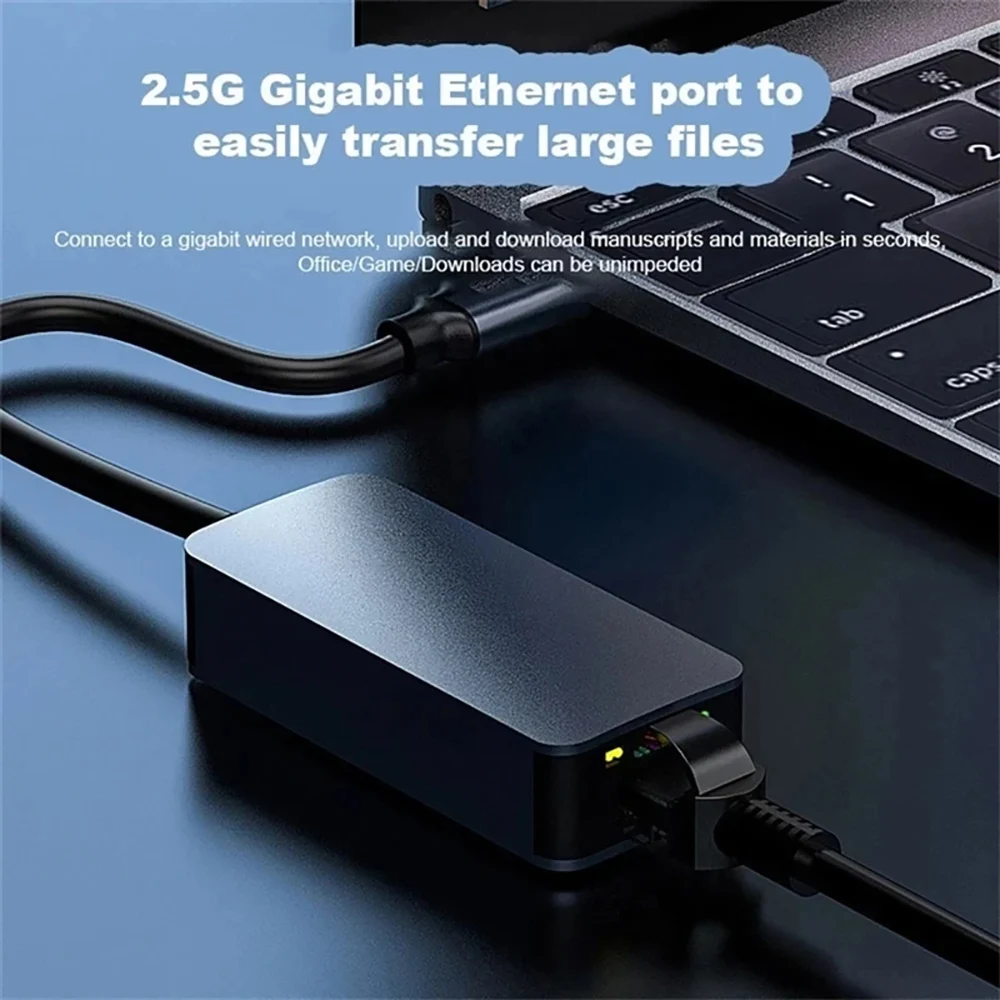
Stable transmission
Strong anti-interference

Solid Aluminum Alloy Shell
• Scratch resistant • Corrosion resistant
• Premium texture • Fast heat dissipation • Anti-fingerprint

Considerate LED Indicator
USB3.0 Ethernet Adapter is designed with LED Indicator, you can clearly see the working status of the network card. (Green light Steady: Power, Yellow light Blinks: Data Transfer.)

Plug & Play
It's driver-free on Windows 11/10/8.1/8, Mac OS, Nintendo Switch, and Chrome OS. It requires installing the driver on Windows XP/7/Vista and Linux, which you can easily install with our instructions.


1. The Apple MAC OS system can only achieve a network speed of 1000m, but cannot reach a network speed of 2500m?
Currently, the Apple system has not automatically recognized 2.5G drivers and requires manual installation of drivers to achieve
Up to 2.5G internet speed, please consult our online customer service for details and request the driver. After manually installing the driver, you can
Select 25000 baseT from System Preferences - Network - Advanced - Hardware - Speed
Yes, it can be achieved while ensuring that other hardware supports 2.5g bandwidth
2. The WIN system can only achieve a network speed of 1000m and cannot reach a network speed of 2500M?
Some mainstream motherboards automatically recognize 2.5G drivers, but 2.5G products are too cutting-edge. Older motherboards
Or non mainstream motherboards have not yet been updated to recognize 2.5G drivers, and manual installation of drivers is required to achieve this
Up to 2.5G internet speed, please consult our online customer service for details and request the driver. After manually installing the driver, it can be done
In Device Manager - Network Adapter - Select USB 2.5G Network Card Right Click Properties - Advanced - Connect
Speed&Duplex Mode - Value Selection 2.5Gbps Full Duplex (2.5G)
bps Full Duplex), By ensuring that other hardware supports a bandwidth of 2.5g, a network speed of 2.5g can be achieved.
3. Manually installed the driver, but cannot set it up?
After manually installing the driver, you can go to Device Manager - Network Adapter - Select USB 2.5G Network
Right click on the card properties - Advanced - Connection speed and duplex mode (speed&duplex) value selection
2.5Gbps Full Duplex, while ensuring other hardware supports 2.5g bandwidth
It can achieve a network speed of 2.5g.
About Prime Living
Prime Living is a Canadian online store offering a carefully selected range of quality products for home, automotive, tools, outdoor living, electronics and more.
We are committed to fast order processing, secure packaging and reliable tracked shipping to provide an excellent shopping experience.
Shipping policy
We are always working hard to ensure your package arrives as soon as possible. Please understand that some factors like weather, high postal traffic, and the performance of shipping companies are outside of our control.
Returns
We offer a 14-Day Return Policy on items in which you are not completely satisfied with. You have the option of a full-refund or an exchange of the item.
Condition
Brand New
Shipping
This item is shipped directly from our supplier in China with tracking.