
Product Description
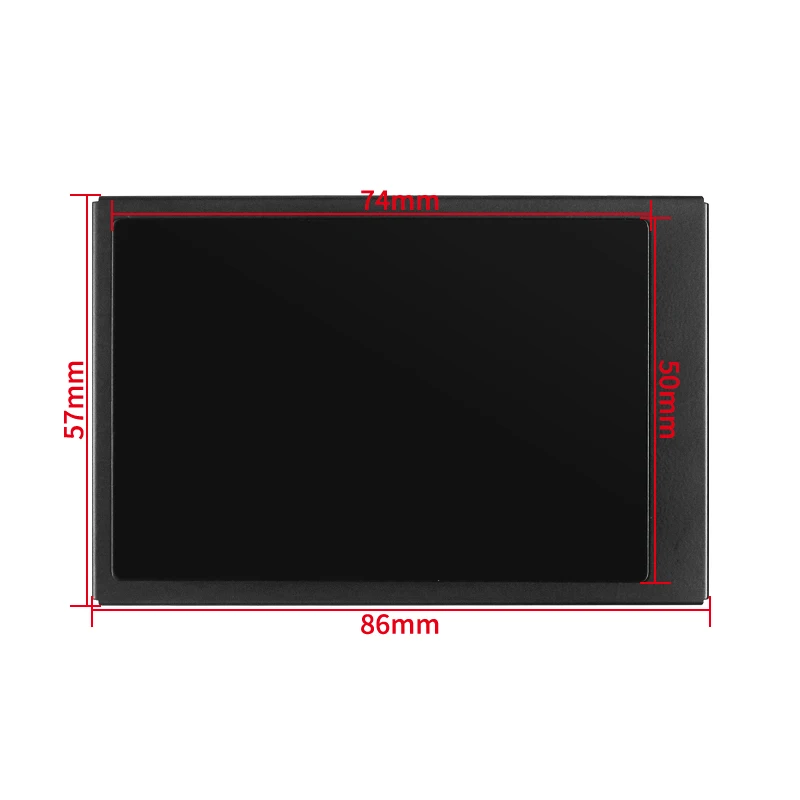
3.5 Inch Type-C Secondary Screen AIDA64 LCD Display CPU GPU RAM Monitoring Optional USB-C Base Sub-Screen for Mini ITX Case
Introduction
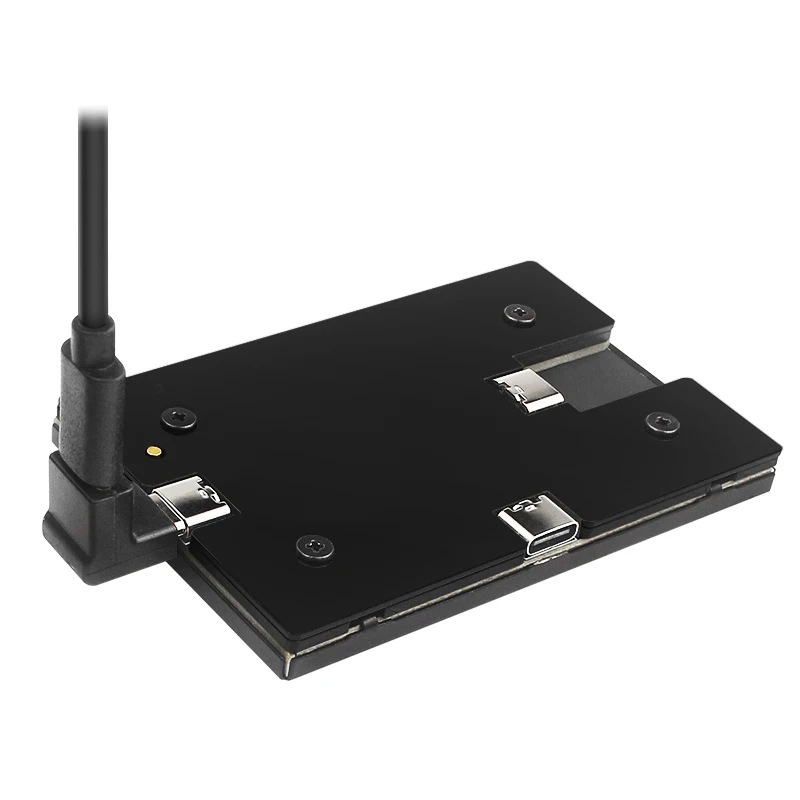
This is the USB connect computer secondary screen, no need HDMI-compatible cable. Use with AIDA64 software.
Download User Manual and software
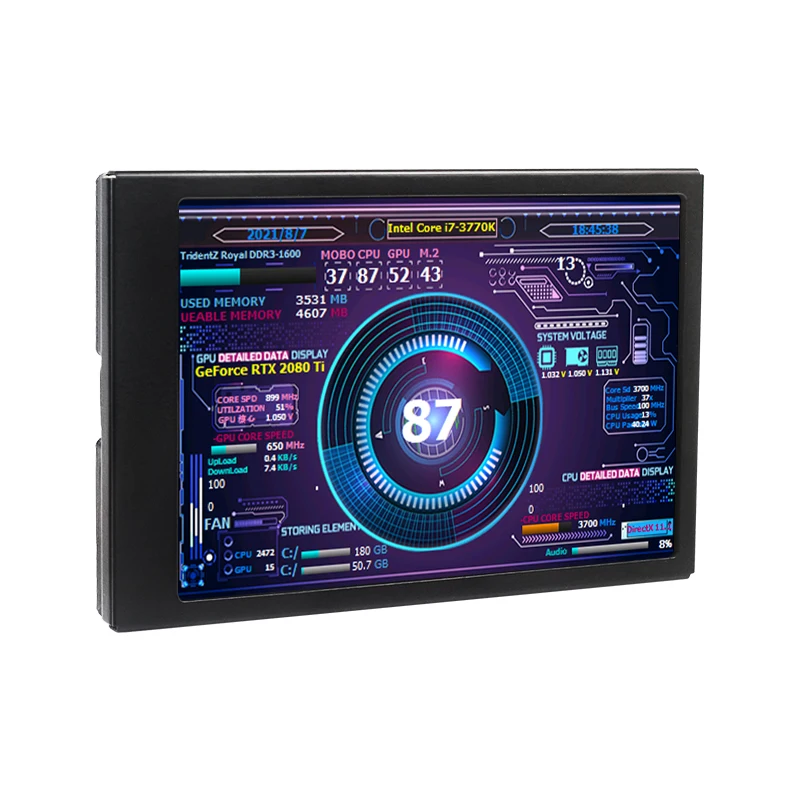
Selectable themes
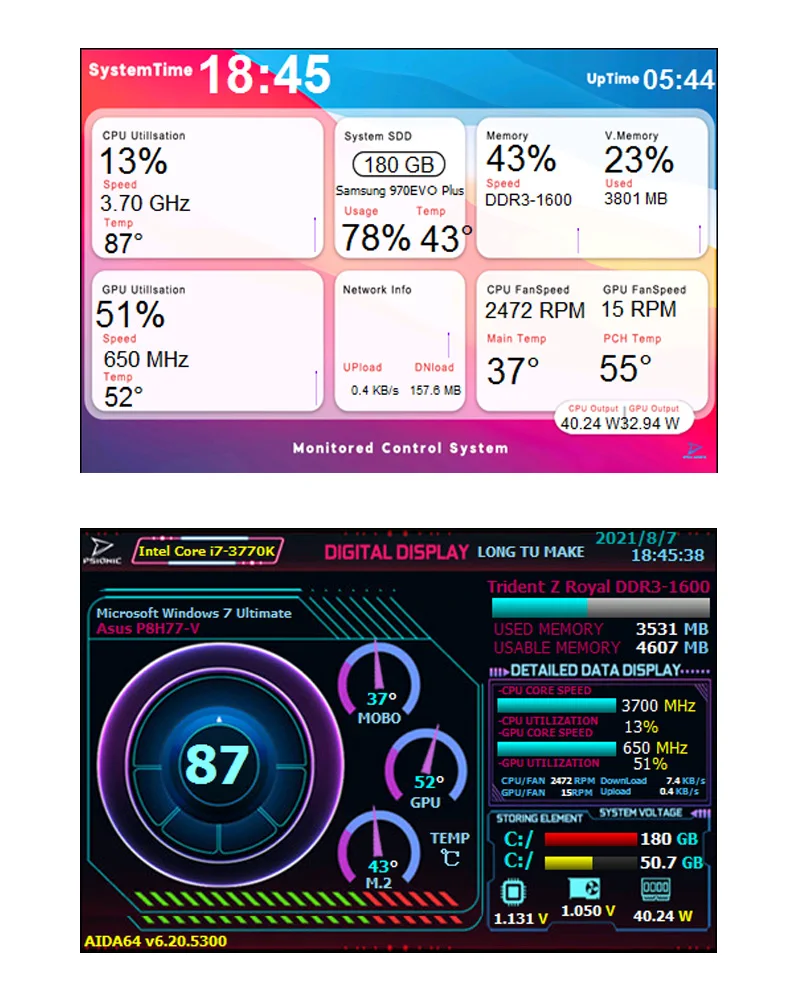
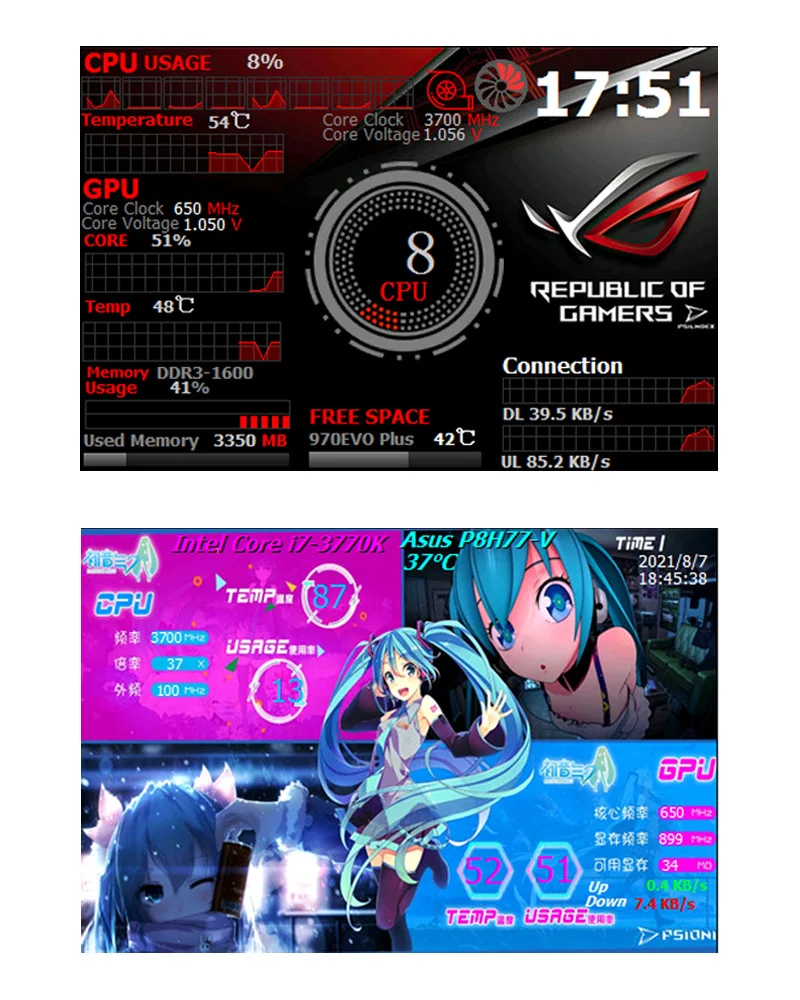
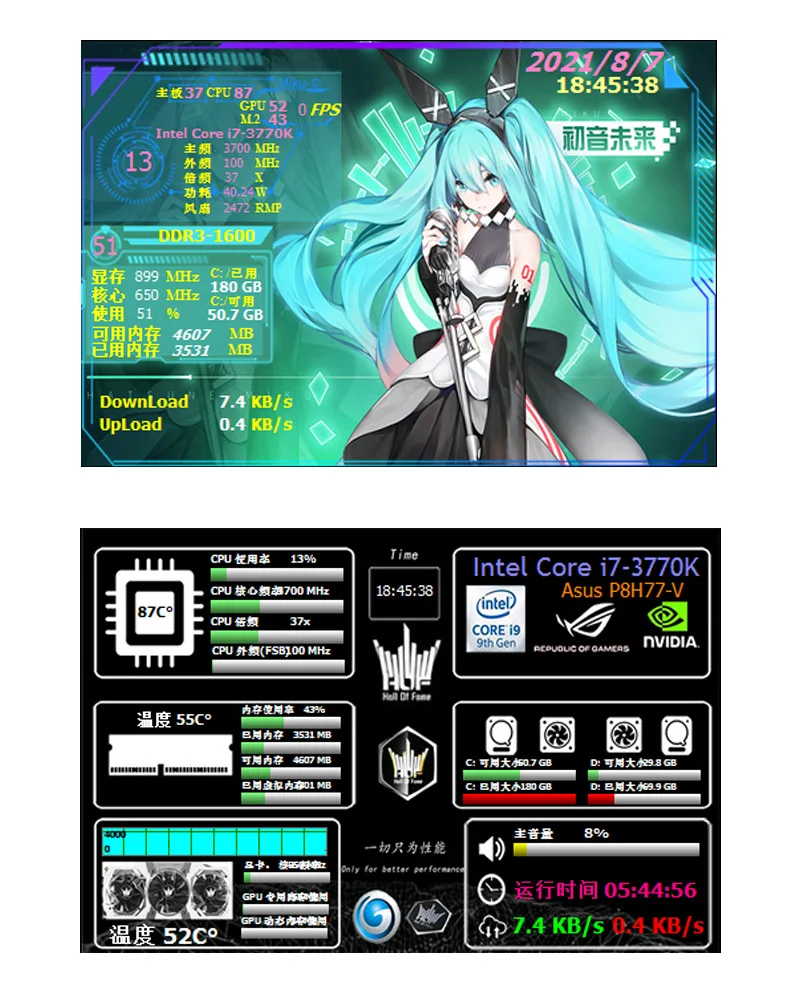
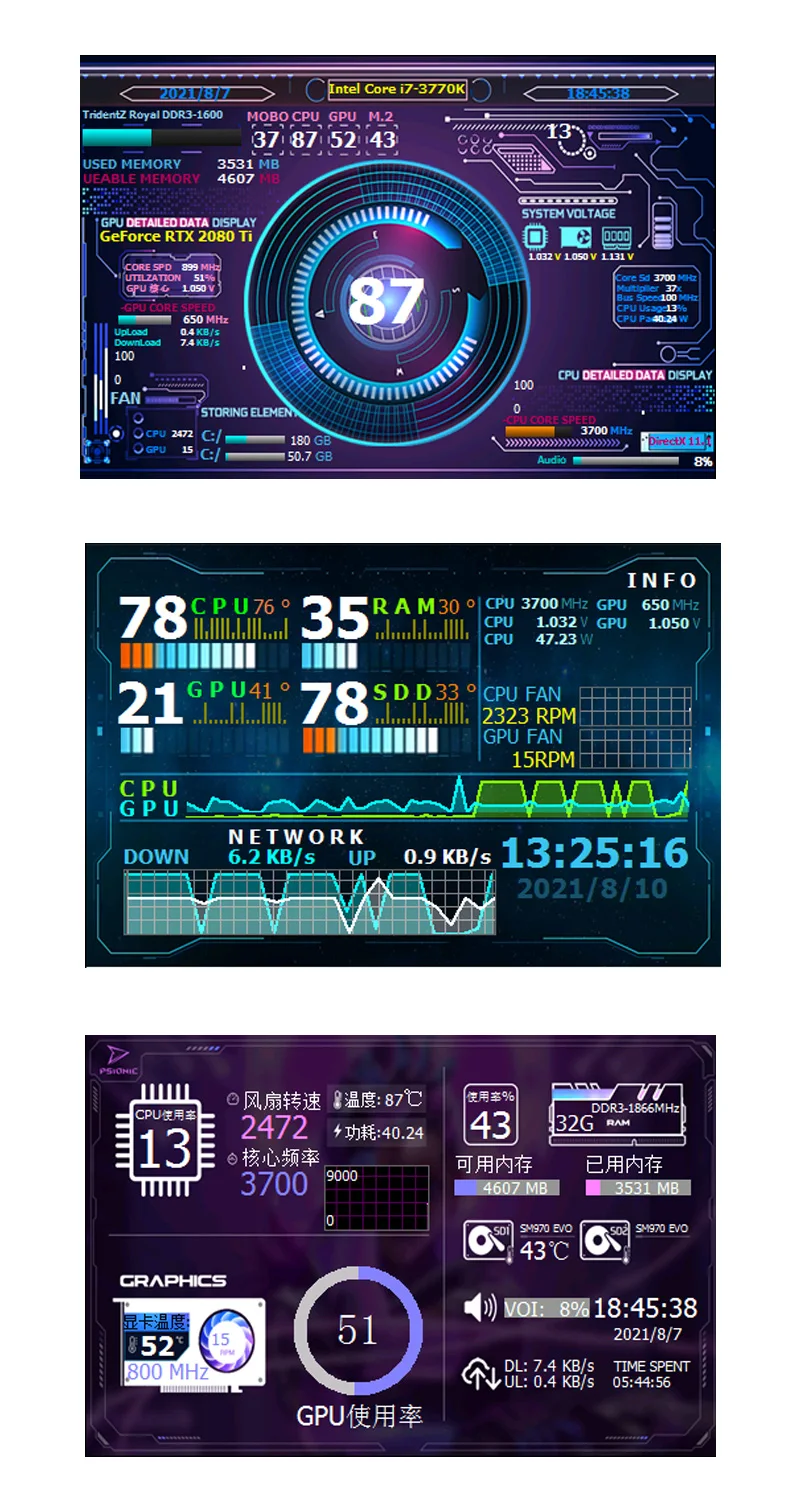
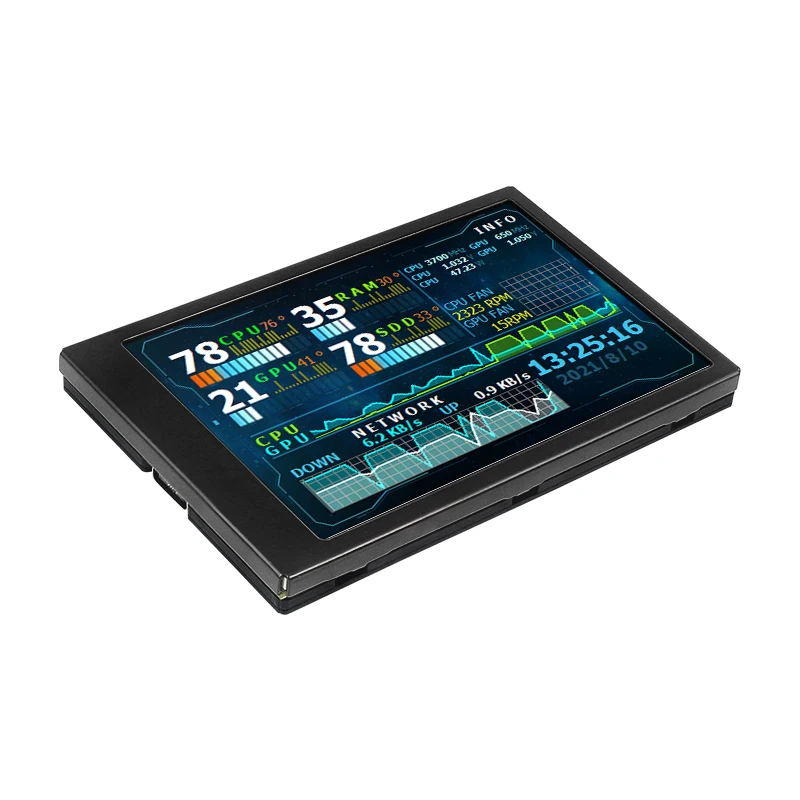
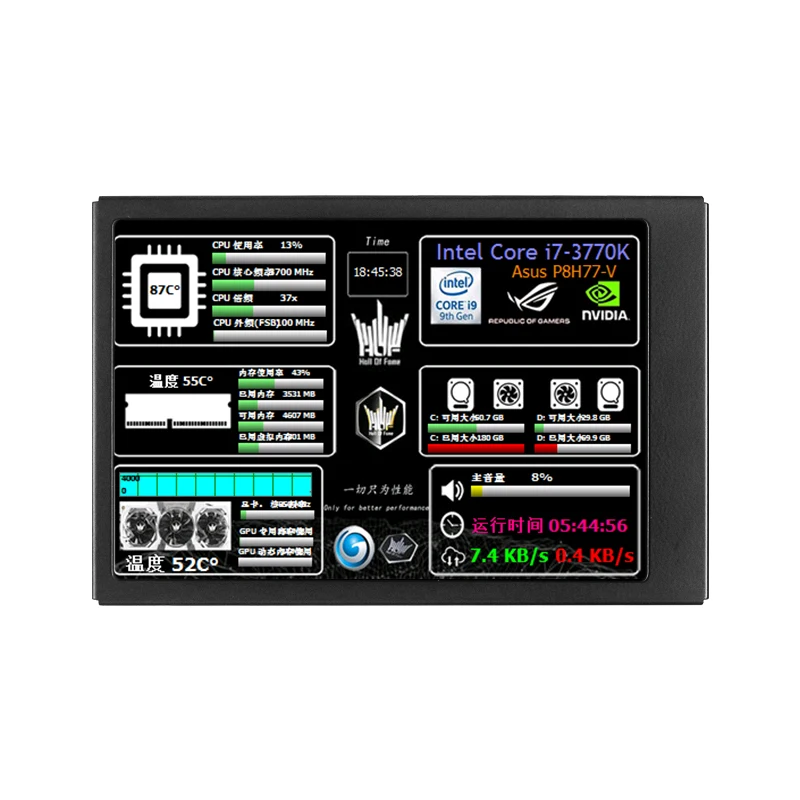
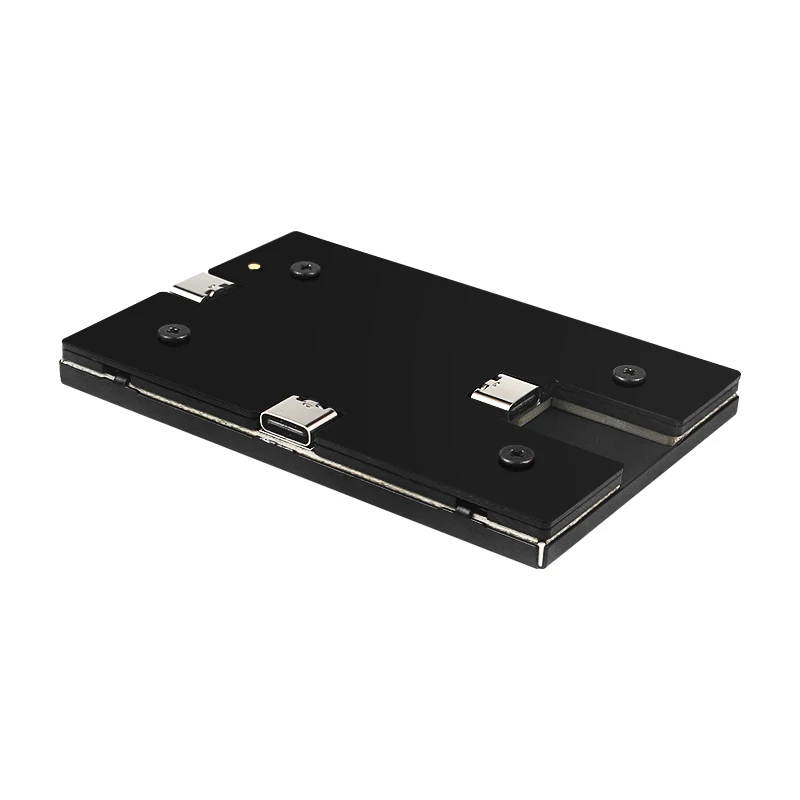
Installation Tutorial
1: Installing USB Display Driver
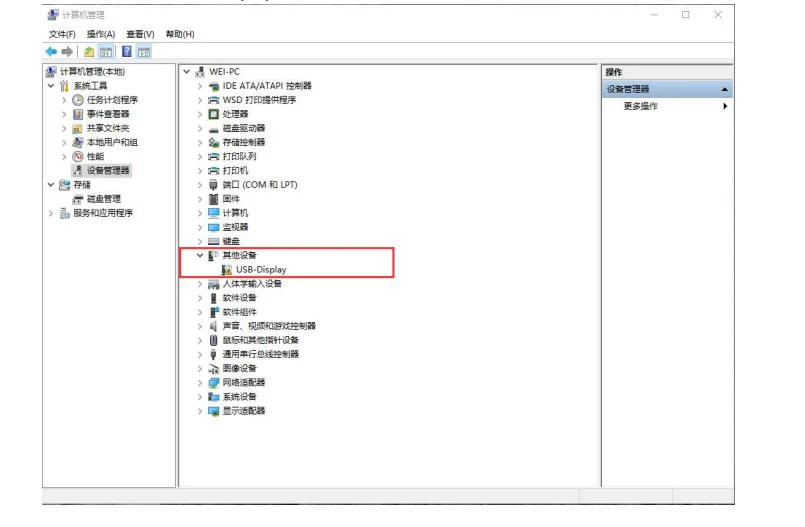
1. Connect the display screen to the computer using the provided USB cable. At this time, the computer prompts that the driver cannot be installed. When the device is turned on, the manager can see that the USB-Display device is not recognized.
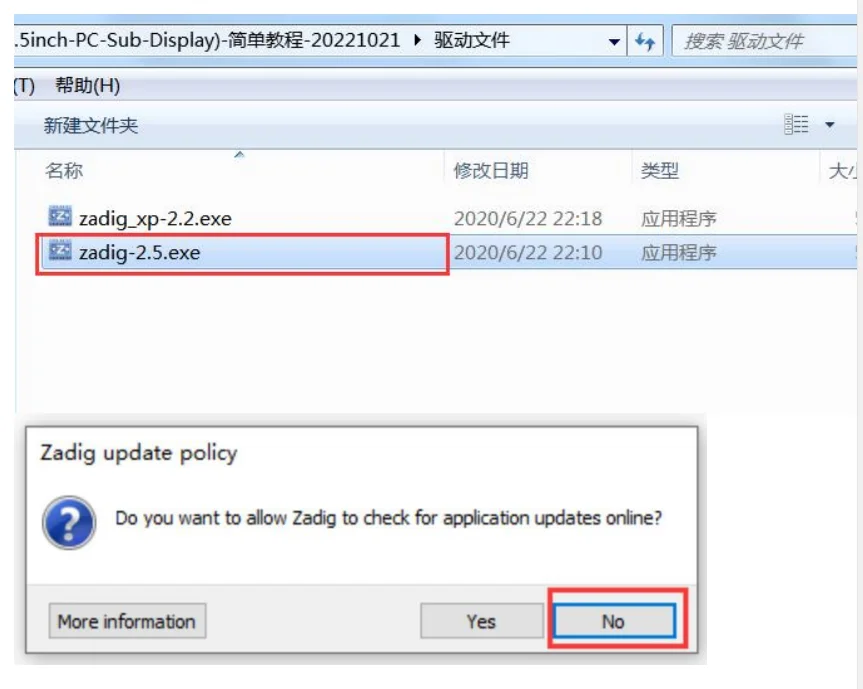
2. Double click to open the zadig-2.5.exe software in the tutorial folder. The first time you open it, you will be prompted to upgrade online. Just click No.
(Note: If your computer is an XP system, you need to choose to run zadig_xp-2.2. exe; for Win7, Win10, etc., zadig-2.5. exe is used by default)
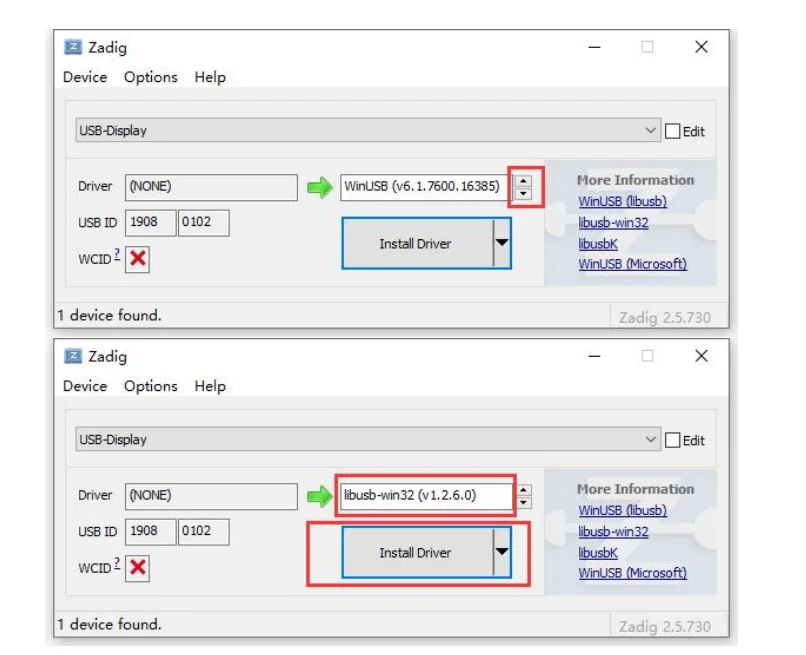
3. Open the software interface as follows:
From the figure, it can be seen that the software can correctly recognize the USB-Display device. Click the down arrow in the figure to select libusb-win32 (v1.2.6.0), then click the Install Deever button, and wait for it to install the LCD screen USB driver.
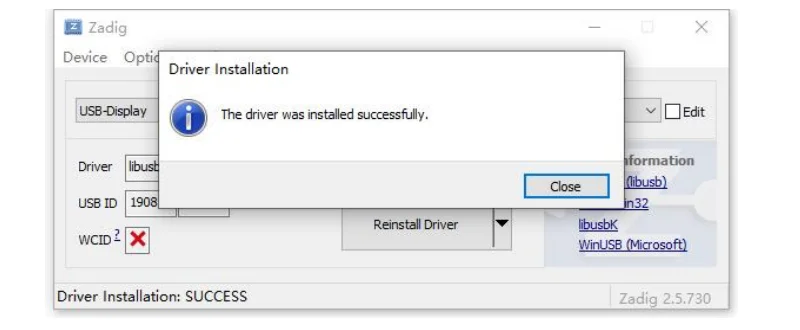
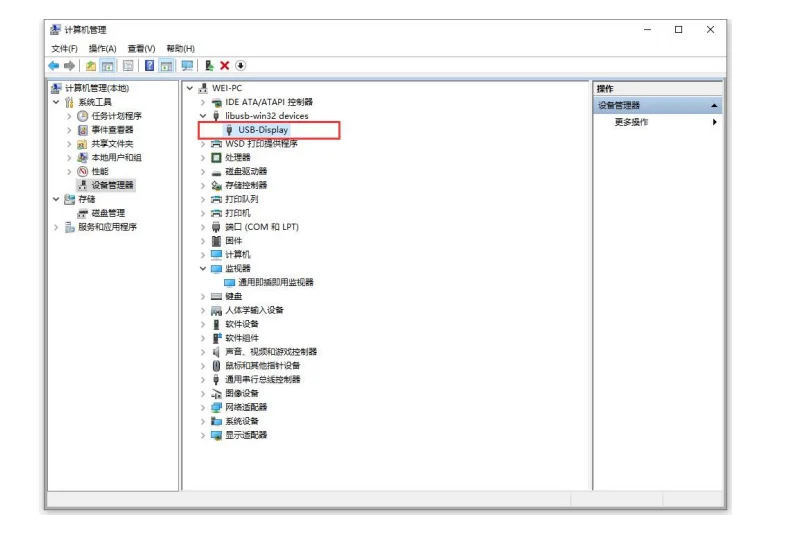
4. After the installation is completed, you can see in the device manager that the USB Display has been recognized normally:
2: Display with Aida64 theme
1. Open the supporting Aida64 cracked version
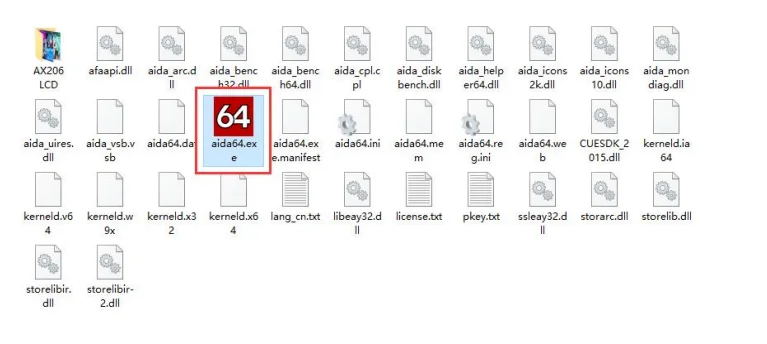
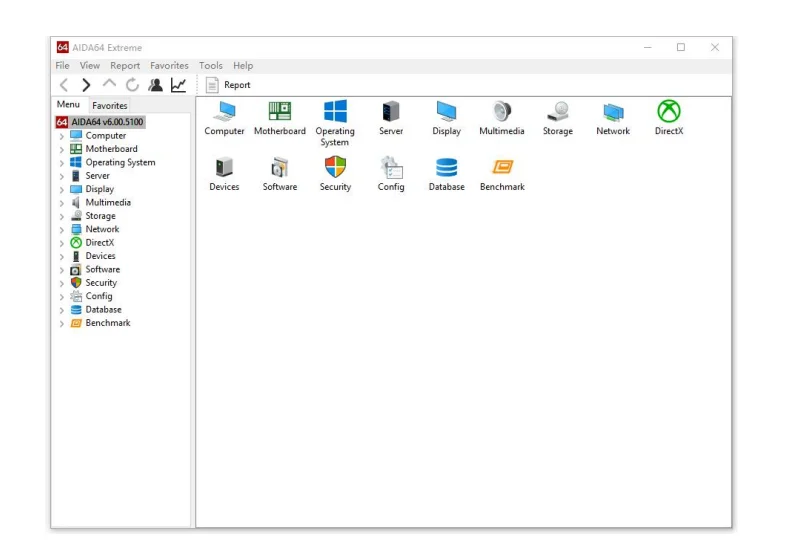
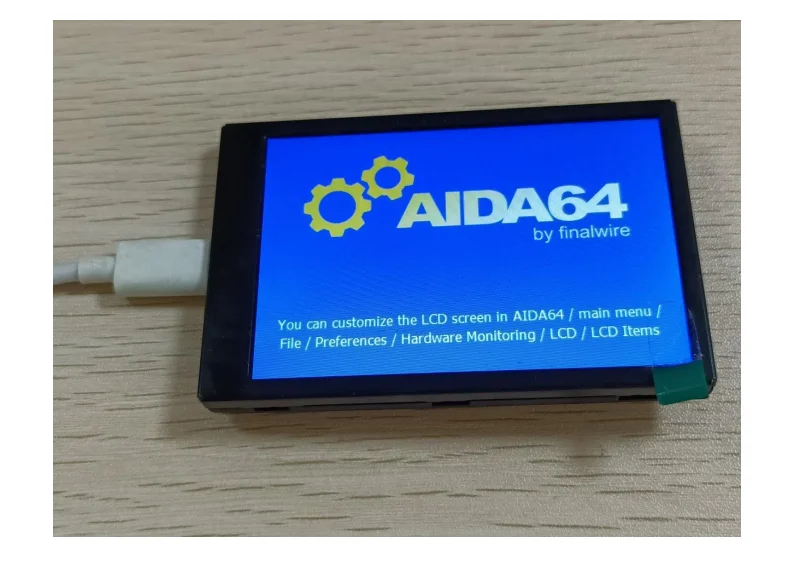
2. Click File References LCD in sequence, select AX206 from the supported devices, and check Enable AX206 LCD support. At this time, the LCD screen will display AIDA64 information
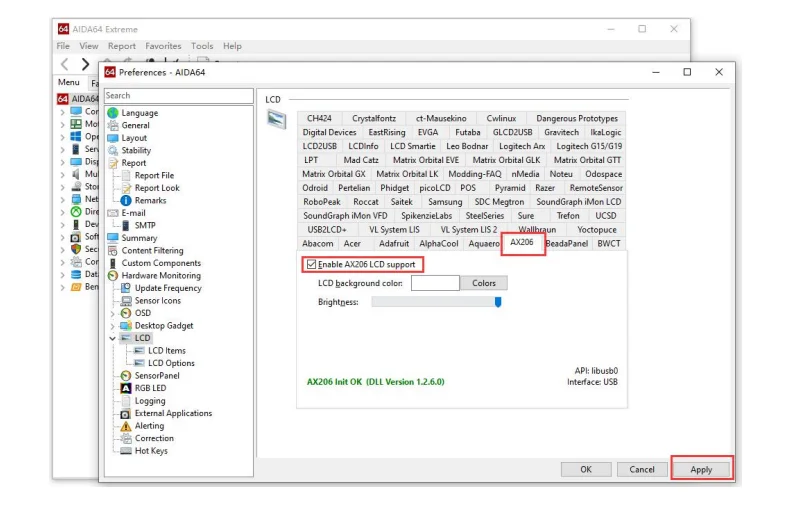
3. Click on LCD Items again, click on the Import button, and import the aida64 configuration theme file.
(Sometimes this situation occurs on some computers, please choose AX206 480x320 pixels Hi color)
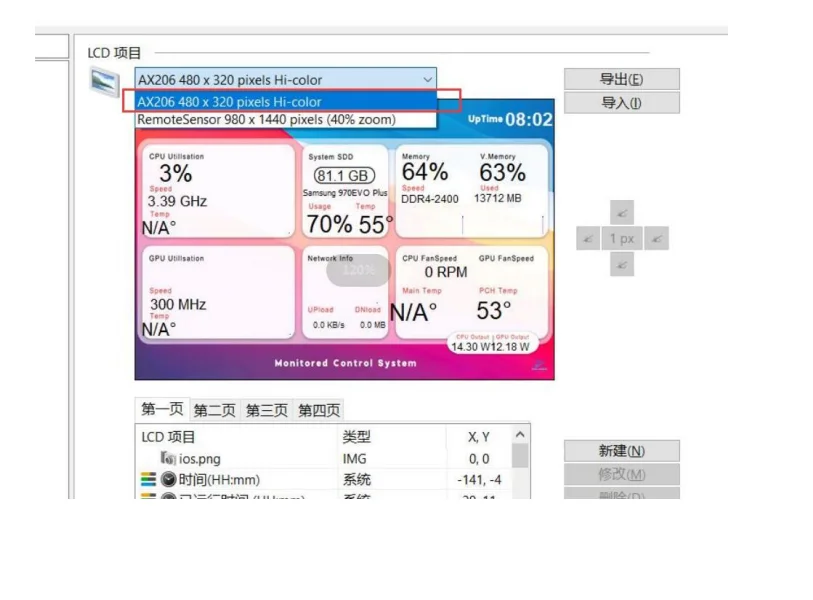
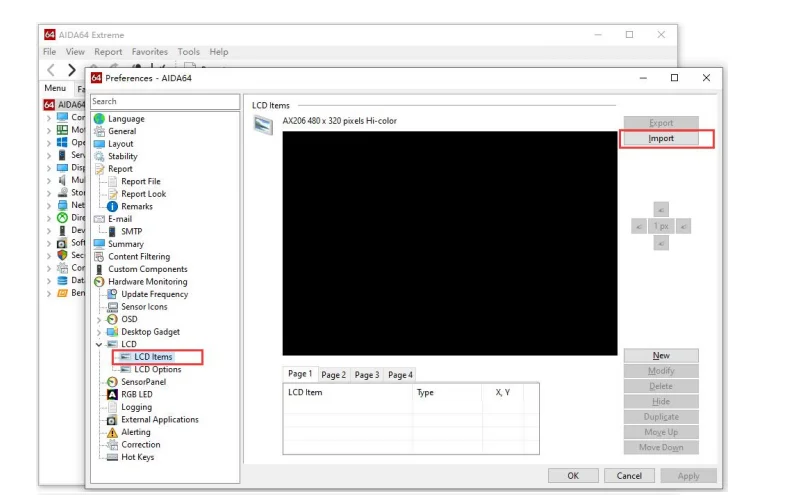
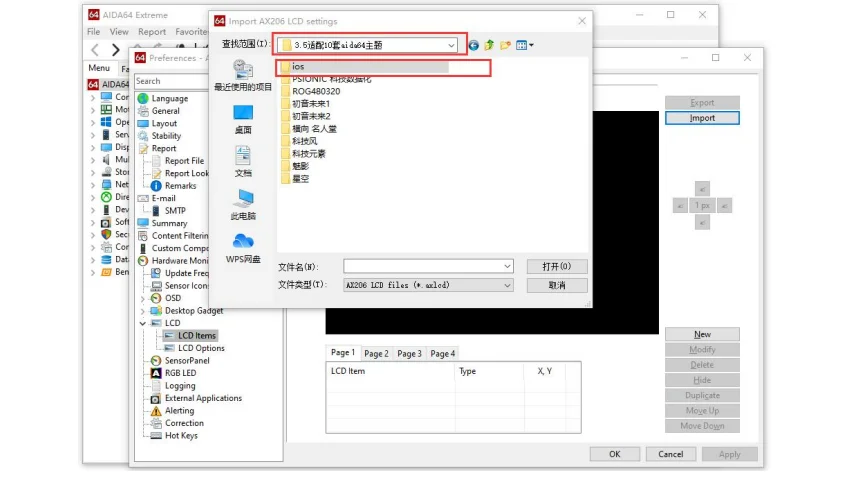
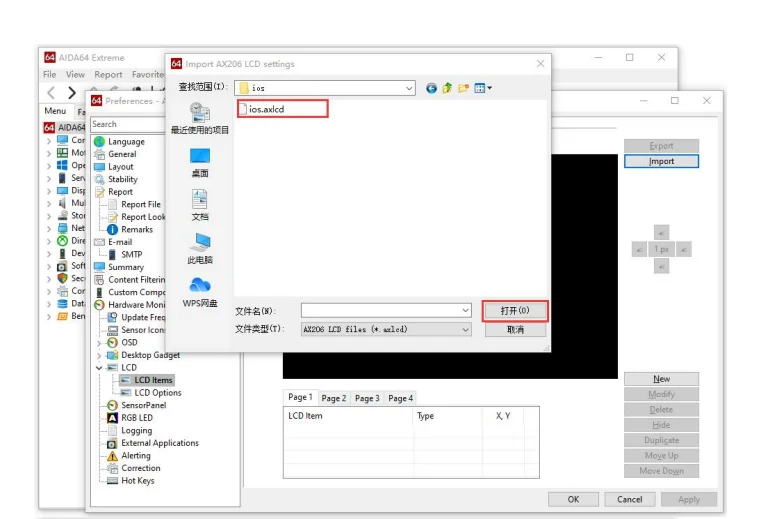
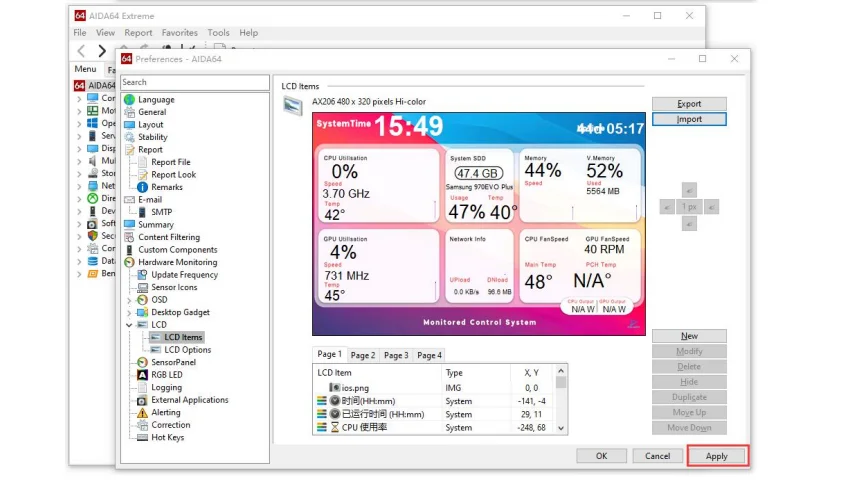
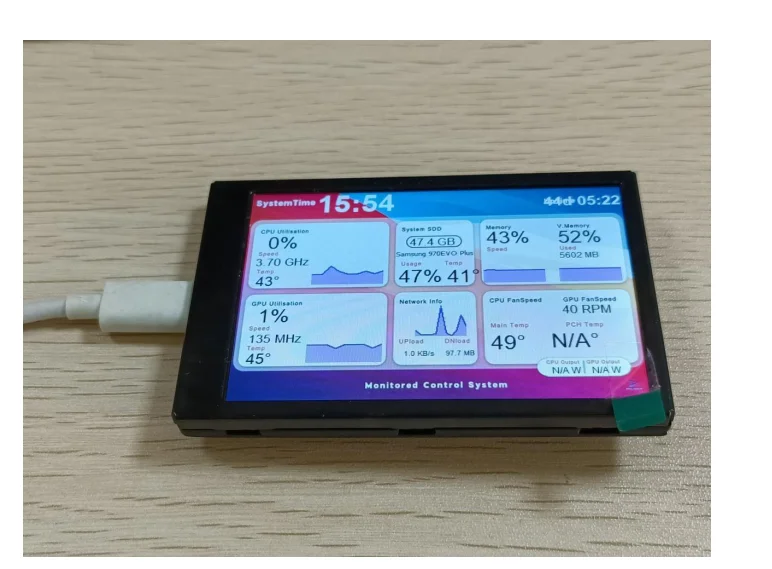
4. Finally, click OK or Apply, and the LCD screen will display the import Aida64 configuration theme interface correctly.
Attention:
1. The software also supports Simplified Chinese. If necessary, the specific settings are as follows
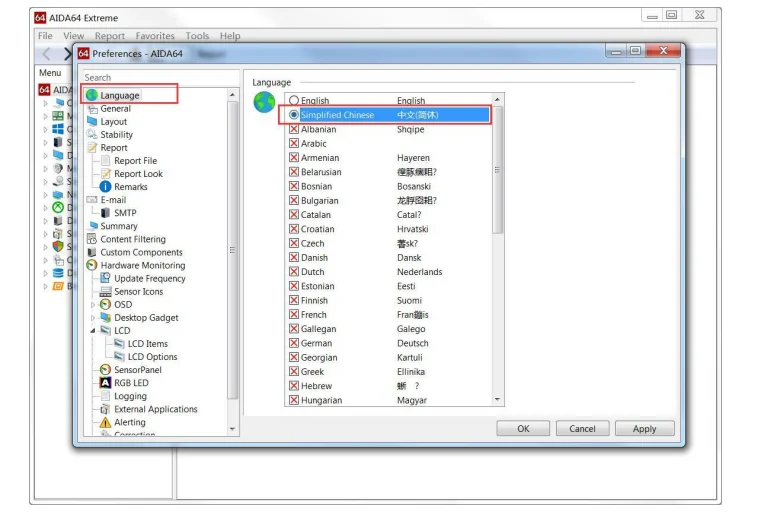
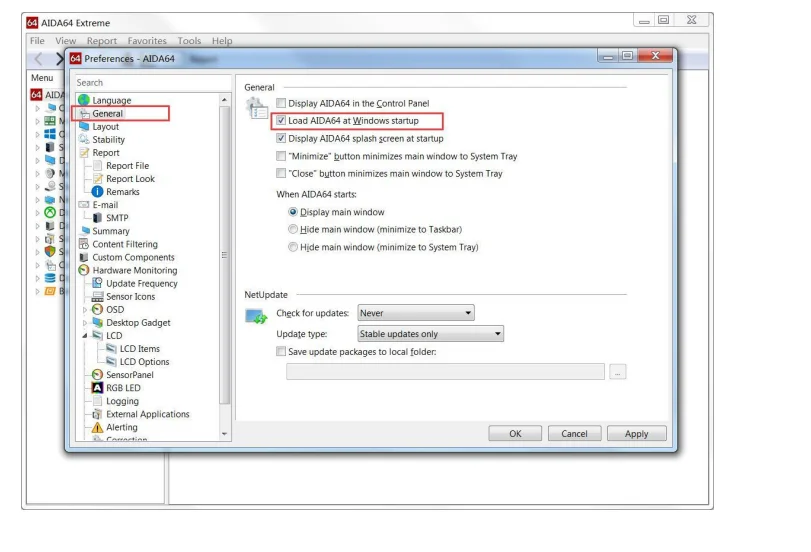
2. The software can be set to boot up
Packing List
Option 1:
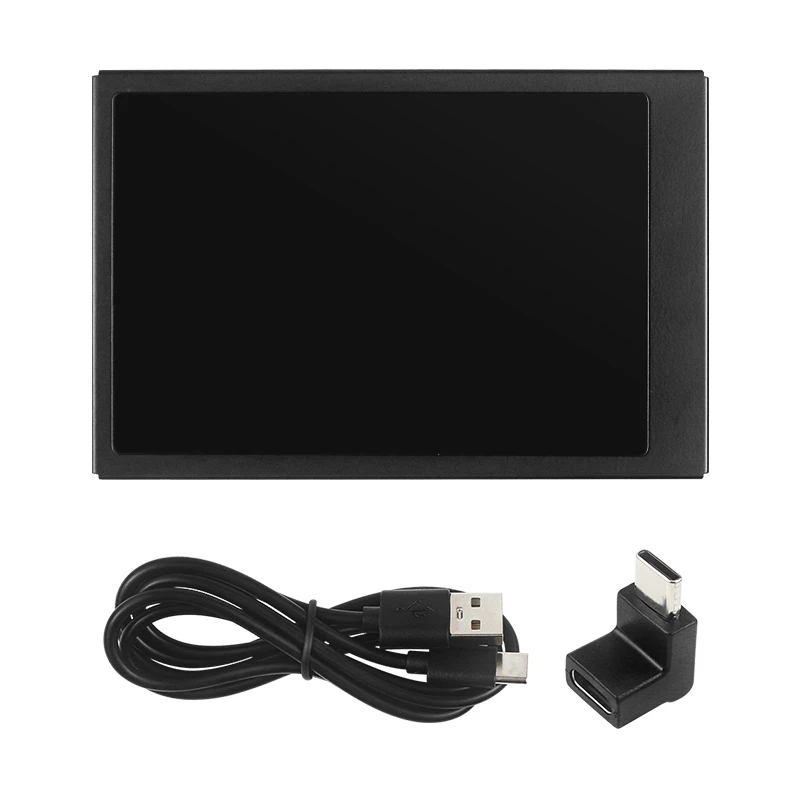
1 x 3.5 inch IPS Secondary Screen
1 x USB TYPE-C Cable
1 x Right Angle USB Converter
1 x Fixed Adhesive Tape
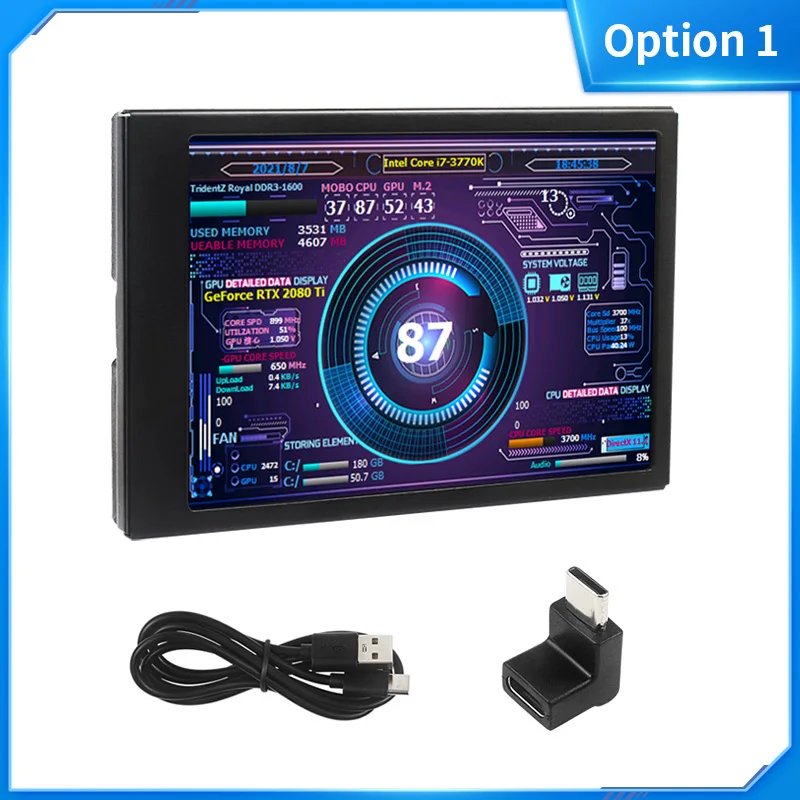
Option 2:
1 x 3.5 inch IPS Secondary Screen
1 x USB TYPE-C Cable
1 x Right Angle USB Converter
1 x Fixed Adhesive Tape
1 x Bracket
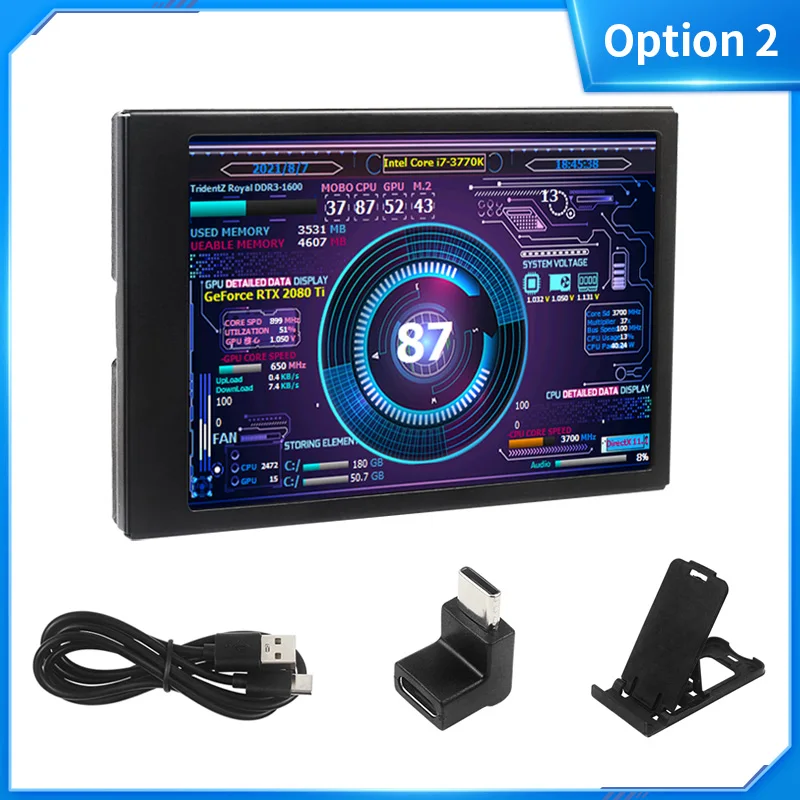
Option 3:
1 x 3.5 inch IPS Secondary Screen
1 x USB TYPE-C Cable
1 x Right Angle USB Converter
1 x Fixed Adhesive Tape
1 x Bracket
1 x USB TYPE-C Holder
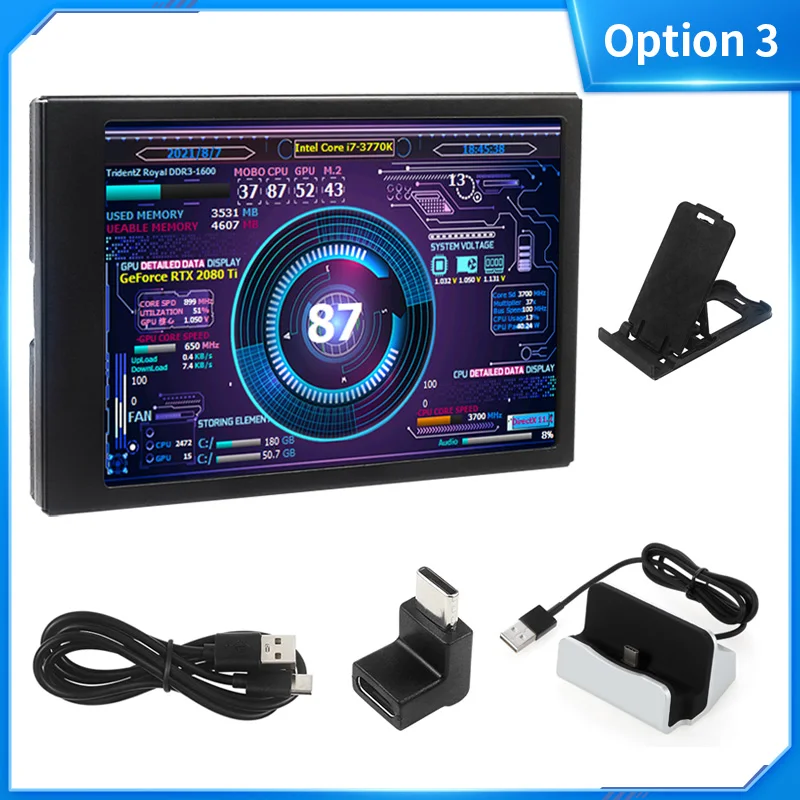
Option 4:
1 x 3.5 inch IPS Secondary Screen
1 x USB TYPE-C Cable
1 x Right Angle USB Converter
1 x Fixed Adhesive Tape
1 x Bracket
1 x 4 Port USB 3.0 HUB
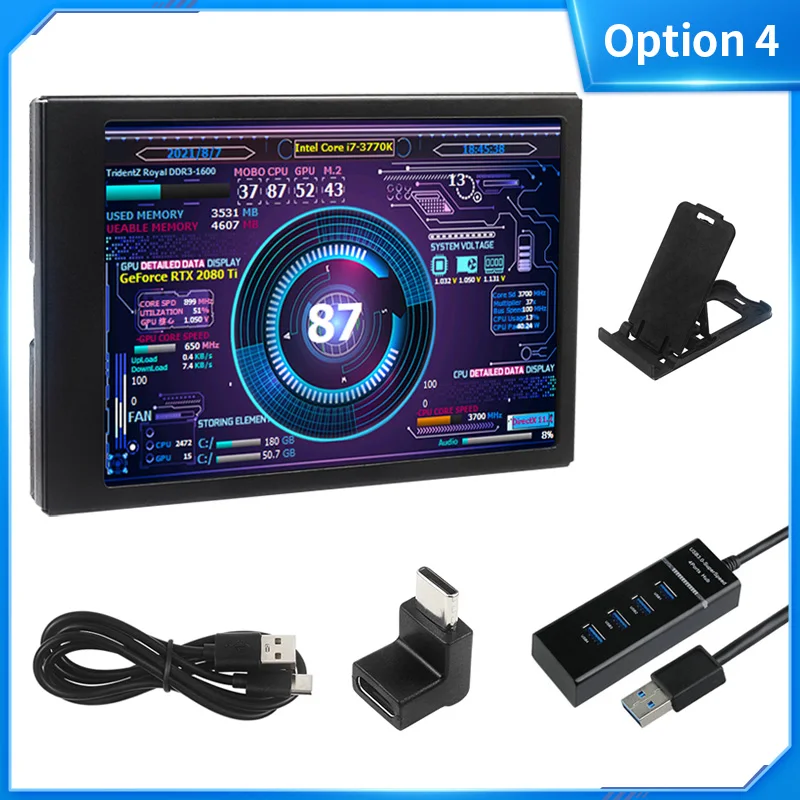
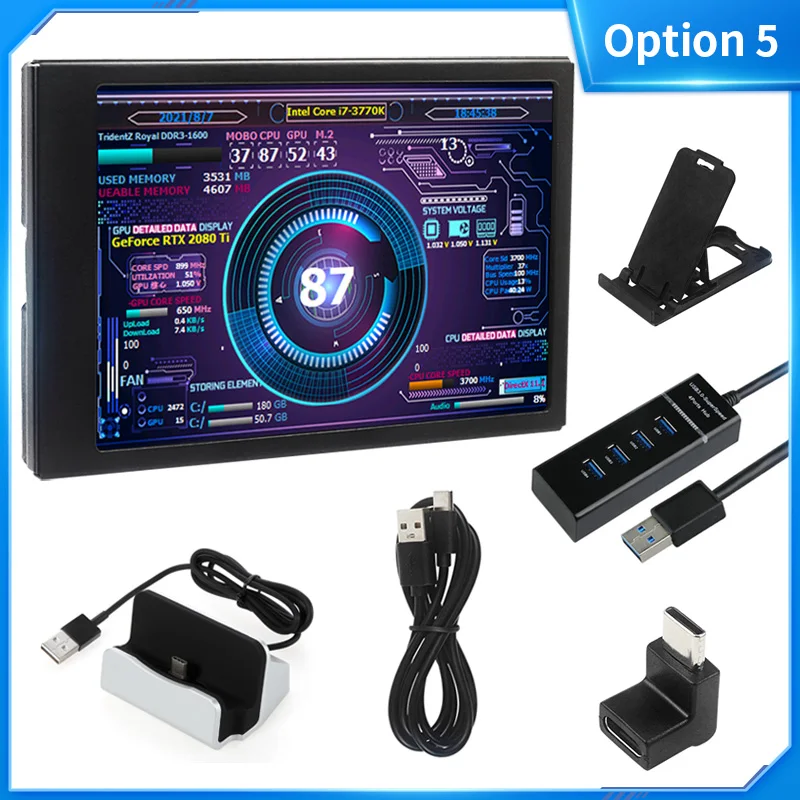
Option 5:
1 x 3.5 inch IPS Secondary Screen
1 x USB TYPE-C Cable
1 x Right Angle USB Converter
1 x Fixed Adhesive Tape
1 x Bracket
1 x 4 Port USB 3.0 HUB
1 x USB TYPE-C Holder
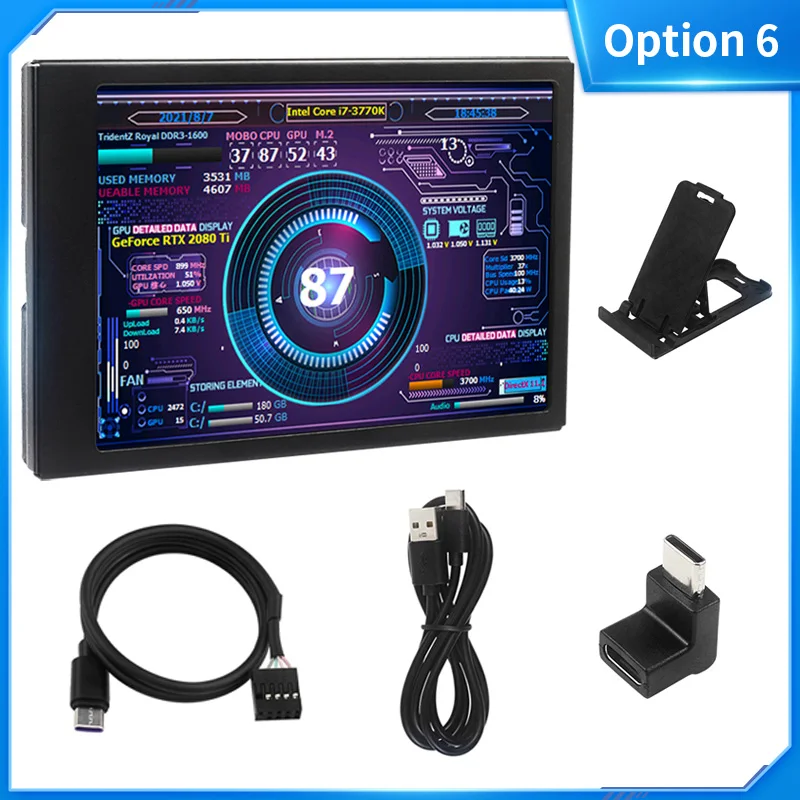
Option 6:
1 x 3.5 inch IPS Secondary Screen
1 x USB TYPE-C Cable
1 x Right Angle USB Converter
1 x Fixed Adhesive Tape
1 x Bracket
1 x 0.5M 5Pin to TYPE-C Cable
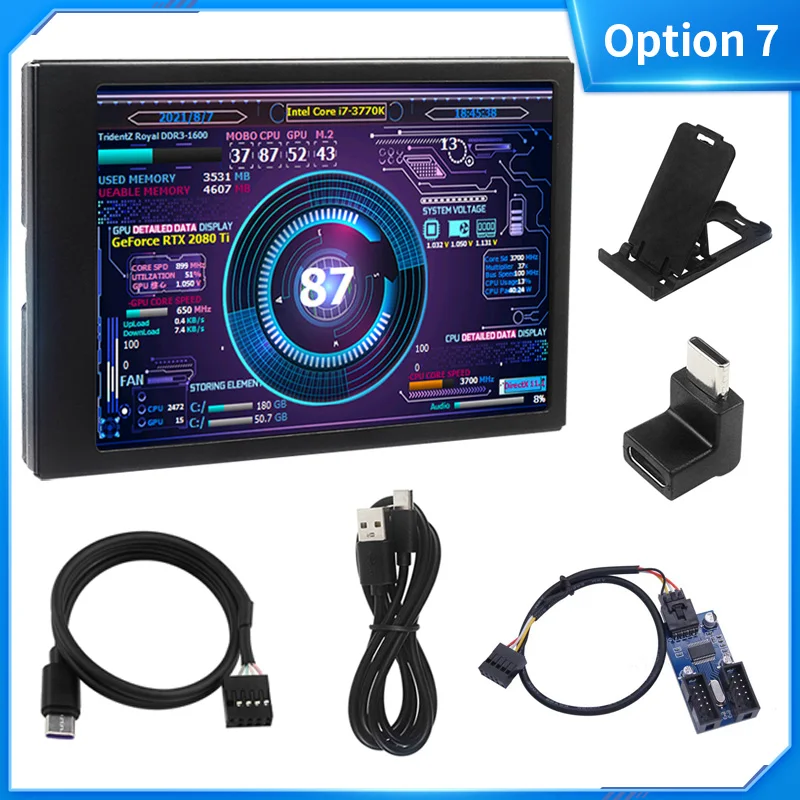
Option 7:
1 x 3.5 inch IPS Secondary Screen
1 x USB TYPE-C Cable
1 x Right Angle USB Converter
1 x Fixed Adhesive Tape
1 x Bracket
1 x 0.5M 5Pin to TYPE-C Cable
1 x USB 9Pin Multiplier(1 to 2 Ports)
About Prime Living
Prime Living is a Canadian online store offering a carefully selected range of quality products for home, automotive, tools, outdoor living, electronics and more.
We are committed to fast order processing, secure packaging and reliable tracked shipping to provide an excellent shopping experience.
Shipping policy
We are always working hard to ensure your package arrives as soon as possible. Please understand that some factors like weather, high postal traffic, and the performance of shipping companies are outside of our control.
Returns
We offer a 14-Day Return Policy on items in which you are not completely satisfied with. You have the option of a full-refund or an exchange of the item.
Condition
Brand New
Shipping
This item is shipped directly from our supplier in China with tracking.