
Product Description
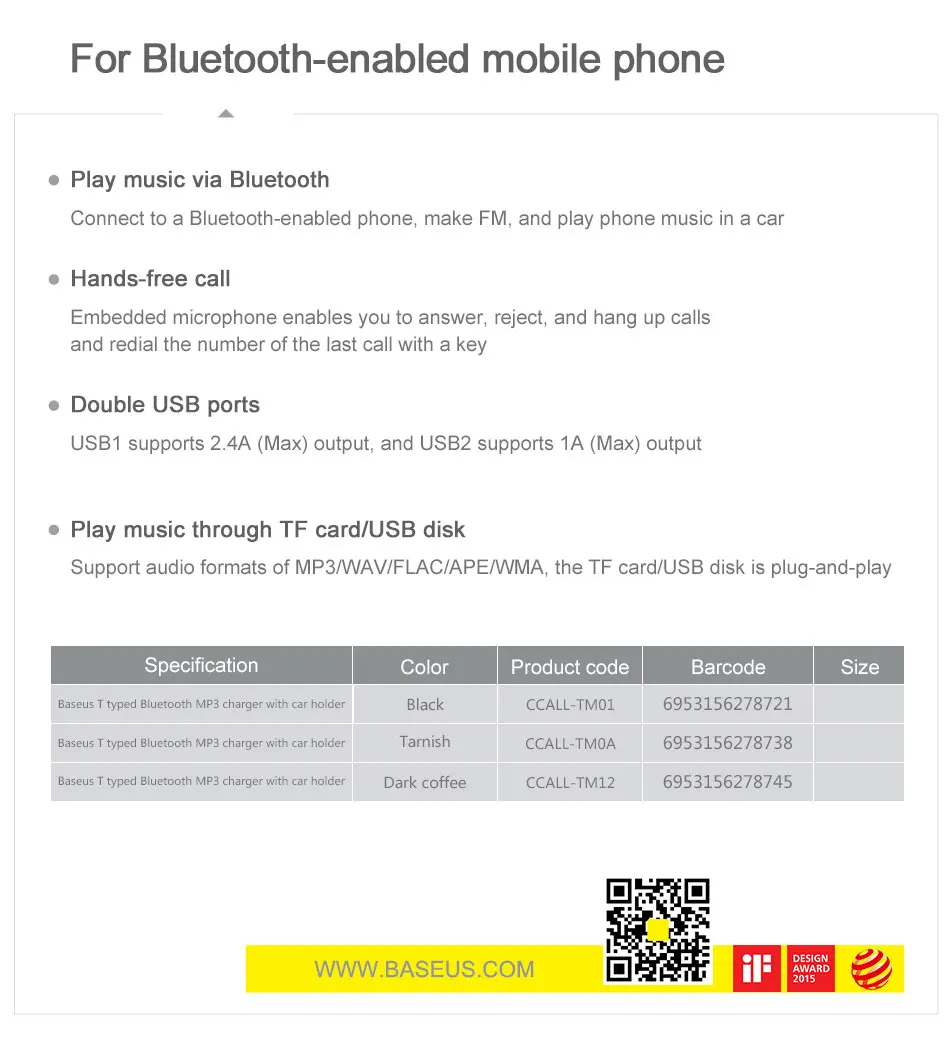
Bluetooth Connection Operation
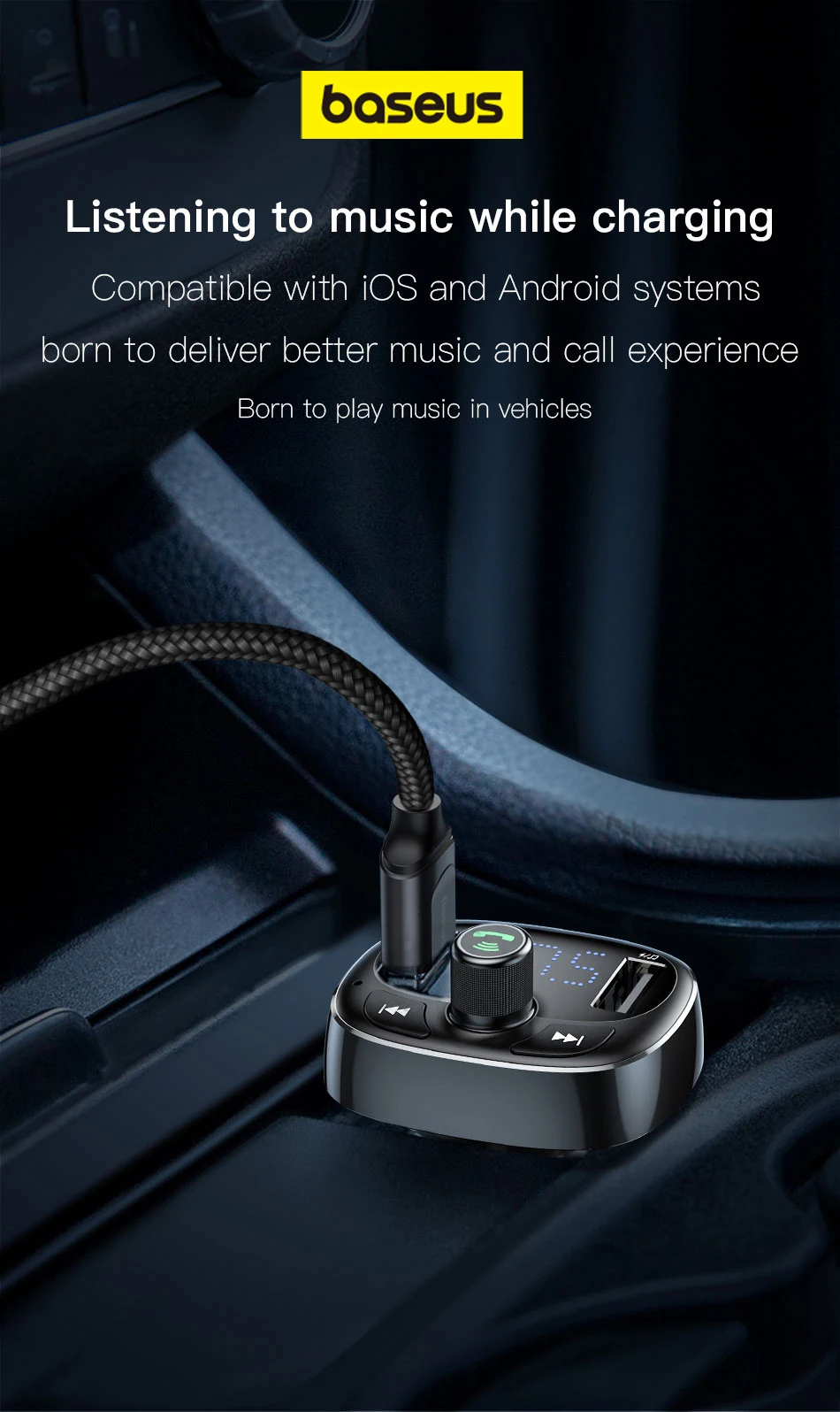
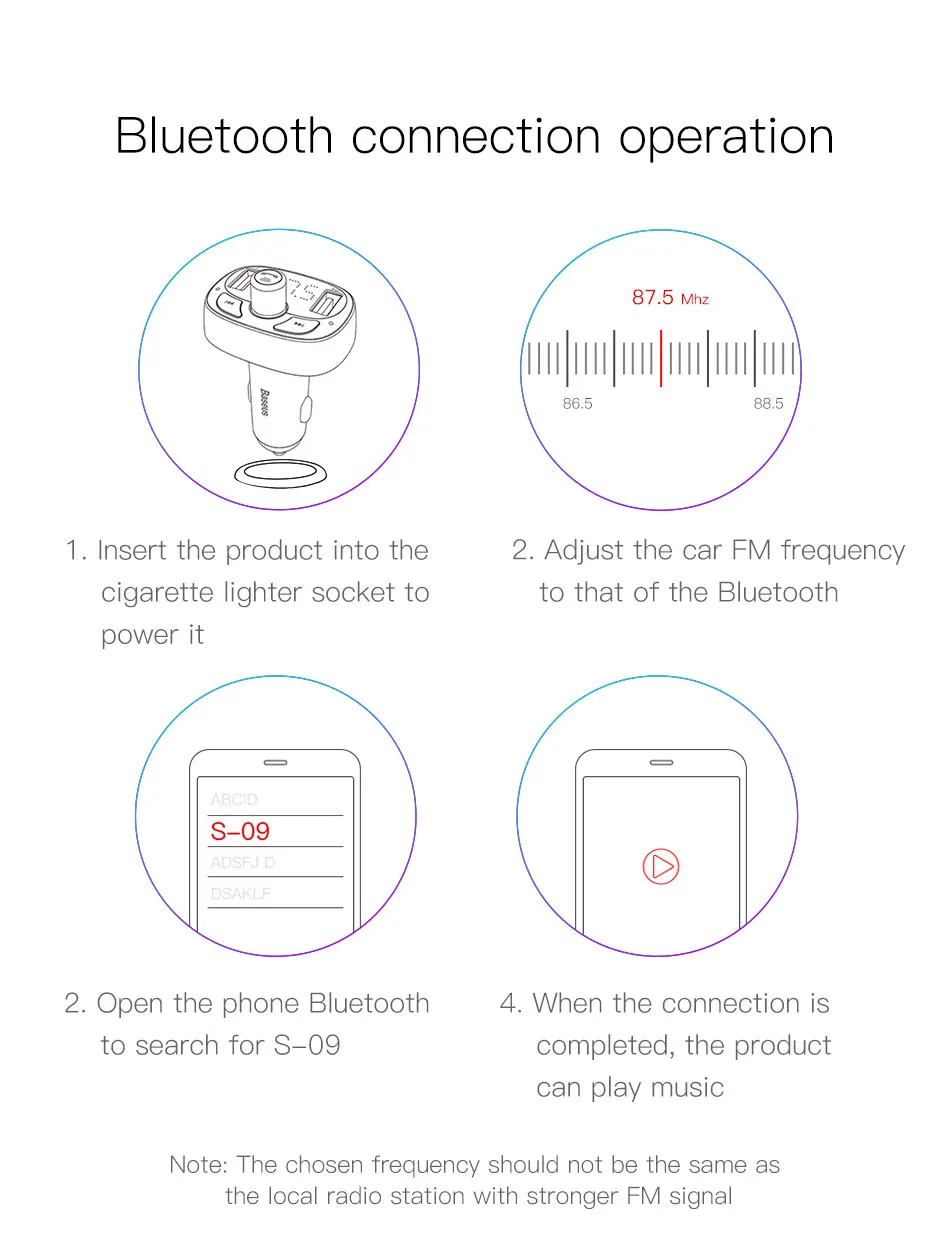
1.Plug the device into car cigarette lighter socket to power it
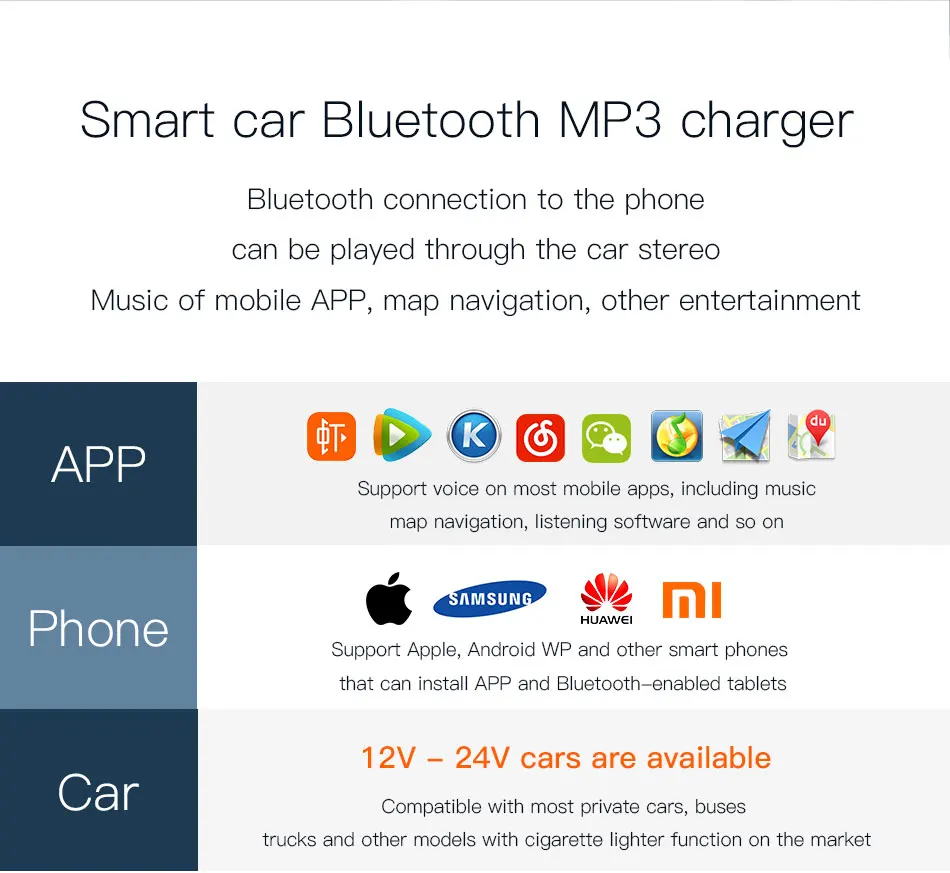
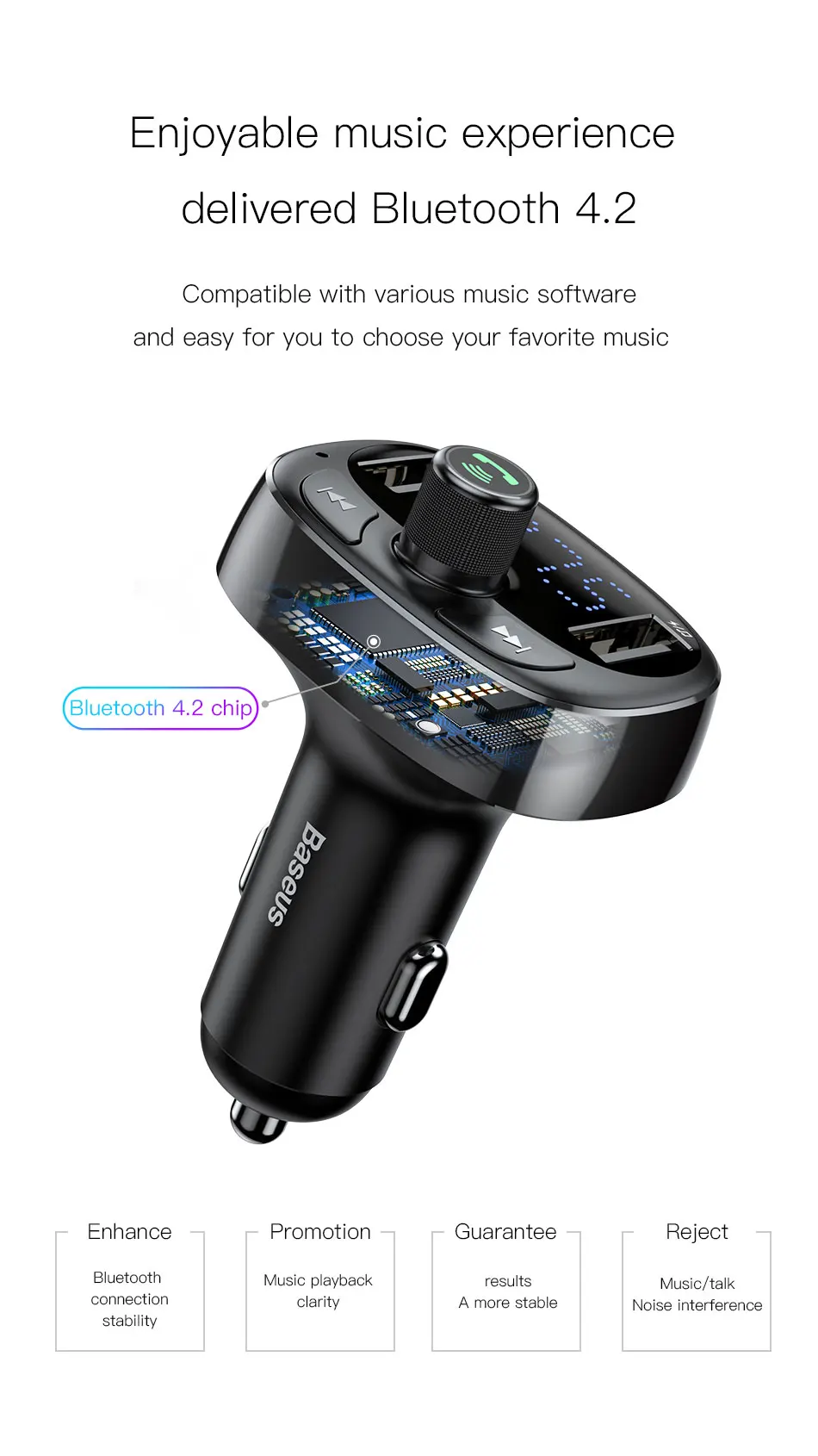
2.Open your bluetooth of your phone to search for "S-09"
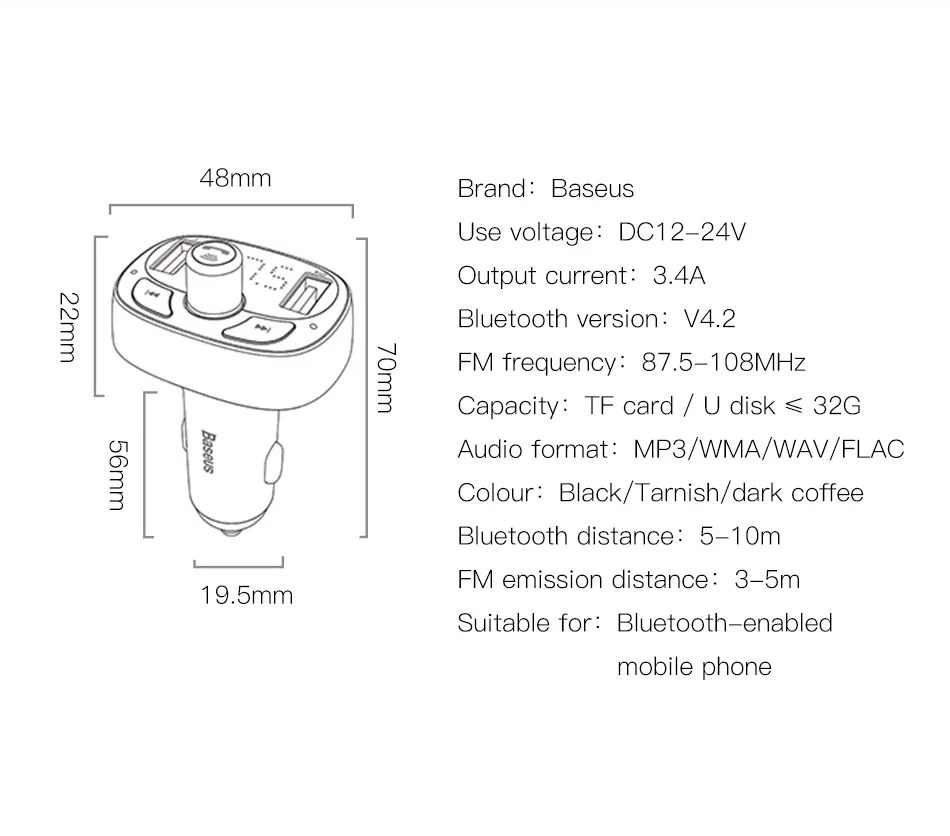
3.Adjust the S09 FM frequency as same as your car FM frequency
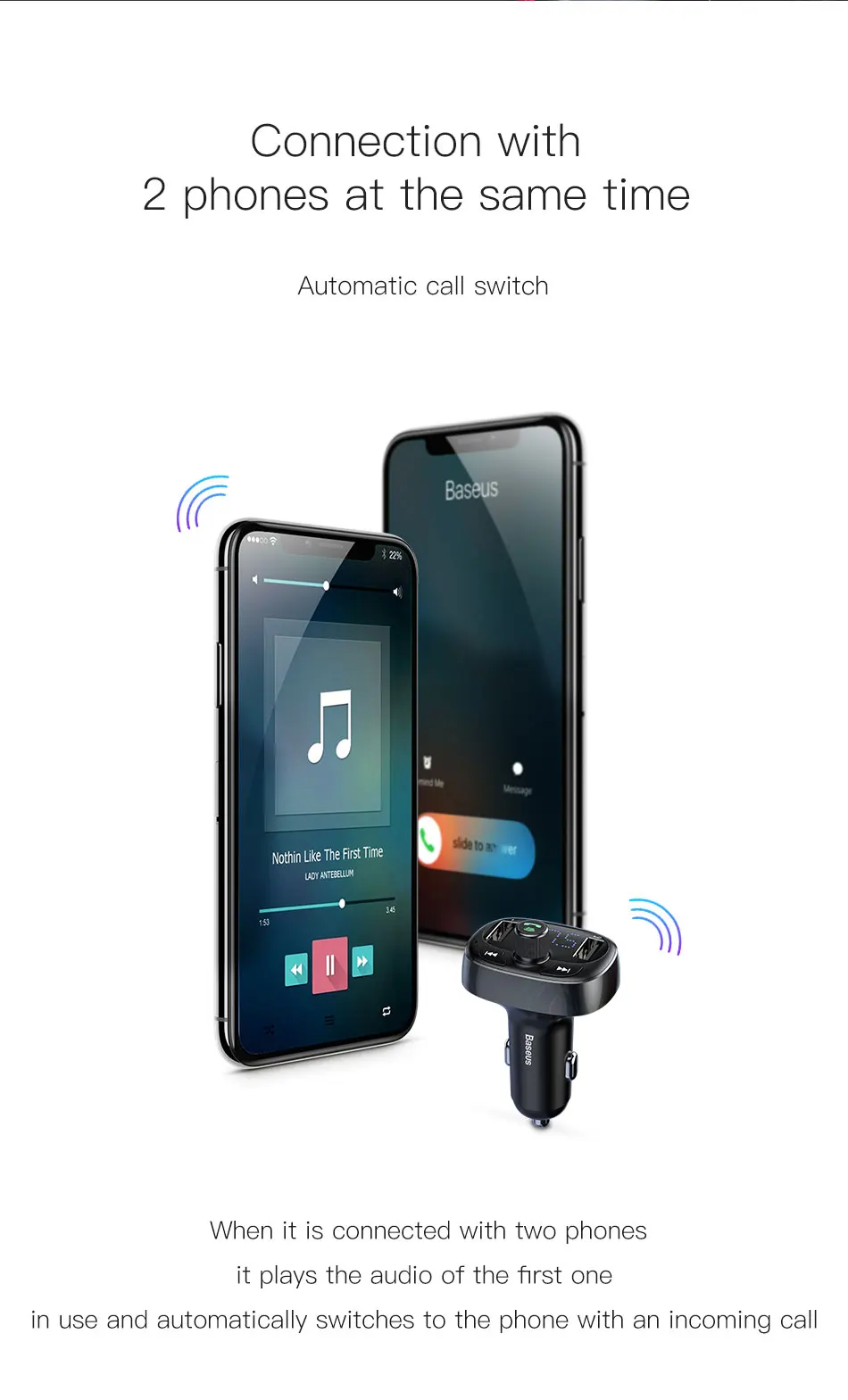
4.When the connection is completed,the product can play music
Note: The chosen frequency should not be the same as the local radio station with stronger FM signal
Instructions
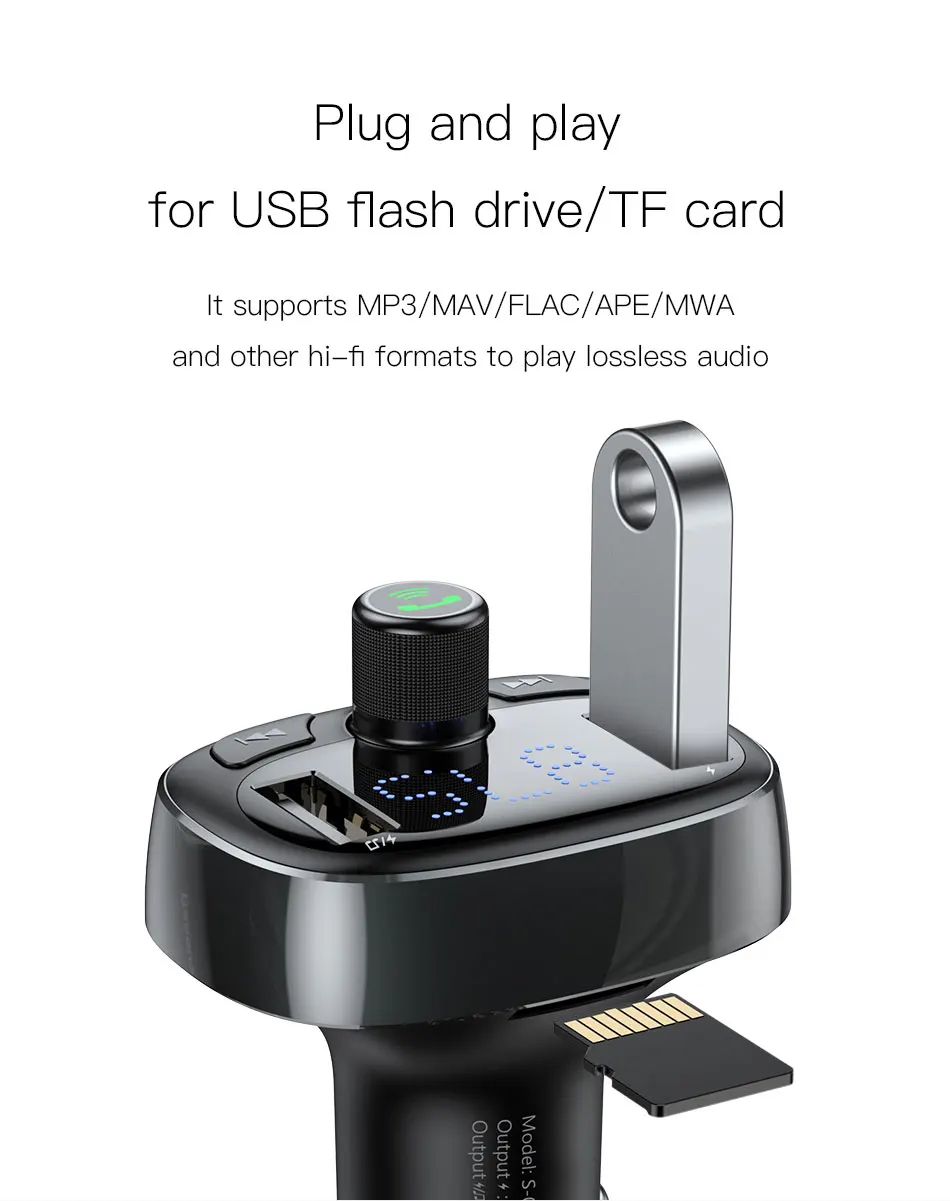
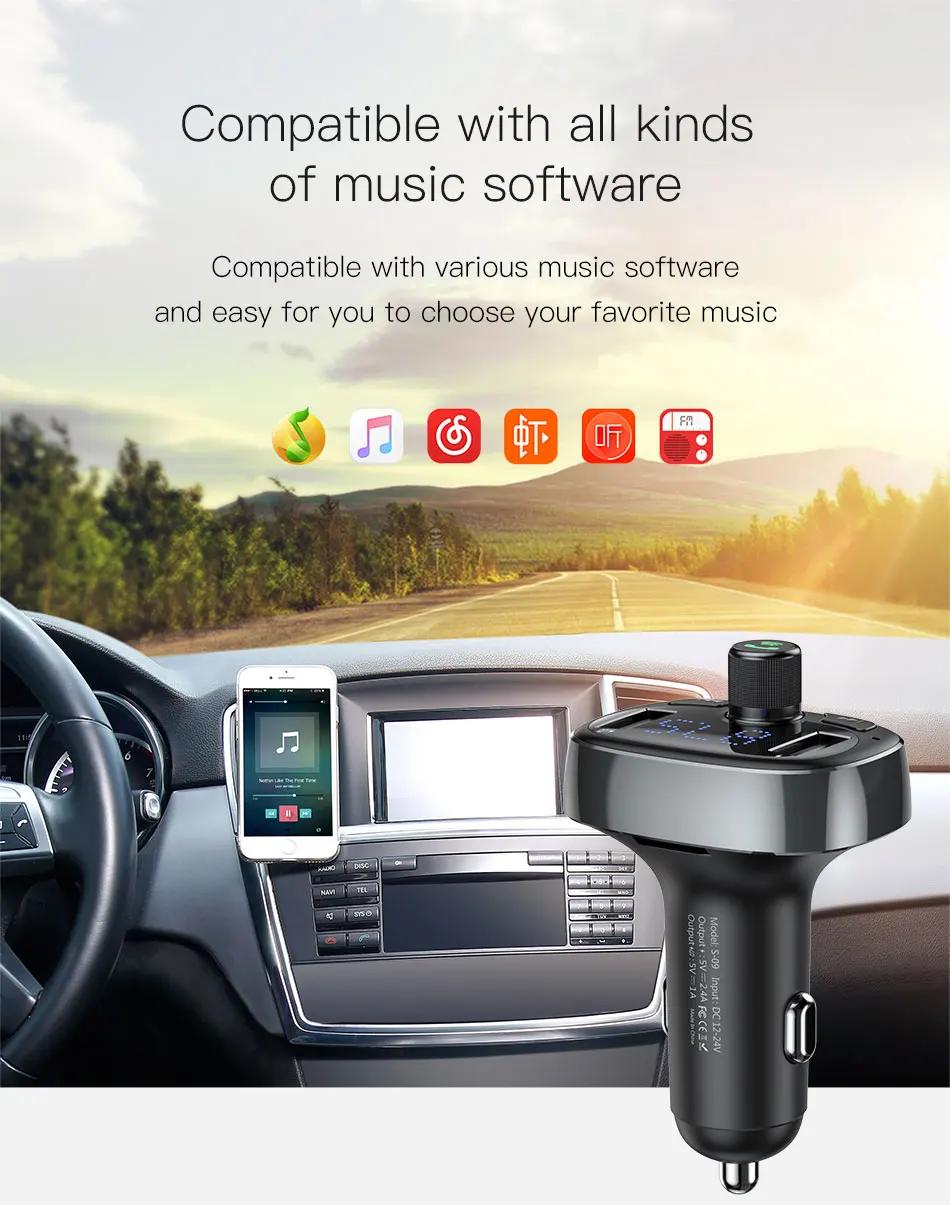
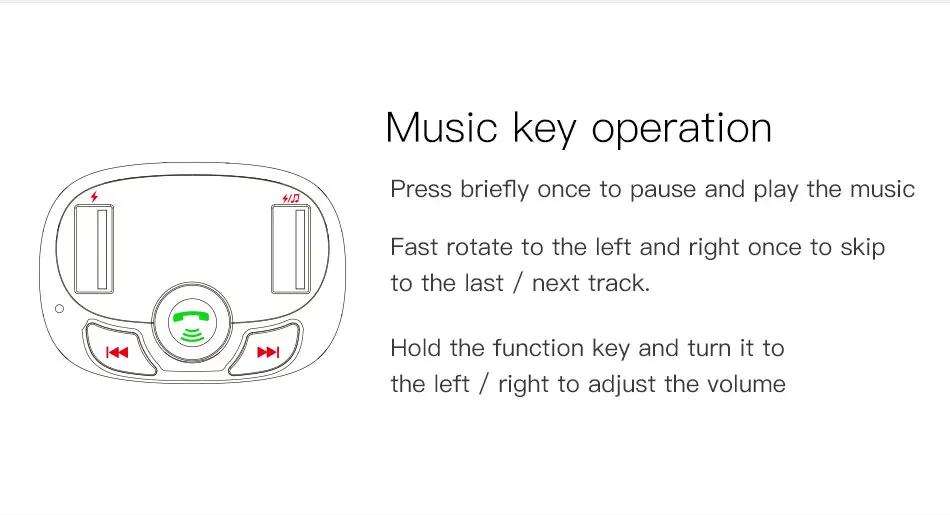
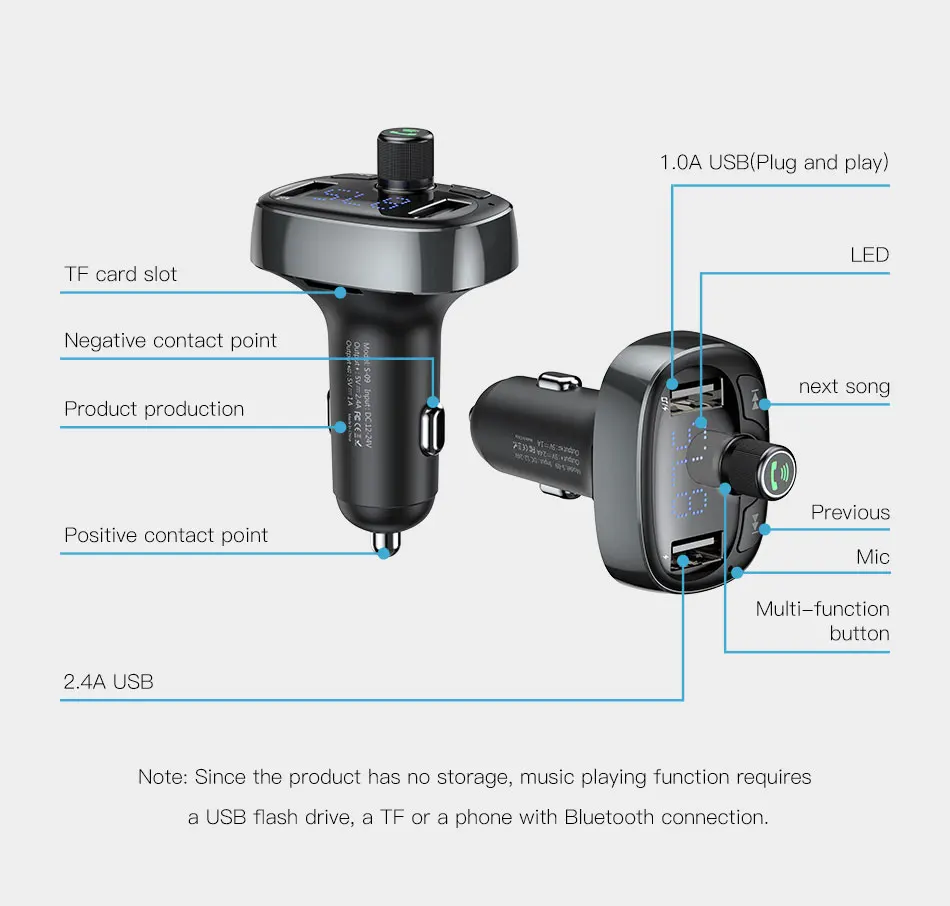
-Mucis Key Operation: Press briefly once to pause and play the music ; Fast rotate to the left and right once to skip to the last / next track ; Hold the function key and turn it the left / right to adjust the volume
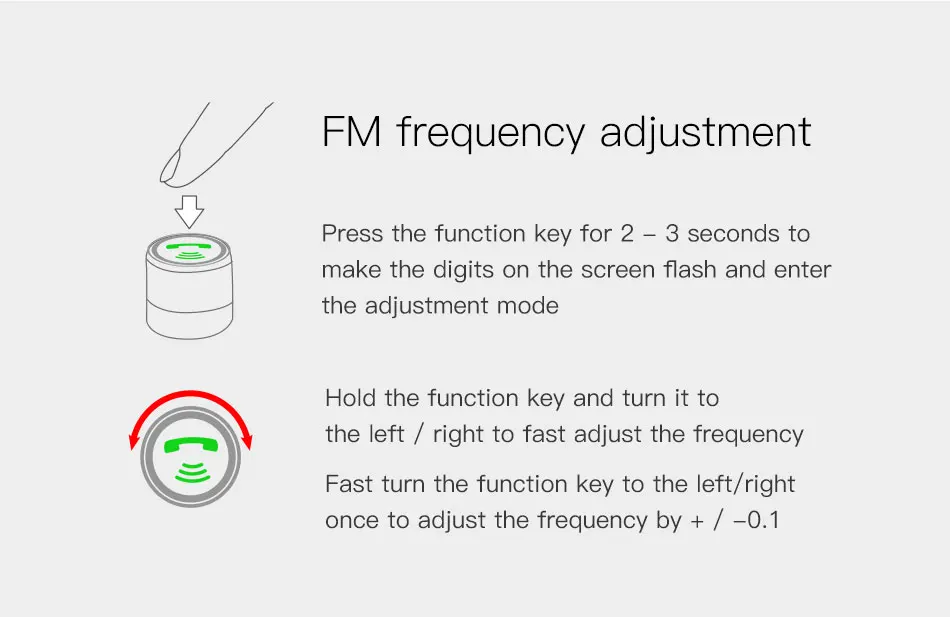
-FM Frequency Adjustment: Press the function key for 2-3 senconds to make the digits on the screen flash and enter the adjustment mode ; Hold the function key and turn it to the left / right to fast adjust the frequency ; Fast turn the function ke to the left / right once to adjust the frequency by + / -0.1
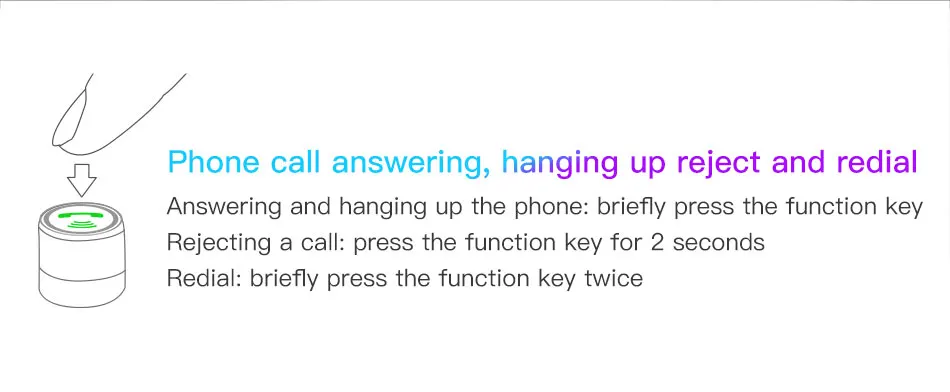
-Answering and Hanging up the Phone :briefly press the function key
-Rejecting a Call :press the function key for 2 seconds
-Redial :briefly press the function key twice



About Prime Living
Prime Living is a Canadian online store offering a carefully selected range of quality products for home, automotive, tools, outdoor living, electronics and more.
We are committed to fast order processing, secure packaging and reliable tracked shipping to provide an excellent shopping experience.
Shipping policy
We are always working hard to ensure your package arrives as soon as possible. Please understand that some factors like weather, high postal traffic, and the performance of shipping companies are outside of our control.
Returns
We offer a 14-Day Return Policy on items in which you are not completely satisfied with. You have the option of a full-refund or an exchange of the item.
Condition
Brand New
Shipping
This item is shipped directly from our supplier in China with tracking.