
Product Description
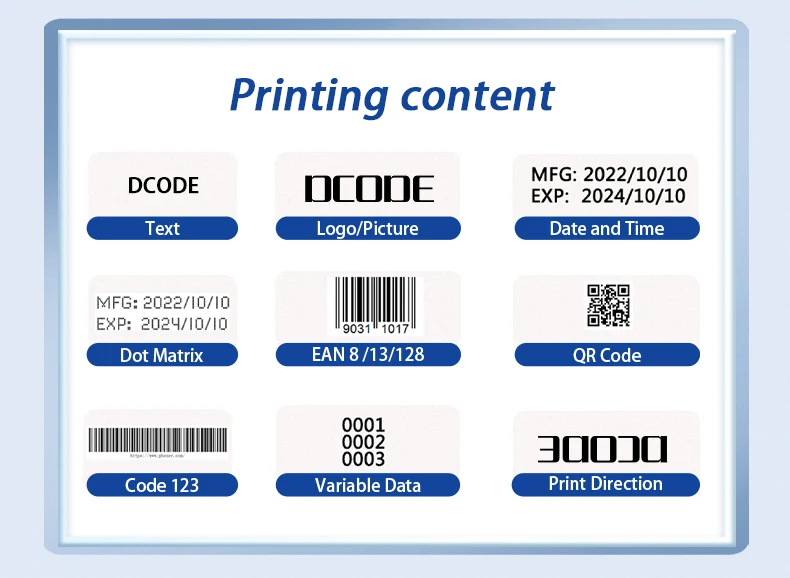
DW-MAX 12.7/25.4mm TIJ Industrial Online Thermal Inkjet Printer Text QR Barcode Batch Number Logo Date Coding Machine DW-MAX 12.7/25.4mm TIJ Industrial Online Thermal Inkjet Printer Text QR Barcode Batch Number Logo Date Coding Machine
Product Description:
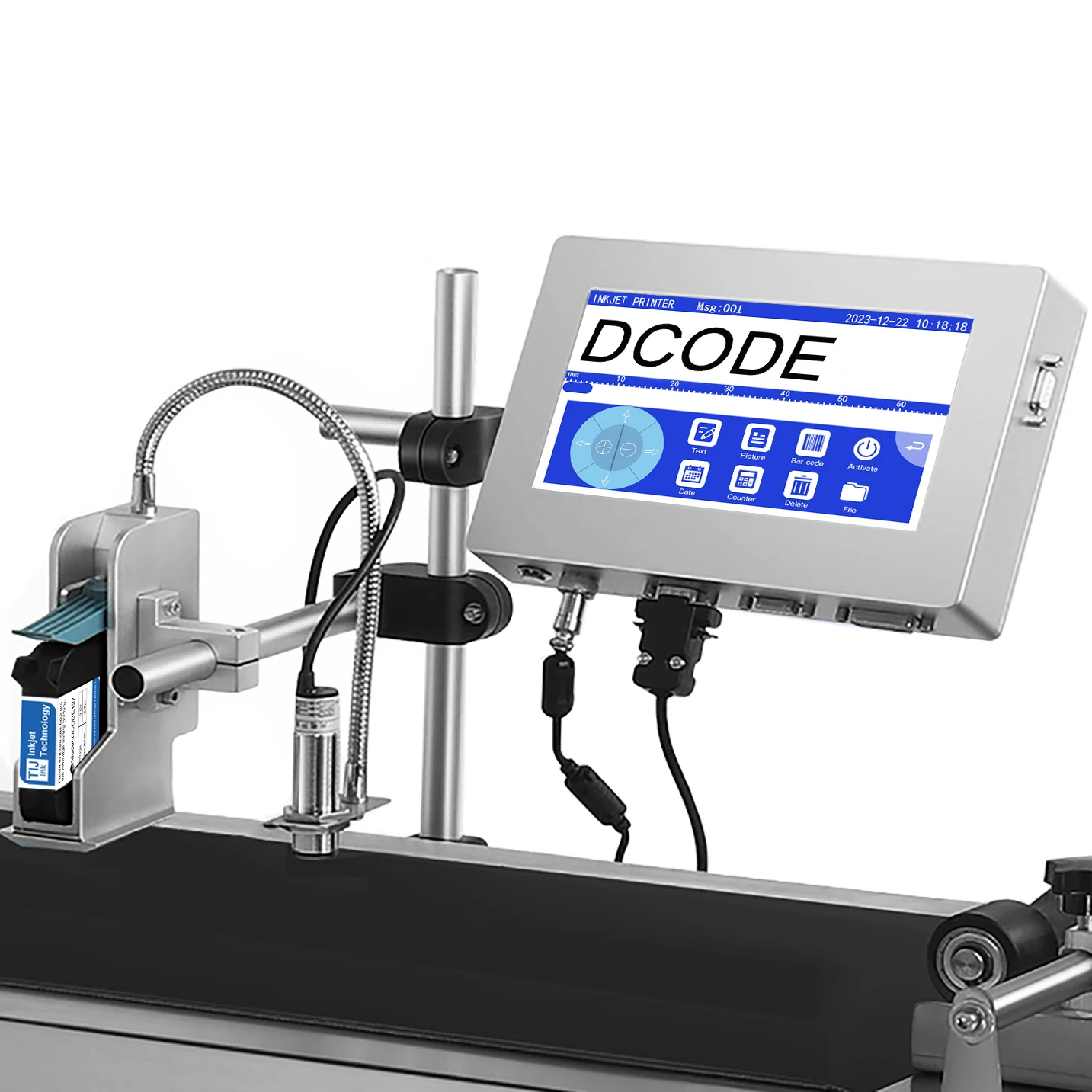
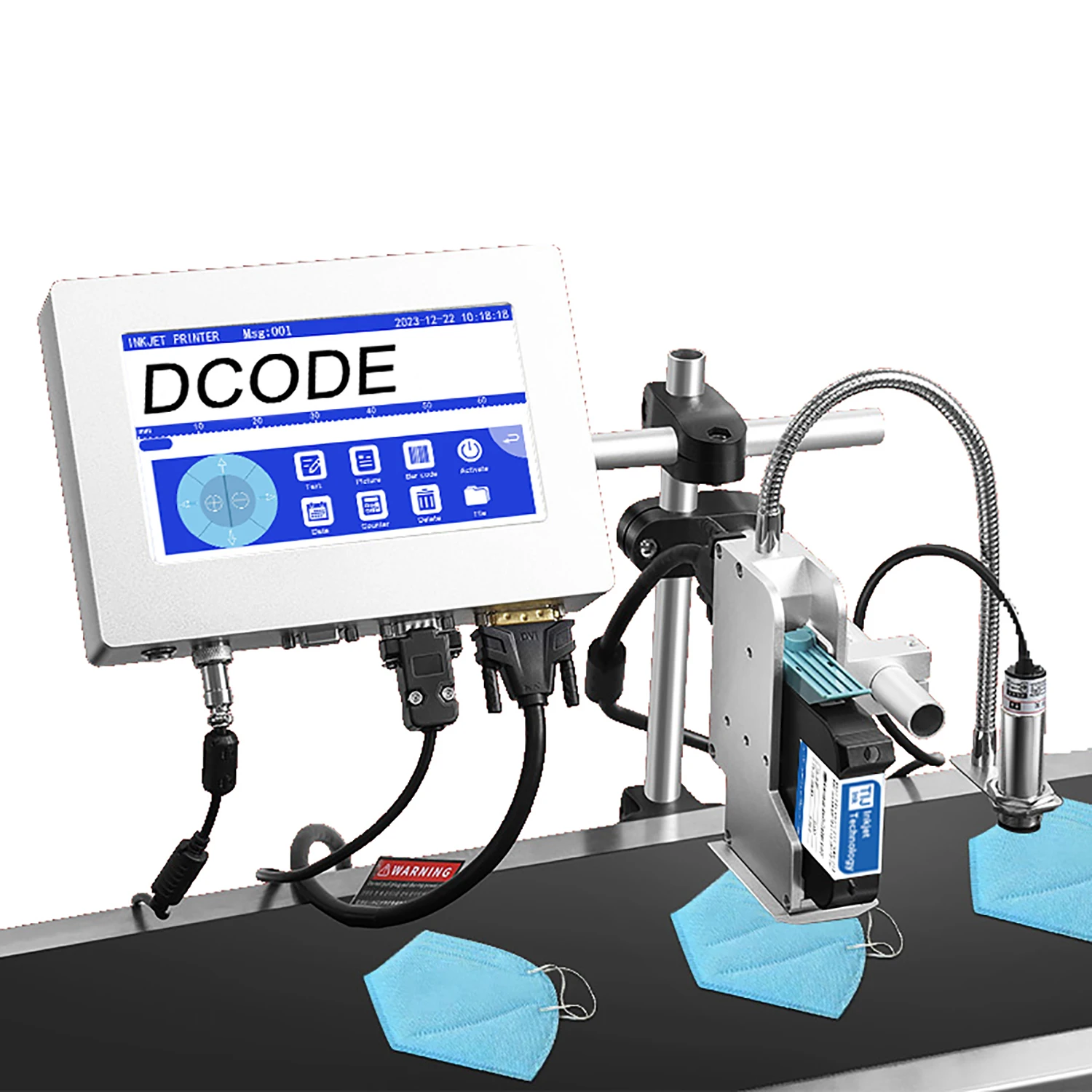
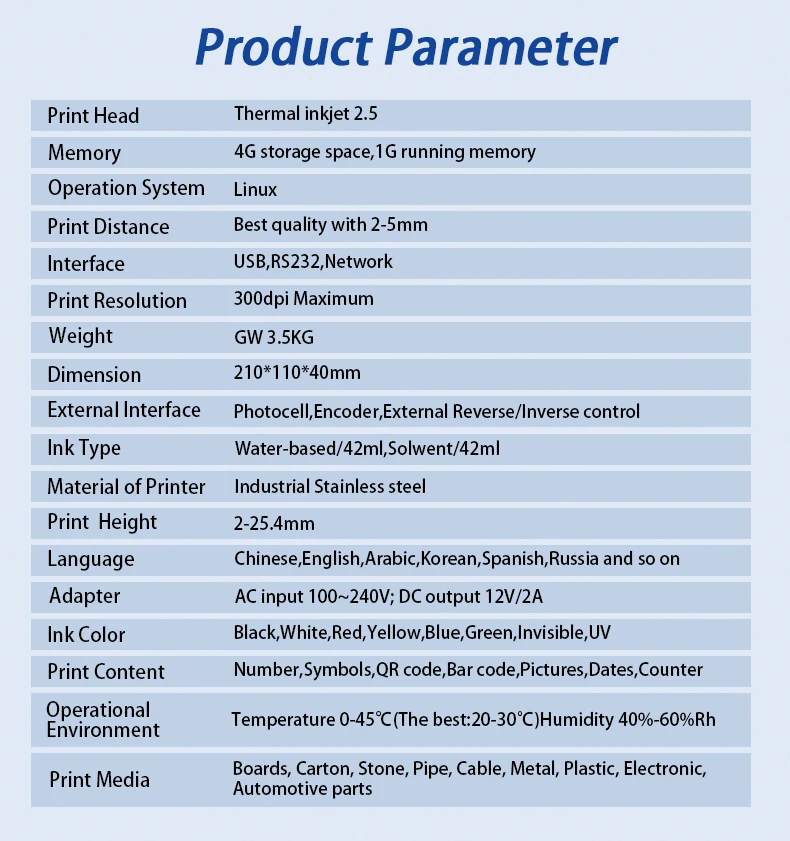
Product Name: Online Inkjet Printer
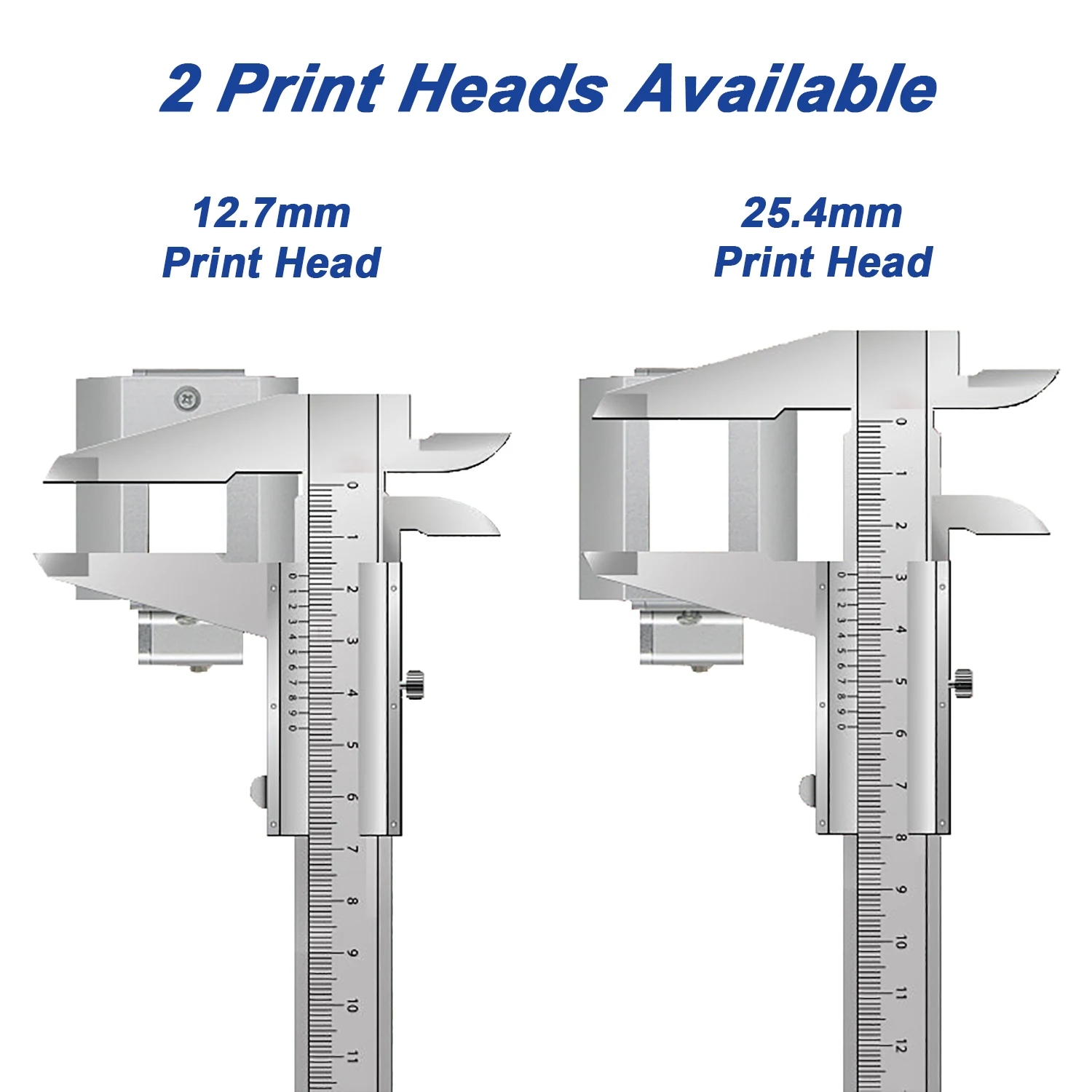
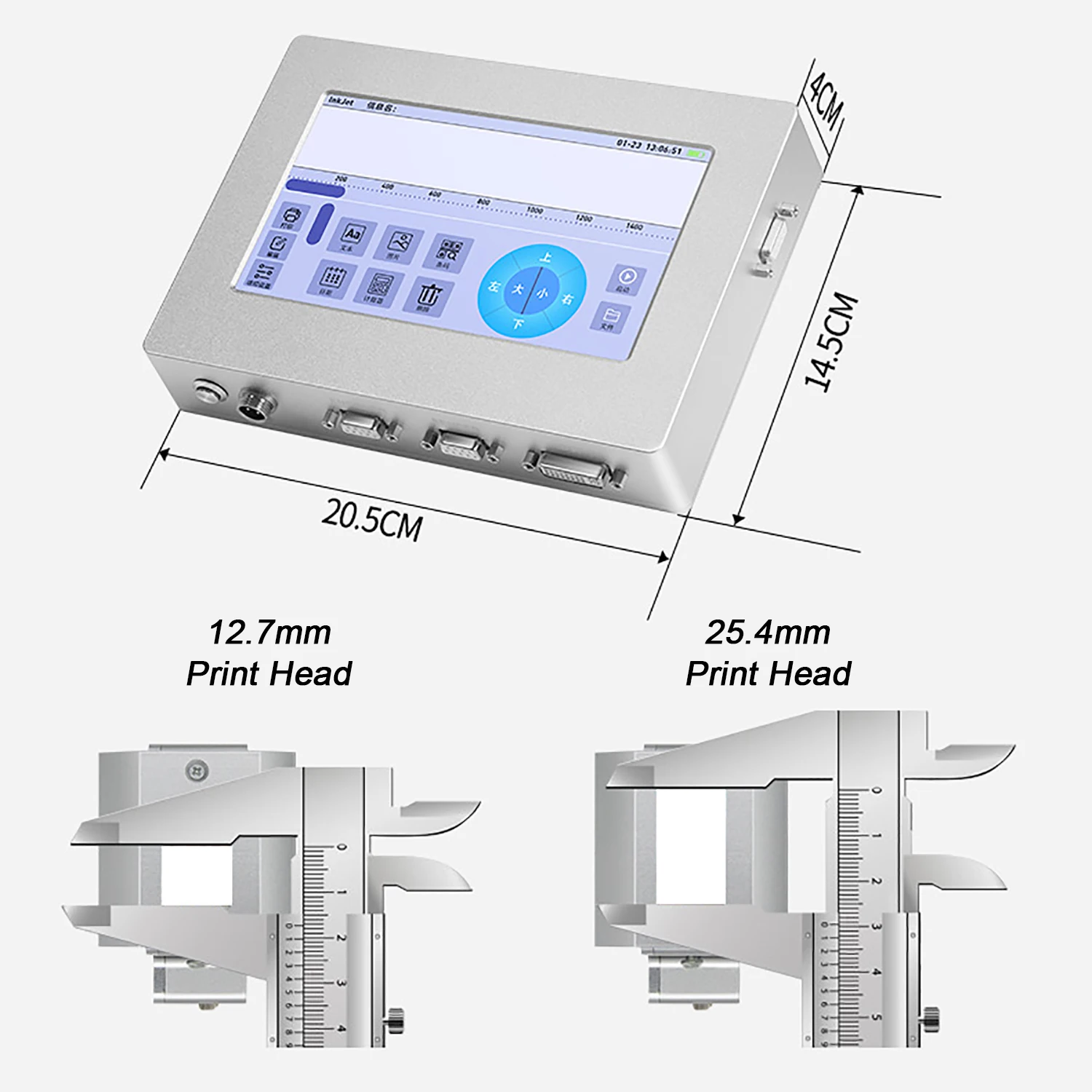
Cartridge Type: 12.7mm/25.4mm
Print Resolution: 600dpi Maximum
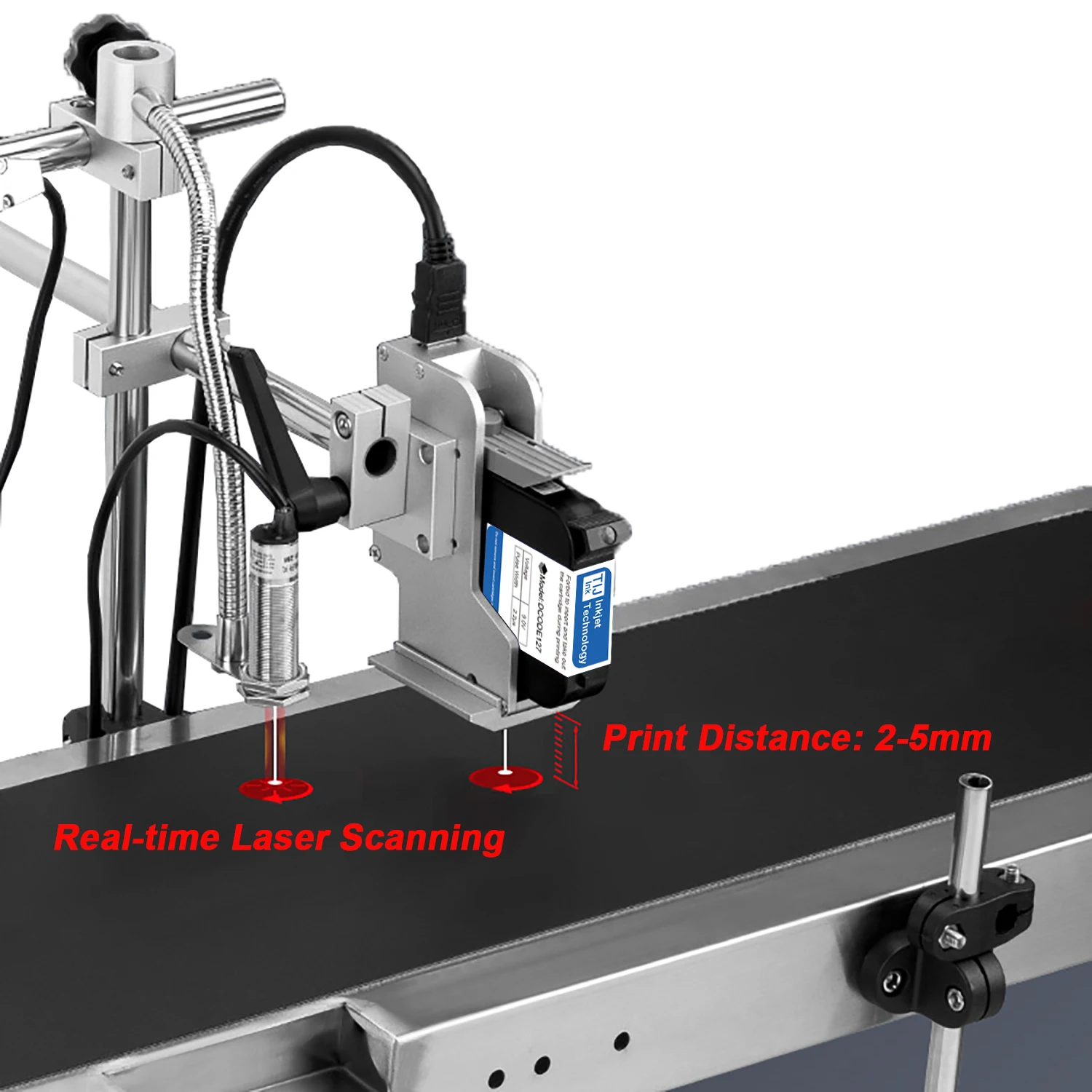
Printing Distance: 2-5mm
Power Input: 100-240V AC Input
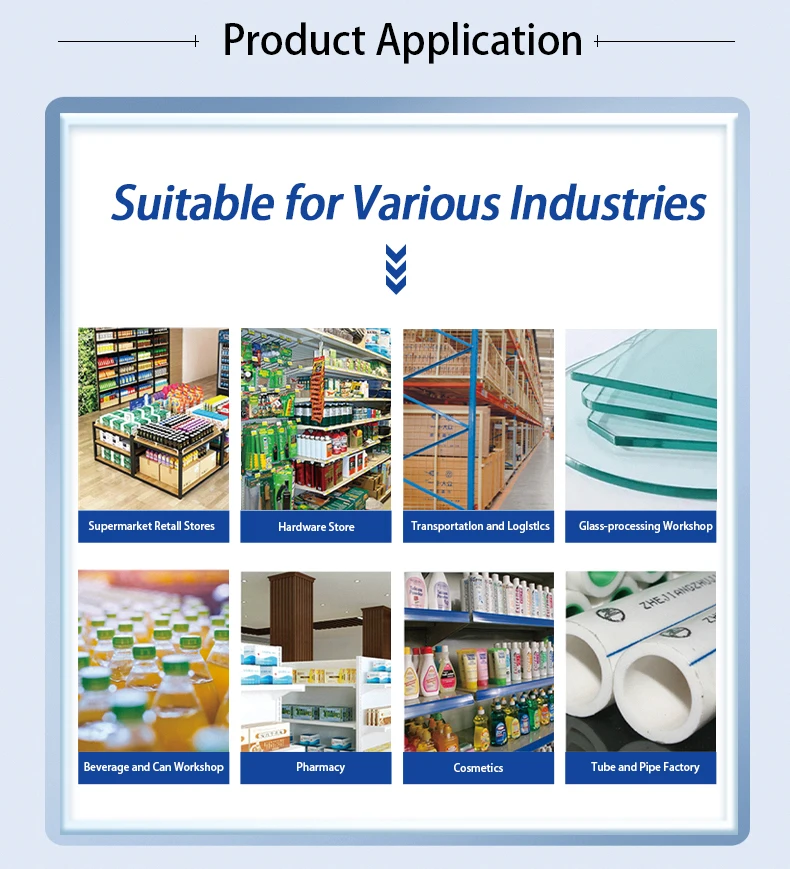
Printing Material: Wood, Carton, Pipe, Cable, Metal, Plastic, Uneven surface, etc.
Product Advantage:
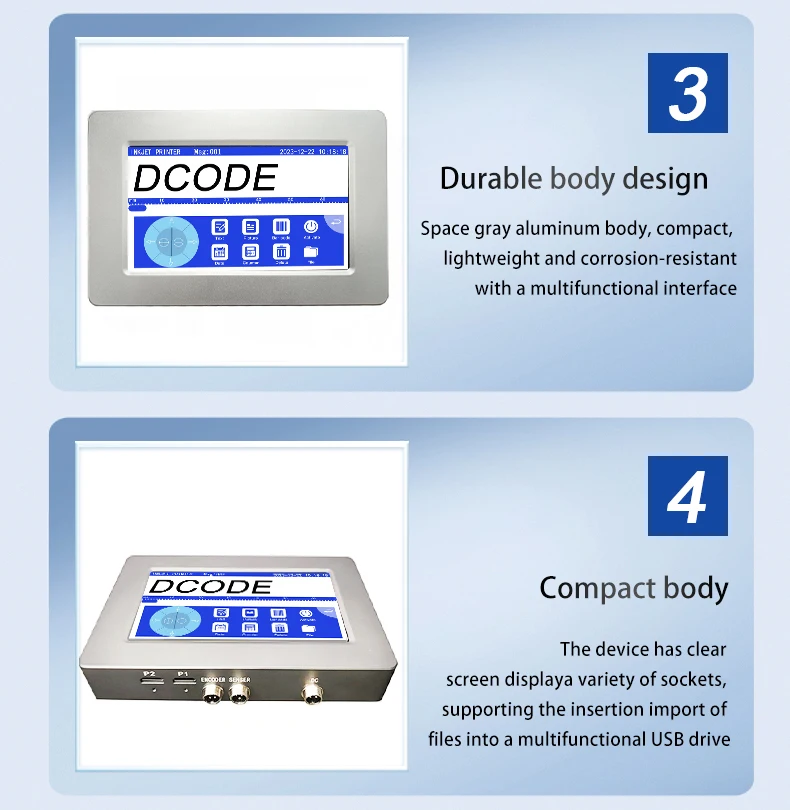
- Industrial Appearance Design: Beautiful and tidy, adhering to ergonomic principles.
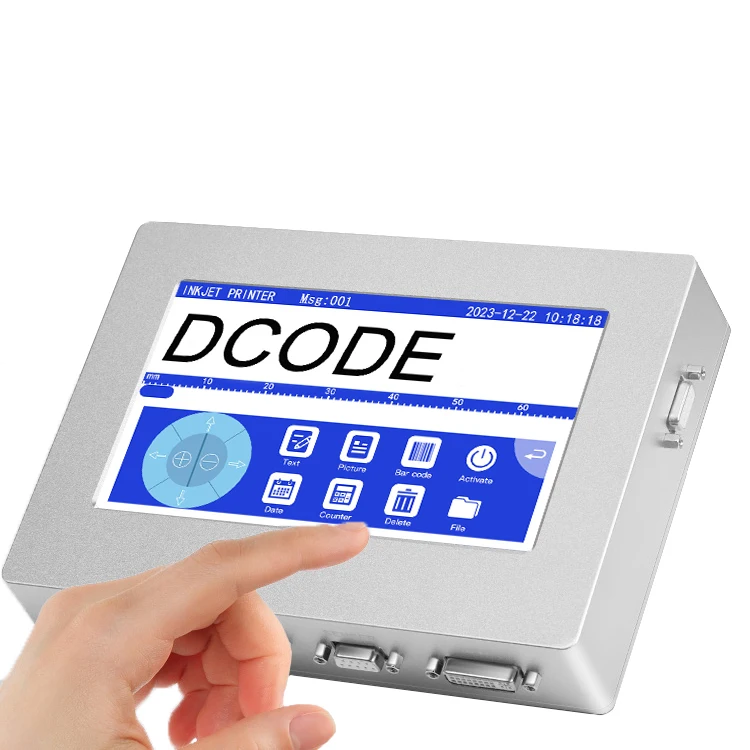
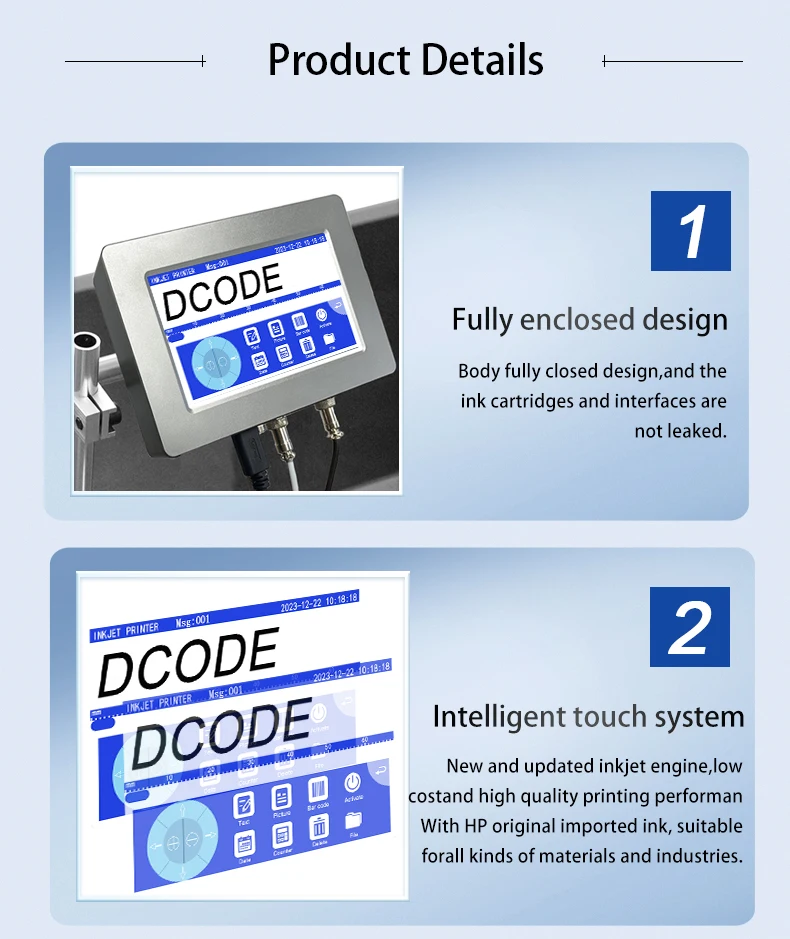
- 7inch Touchscreen: Vivid color display for clear visuals and responsive interactions.
- Intelligent Operating System: Easy to operate, no need to download APP to connect to mobile phone.
- Support Different Languages: Multiple fonts and input methods, cater to a diverse global customer base.
- Various Application Industries: Can print curved and concave-convex surfaces, suitable for many materials.
- Adjustable Print Height: Suitable for different scenarios.
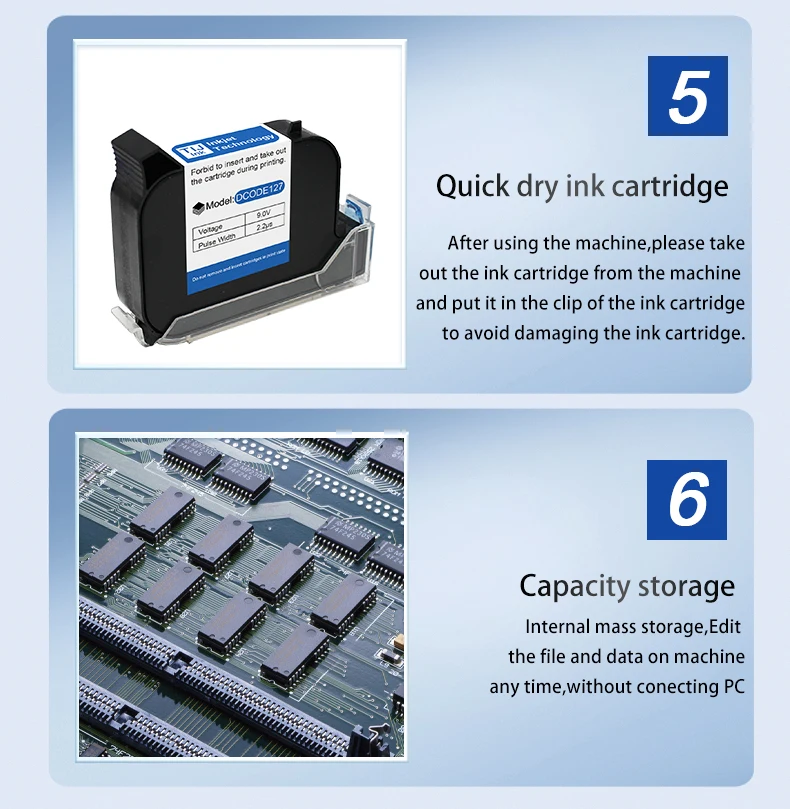
- Quick-drying Ink Cartridge: Solvent-based ink, waterproof and non-fading, multiple ink colors available.
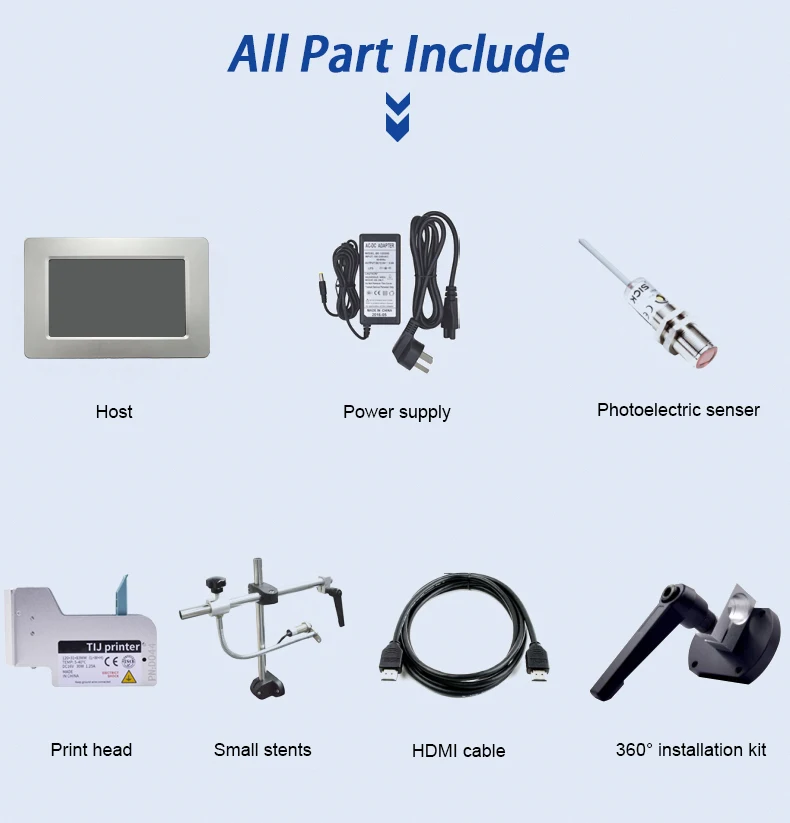
- Upgraded Chip: 4-core CPU, more intelligent and fast-response, built-in storage, no USB flash drive required, can be directly connected to the computer.
- One-click Printing: 600dpi maximum print resolution, 360° all-round printing.
- Non-encrypted System: Easy to purchase ink cartridge locally.
- Factory Direct Sales: flexible customization including OEM services and personalized encryption solutions, product quality assurance and first-class after-sales service.
NOTE:
The price of orders shipped from China does not include import taxes. DDU!!!
HS CODE 8443321300 to check duty.
We only charge product price and freight cost, so you need pay import taxes to custom when your parcel arrives.
Q&A(Questions You Concern Most)
1.How to better extend the life of the printer?
A:Before installing and removing ink cartridges, be sure to turn off the printer.
2.How to better protect the ink cartridge nozzle?
A:
①When not using ink cartridges, please close the protective cover in time.
②Dip a soft paper towel with a small amount of alcohol before using, and then gently wipe the nozzle in one direction.
3.Why does the printer screen not work?
A: When you find that the screen of the printer is not working, please calibrate the screen of the printer.
4.Can the printer be equipped with photoelectric sensors?
A: Yes, our inkjet printer has adapted photoelectric sensors. Please consult customer service before purchasing.
5.Can the printer print on the bottle?
A: Yes, we will provide you with a positioning plate for free. Please consult customer service for specific steps.
6.What should I do if the printer cannot print?
A:
①Check whether the rubber ring on the left side of the printer is off (not in the groove).
②Check if there the ink cartridge is installed properly.
③Switch the nozzle of the printer in the settings.
④After turning off the printer, reinstall the ink cartridge.
⑤If you have completed all the above operations and the machine still cannot operate normally, please contact customer service in time.
7.The printer can work, but the printing effect is not clear, what should I do?
A:
①Check whether the ink cartridge nozzle is clean and dry, and wipe the nozzle carefully with a clean soft tissue.
②Take out the ink cartridge when the printer is off, shake the cartridge several times, and stick a clean tissue on the
surface of the nozzle to divert the ink.(Ask customer service for operation videos)
③Switch the nozzle of the printer in the settings.
④If you have completed all the above operations and the machine still cannot operate normally, please contact customer service in time.
8.What should I do when there is a printer phenomenon of wire drawing?
A:
①The ink cartridge is quick-drying. When there is a phenomenon of wire drawing, please wipe the nozzle carefully with a clean soft tissue and switch the nozzle of the printer.
②When not using the ink cartridge, please install the cover in time
9.Can the printer be charged?
A: Yes.
①Please use our special charger to charge the printer.
②When the printer is stored for a long time and not in use, it is recommended to safely charge and discharge it every three months.
About Prime Living
Prime Living is a Canadian online store offering a carefully selected range of quality products for home, automotive, tools, outdoor living, electronics and more.
We are committed to fast order processing, secure packaging and reliable tracked shipping to provide an excellent shopping experience.
Shipping policy
We carefully handle each order to ensure your package arrives quickly and safely. Please note that factors such as weather, postal traffic, or carrier performance may occasionally cause delays beyond our control.
We provide free shipping and dispatch all orders within 2 business days of payment, often sooner. All shipments are sent via international express air shipping, with a tracking number provided so you can follow your order every step of the way.
. Please provide a physical address, as we do not ship to P.O. Boxes.
Returns
Your satisfaction is important to us. Hexlight offers a 14-day Free return policy: if you are not fully satisfied with your purchase, you may request either a full refund or an exchange. All return shipping costs are fully covered by us.
Condition
Brand New
Shipping
This item is shipped directly from our supplier in China with tracking.