
Product Description
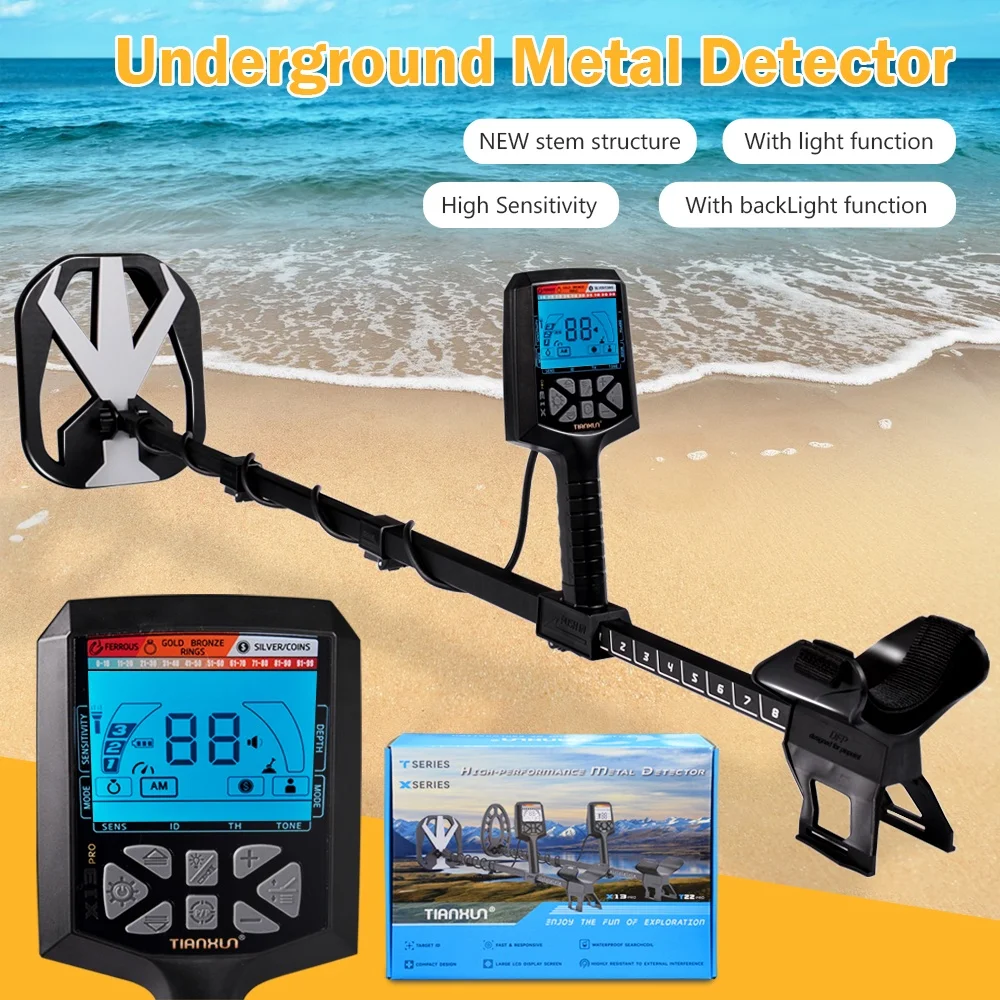
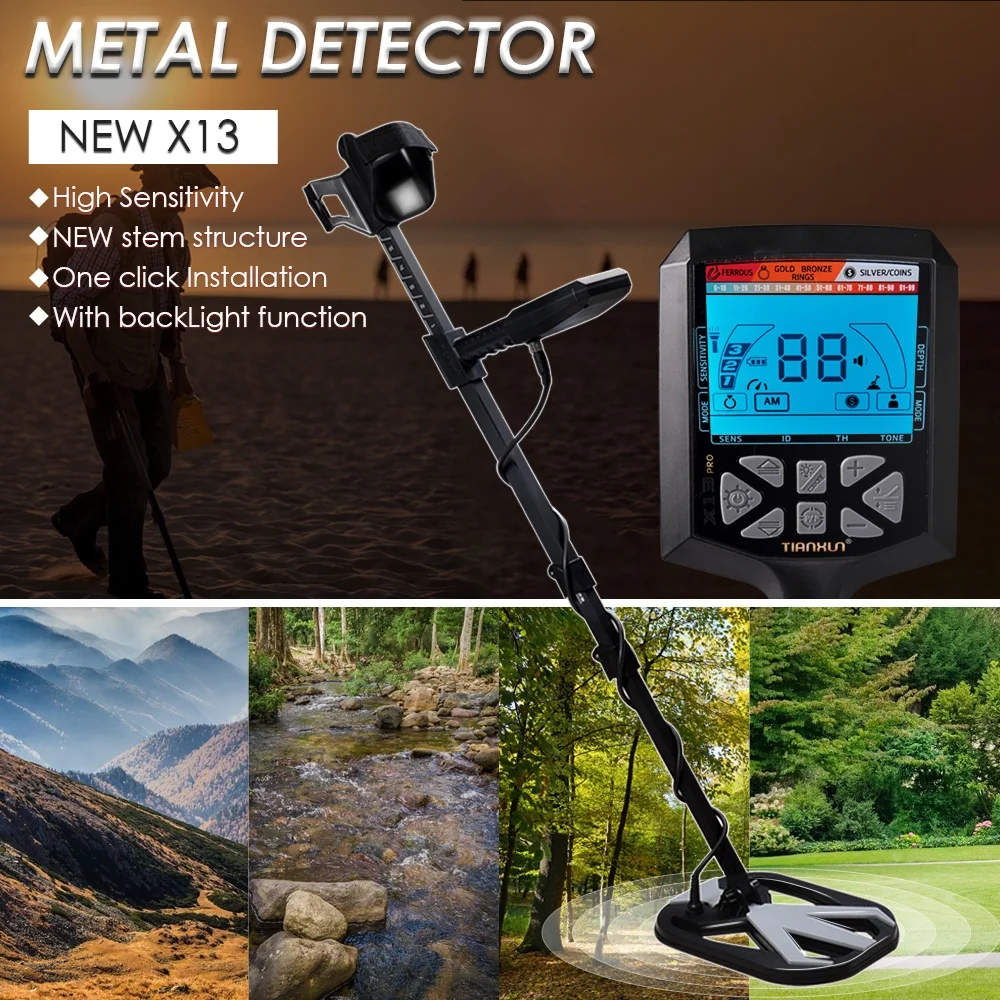
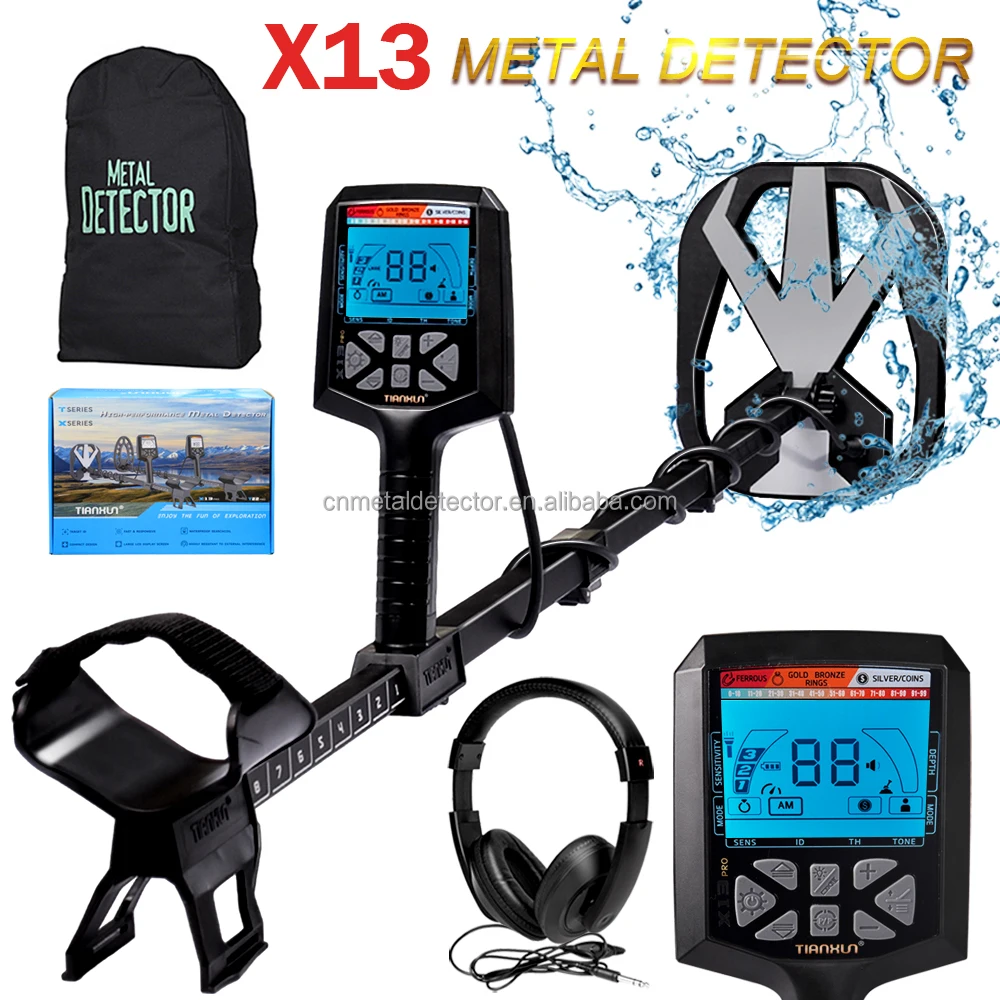
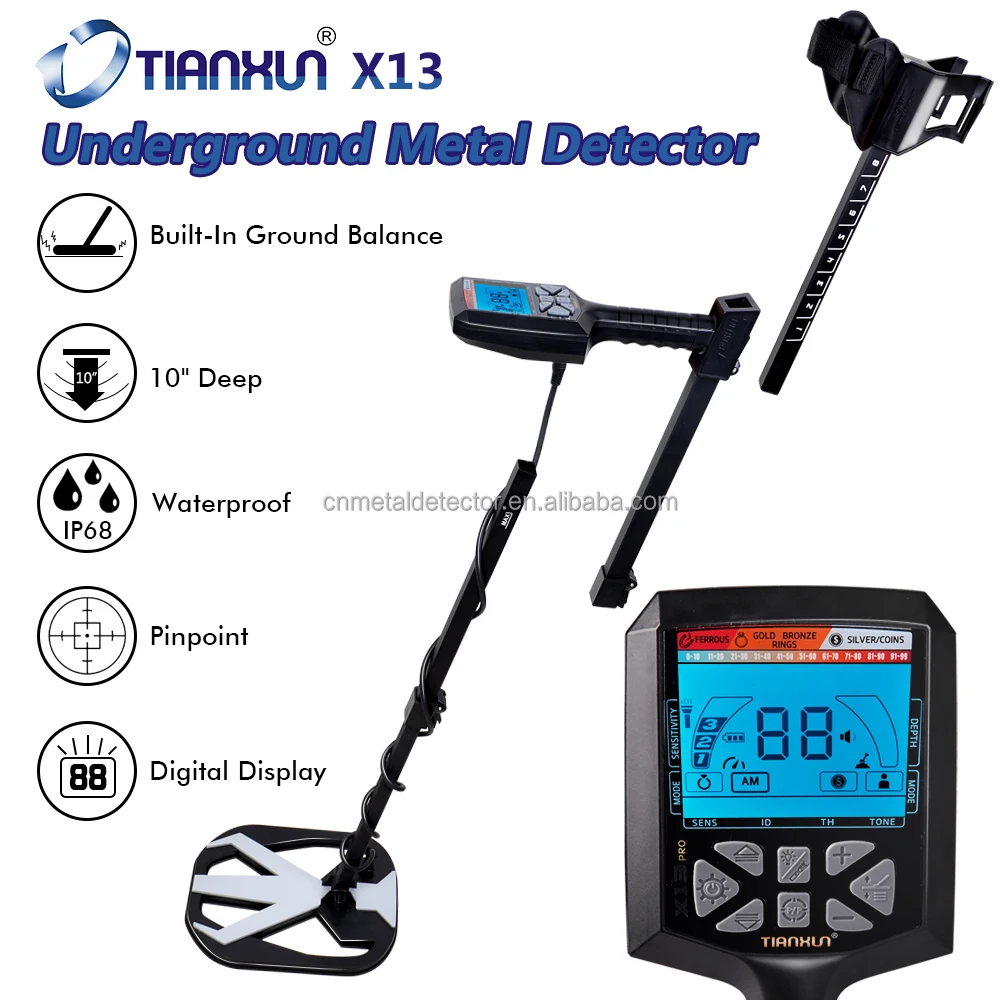
NEW Treasure Hunting Professional Industrial Metal Detector Gold Detector X13 Gold Metal Detector NEW Treasure Hunting Professional Industrial Metal Detector Gold Detector X13 Gold Metal DetectorHello, Dear friends, please contact customer service to ask for product details before you place an order!#detail_decorate_root .magic-0{border-bottom-style:solid;border-bottom-color:#53647a;font-family:Roboto;font-size:32px;color:#f7f7f7;background-color:#000;text-align:left;font-style:normal;font-weight:bold;border-bottom-width:2px;padding-top:8px;padding-bottom:4px}#detail_decorate_root .magic-1{vertical-align:top}#detail_decorate_root .magic-2{vertical-align:top;display:block;padding-right:4px;box-sizing:border-box;padding-left:4px}#detail_decorate_root .magic-3{vertical-align:top;padding-bottom:4px;box-sizing:border-box;padding-top:4px}#detail_decorate_root .magic-4{padding:0;margin:0;white-space:pre-wrap;font-size:14px}#detail_decorate_root .magic-5{font-size:16px}#detail_decorate_root .magic-6{margin-bottom:10px;line-height:0}#detail_decorate_root .magic-7{margin-bottom:0}#detail_decorate_root .magic-8{position:relative;width:100%}#detail_decorate_root .magic-9{width:750px;border-collapse:collapse}#detail_decorate_root .magic-10{min-height:28px;padding:5px 10px;width:323px;min-height:28px;box-sizing:content-box}#detail_decorate_root .magic-11{min-height:28px;padding:5px 10px;width:383px;min-height:28px;box-sizing:content-box}#detail_decorate_root .magic-12{margin-bottom:10px;overflow:hidden}#detail_decorate_root .magic-13{width:750px}#detail_decorate_root .magic-14{overflow:hidden;width:750px;height:2320.3125px;margin-top:0;margin-bottom:0;margin-left:0;margin-right:0}#detail_decorate_root .magic-15{margin-top:0;margin-left:0;width:750px;height:2320.3125px}#detail_decorate_root .magic-16{overflow:hidden;width:750px;height:631.8435754189944px;margin-top:0;margin-bottom:0;margin-left:0;margin-right:0}#detail_decorate_root .magic-17{margin-top:0;margin-left:0;width:750px;height:631.8435754189944px}#detail_decorate_root .magic-18{overflow:hidden;width:750px;height:750px;margin-top:0;margin-bottom:0;margin-left:0;margin-right:0}#detail_decorate_root .magic-19{margin-top:0;margin-left:0;width:750px;height:750px}Product DescriptionNEW treasure hunting professional industrial metal detector gold detector X13 gold metal detector
Main features 1. Power supply (provides two options for power supply):
Option A, 6VDC power supply with 4 1.5V batteries(Not included)
2. Indicator:
2.1 Visual inspection: LCD liquid crystal display screen
2.2. Sound speakers or headphones, vibration
3. Display and function selection:
3.1. After starting up, there are 10 metal feature classifications on the top of the display screen. When using the machine to detect objects, an indication will appear above the corresponding metal.
3.2. In standby mode, if you need to select a function, press ↑ or ↓ to select the desired function back and forth. After
selecting the desired function, press, an icon will appear below, and then press ↑ or ↓ to increase or decrease the sensitivity of the machine.
3.3. DEPTH is a depth indication when an object is detected.
3.4. To select a mode in standby mode, press ↑ or ↓ to select the desired function back and forth. The selected function will be framed in black.
3.5. When metal is detected, the numerical value of the object will be displayed in the middle. The more precious the metal, the higher its value.
4. Menu:
4.1 SENS: Sensitivity;
Press the switch/menu button, the sensitivity icon appears, and then press ↑ or ↓ to adjust the sensitivity, which is divided into 0-99.
4.2. Volume;
Press "+" and "-" to adjust the volume, and automatically switch to vibration function when the volume is completely turned off.4.3. Selective shielding.
Users can choose to shield any one or more precious metals according to their needs or preferences when using the detector. It can only be used in jewelry mode, coin mode, and custom mode. Double clicking on the icon at the bottom will bring up the black box at the top, then pressing ↑ or ↓ to move it. After selecting it, press again to block or cancel it.
5. Mode:
5.1: (referred to as Jewelry Mode)
This mode is set for searching for jewelry.
5.2: (abbreviated as coin mode)
This mode only tests US dollars: 5, 1, 10, 25, 50, 1$
5.3: (abbreviated as all metal mode)
This mode has no shielding and all metals can be detected.
5.4: (Abbreviation: Custom Mode)
This mode allows customers to set a mode based on their desired metal.
In addition, the jewelry mode, coin mode, and custom mode can also adjust the tone in addition to adjusting sensitivity and
selecting shielding. The specific operation is as follows: press "Connect". When the icon appears at the bottom, press "↑" or "↓" to select the tone. There are a total of 6 tone options.
In addition to adjusting sensitivity, the all metal mode can also adjust the threshold. The specific operation is as follows: when the button is connected and an icon appears at the bottom, press ↑ or ↓ to adjust the threshold. The higher the threshold, the larger the connection tone, and vice versa, the smaller the connection tone.
6. PINPOINT (abbreviated as PP precise positioning mode)
PINPOINT is used when the user detects metal within the range during use, but cannot accurately confirm the position of the object. The specific operation is to raise the detection plate of the machine 8~10cm above the ground. Press and hold the PP button in the middle of the machine frequently, and the LCD will display the numerical value. Slowly lower the machine. Measure up and down within the range. If an object is detected, the value will change. The higher the numerical value, the closer it is to the object. The sound will also increase from low to high. (This function can only locate the position and depth of objects, and cannot distinguish the type of metal.)
7. Automatically balance:
Press and hold the key, move up and down at a distance of 3-5 cm on the ground, and when you hear a "drop" sound, it indicates that the automatic balance has been completed.
8. Manually balancing:
Hold down the key while holding down ↑ or ↓ to manually adjust the ground balance.
9. Frequency band adjustment:
Press and hold the column key while pressing+or - to adjust the frequency band of the machine. The frequency band ranges from F1 to F8. Multiple machines of the same model will not interfere with each other in close range within different frequency bands.
10. Backlight function:
The backlight button in the middle of the machine enables the machine to turn on the backlight, then press the probe flashlight on the back of the machine again to turn it on, then press the backlight flashlight again to turn it off simultaneously, and so on.
Steps to restore the factory settings function: In the shutdown state, press and hold the mode key, hold it down while turning on, and wait until the display is fully displayed to indicate that the factory settings have been restored.
11. The working frequency is approximately 12.8KHz ± 0.2KHz
12. Working current:
When not detecting metal, the working current should be less than 55mA. When detecting metal and the horn sounds, the current should be less than 65mA. When the LCD backlight is turned on, the current should be less than 85mA, and when the backlight flashlight is turned on simultaneously, the current should be less than 125mA
13. Detection sensitivity:
After turning on the machine, adjust the sensitivity () to 75-80, take a 25 cent coin, move it back and forth at a constant speed at a height of 28cm above the center of the probe. The LCD screen should have corresponding instructions, and the horn should emit a high sound.
The working method is to place it in PP, take a 25 cent coin, and approach the probe slowly downwards at a height of 28cm above the center of the probe. The LCD screen should have corresponding instructions, and there should be a significant change in the sound of the horn.
14. Temperature:
Working temperature range: 0 ℃ (4 hours)~+45 ℃ (4 hours)
Storage temperature range: -20 ℃ (8 hours)~+60 ℃ (8 hours)

| Model | X13 Professional gold metal detector |
| Audio | Three-tone audio |
| Distinguish | ferrous and non-ferrous all metals |
| Ground Balance | √ |
| All Metal | √ |
| Discrimination | √ |
| PP function | √ |
| Multi-Tone Audio | √ |
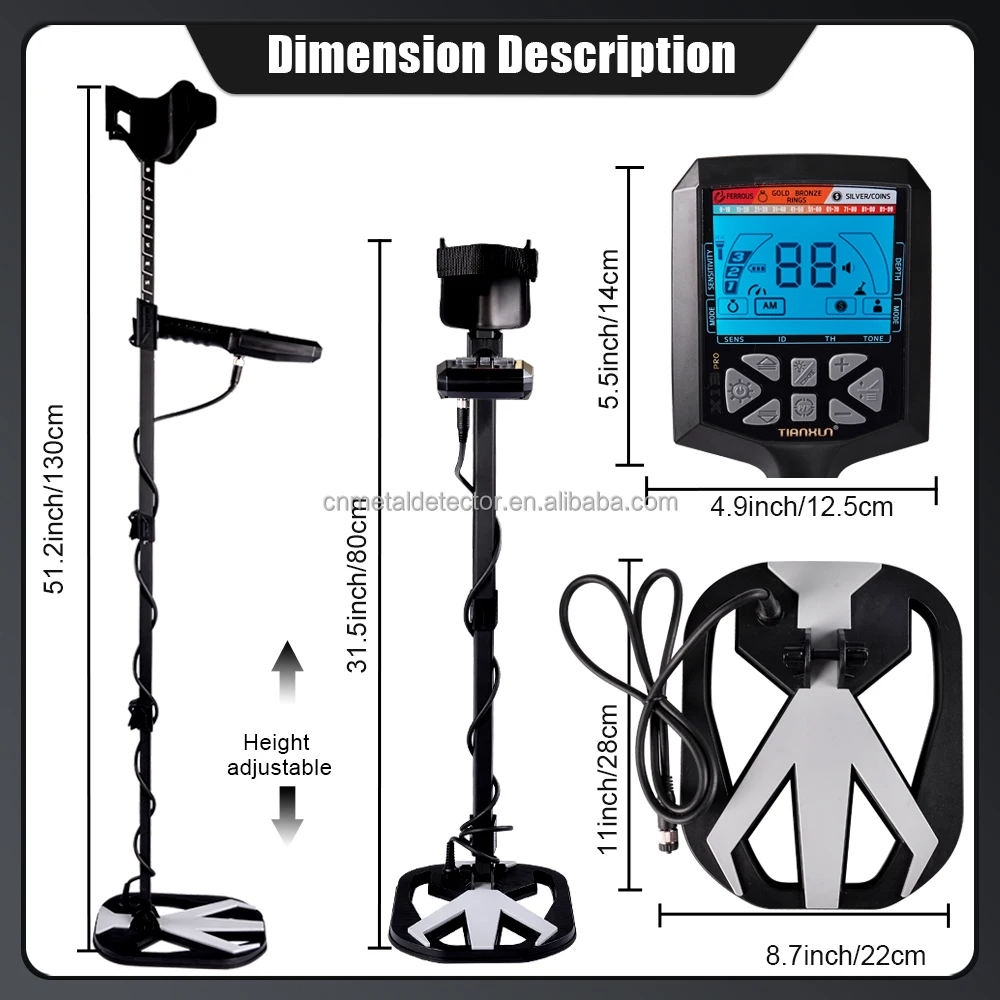
| Coil | 28*22cm(waterproof gold detector) |
| Battery | 4*1.5V |
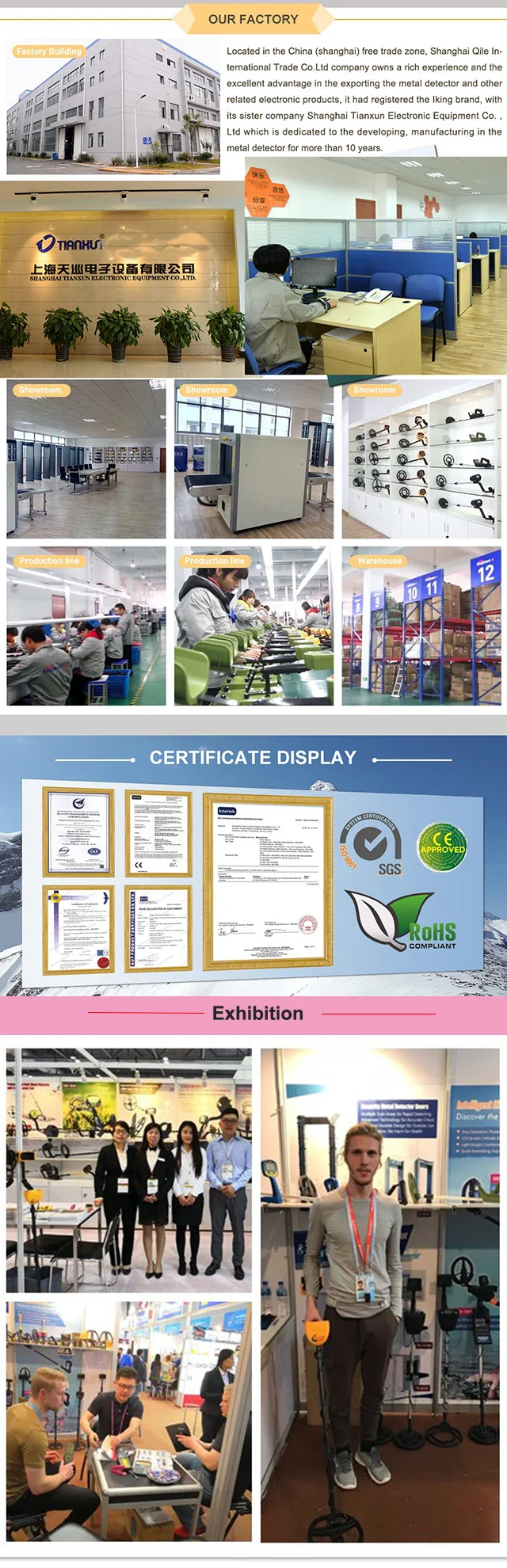 Shanghai TianXun is devoted to research and development, produce and sell in the field of metal detectors and security equipment more than 10 years, there are many series:
Underground Metal Detector: kids, Beginners, Hobby, Professional metal detector.
Hand-held Metal Detector: Underwater, Security metal detector, Pinpointers
Security Equipment: Security Metal Door, X-ray Security equipmentFAQ
 Recommend ProductsContact
About Prime Living
Prime Living is a Canadian online store offering a carefully selected range of quality products for home, automotive, tools, outdoor living, electronics and more.
We are committed to fast order processing, secure packaging and reliable tracked shipping to provide an excellent shopping experience.
Shipping policy
We carefully handle each order to ensure your package arrives quickly and safely. Please note that factors such as weather, postal traffic, or carrier performance may occasionally cause delays beyond our control.
We provide free shipping and dispatch all orders within 2 business days of payment, often sooner. All shipments are sent via international express air shipping, with a tracking number provided so you can follow your order every step of the way.
. Please provide a physical address, as we do not ship to P.O. Boxes.
Returns
Your satisfaction is important to us. Hexlight offers a 14-day Free return policy: if you are not fully satisfied with your purchase, you may request either a full refund or an exchange. All return shipping costs are fully covered by us.
Condition
Brand New
Shipping
This item is shipped directly from our supplier in China with tracking.