
Product Description
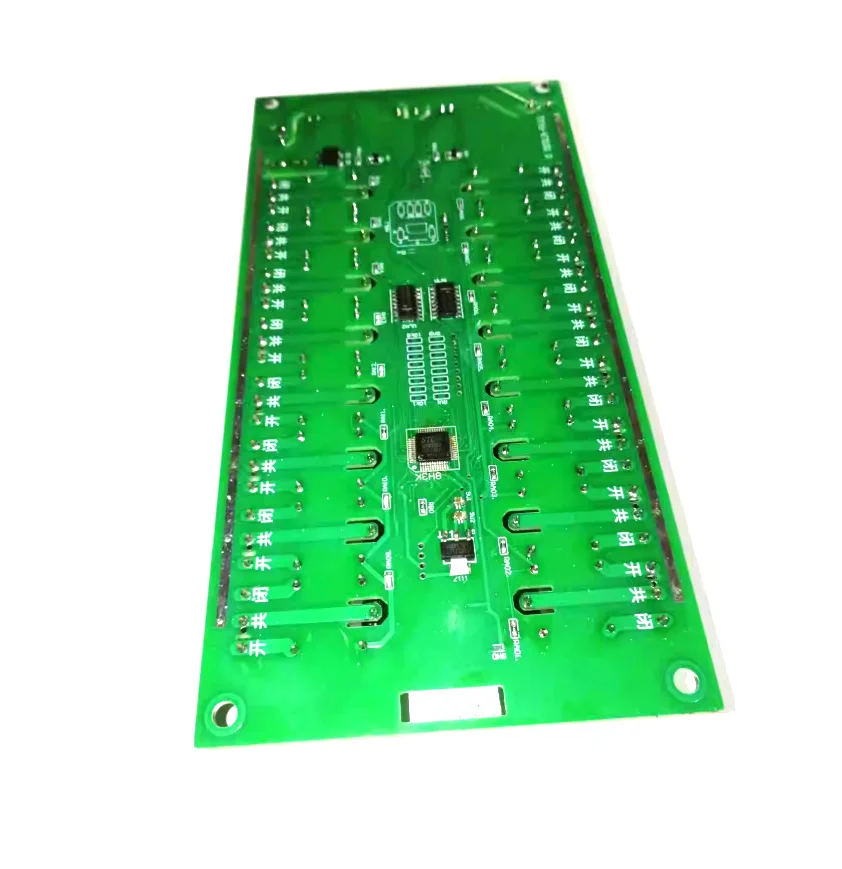
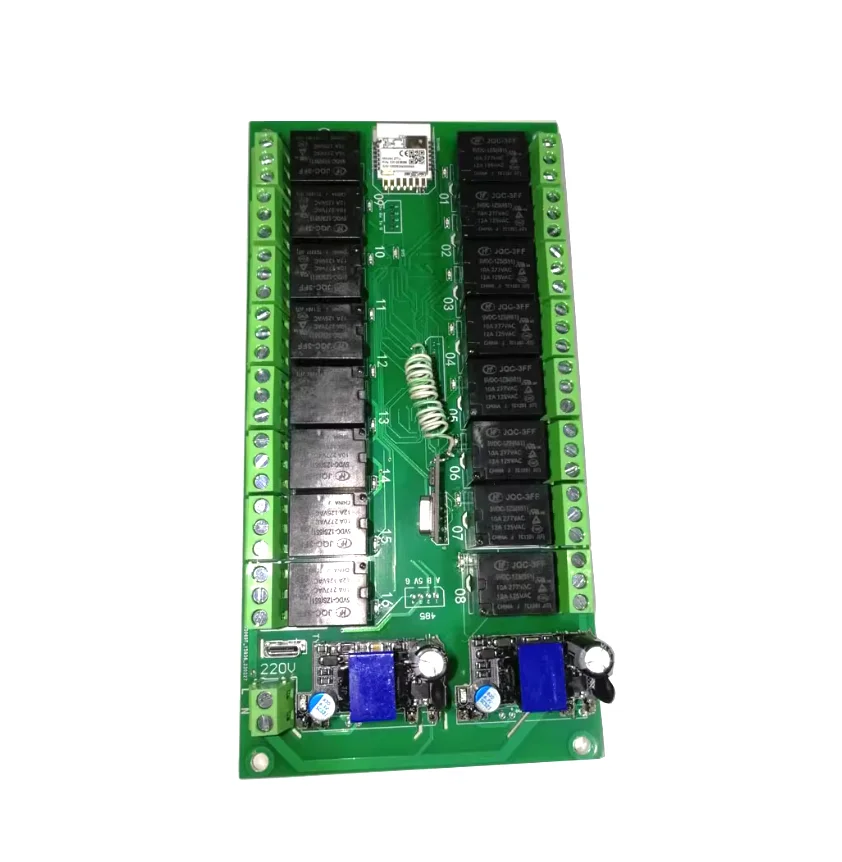
16 Channels WiFi/Zigbee Relay Module Smart Home Automation 16 Channels WiFi/Zigbee Relay Module Smart Home Automation
Note:
If you don't have this Zigbee gateway,please choose WiFi version!
Zigbee version is fully applicable to Tuya zigbee gateway. Other third-party zigbee gateways (zigbee2mqtt) may not be able to control all 16 channels due to network chip compatibility issues (only 8-10 channels of relays can be controlled). If there is a need to control 16 channels of other zigbee gateways, it is recommended to purchase 8-channel relays module.
Tuya 16 way WiFi or Zigbee remote control point action interlocking intelligent relay module RF433 remote control RF IoT remote relay module
Module size: 90x179x height 20mm,
The product is powered by 5V type-c interface or DC7-27V and 5V type-c interface or AC85-250V power supply
The product models are divided into:
1: DC7-27V WIFI version
2: AC85-250V WIFI version
3: DC7-27V zigbee version
4: AC85-250V zigbee version
[WiFi/Zigbee Remote] (Basic Function)
Download "Tuya Smart" from the software market, install and register it, power off the module, reopen it, open the app, and click the+sign in the upper right corner to add a device.
Scene linkage setting: Set in the graffiti app, which can set multiple scene control relay switches
【 RF433mhz Remote Control 】 Only supported when purchasing a remote control. (If there is any flashing that does not meet the requirements during operation, please power off and restart to try again.),
Attention: Power off and restart, wait for the indicator light to flash before operating,
Action explanation: Self locking (press once to open, then press once to close)
Action explanation: Jog (press once and then merge, automatically turn off after about 0.5 seconds), (this function needs to be set on the APP)
Action explanation: Fully open (this key can only be turned on and cannot be turned off) (This function needs to be set on the APP)
Action explanation: Fully close (this key can only be turned off and cannot be turned on) (This function needs to be set on the APP)
Action explanation: Interlock (this function needs to be set on the APP)
Action explanation: Timing (this function needs to be set on the APP)
Action explanation: Delay (this function needs to be set on the APP)
RF433mhz Learning Remote Control
Wait for 5 seconds for the power to turn on again, quickly press the setting button 5 times (press faster), and the indicator light of channel 1 will continue to flash. At this time, press and hold one key on the remote control until channel 2 flashes, then press and hold the other key on the remote control until channel 3 flashes, and so on. Press all the keys, and finally power off and turn on again;
The key setting method for circuit board settings supports RF433mhz remote control as follows:
(Learn self-locking) Press the "Set" button 5 times, and relay 1 will flash. (Click the "Set" button to change the desired learning mode
At this time, long press and hold one key on the remote control to learn one key, and you can continue to press all the keys. After the operation is completed, you need to power off and restart;
Interlock setting instructions: (Tuya APP settings are required)
● Input 2 above and 2 below to indicate channel 1.2. Interlock
● Input 3 above and 3 below to indicate channel 1.2.3 interlock
Enter 10 above and 10 below to indicate channel 1.2.3.4.5.6.7.8.9.10 interlock
Input 4 above and 2 below to indicate channels 1.2. Interlock and 3.4. Interlock
● Input 8 above and 2 below to indicate 1-2 interlocking, 3-4 interlocking, 5-6 interlocking, 7-8 interlocking
●Enter 10 above and 5 below to indicate channel 1.2.3.4.5 interlock and 6.7.8.9.10 interlock
●Enter 0 above and 0 below to indicate no interlocking
Inching Settings
●Input channel number 1, and the current jog time of channel 1 will be displayed below. The jog time can be changed, such as 500 milliseconds.
●Input channel number 2, and the current jog time of channel 2 will be displayed below. The jog time can be changed, such as 500 milliseconds.
●Entering 0 for jog time indicates that this channel does not jog, and so on, other channels can be set accordingly.
Description: Inching time range: 1-999999999 milliseconds
[Power on settings]
● Enter channel number 1, and the current channel value will be displayed below
● Enter 1 below to automatically open this channel when powered on
● Enter 2 below to turn off this channel when powered on
● Input 3 below to maintain the switch state before powering on and off
● Enter 4 below to force the power on and the phone will never be able to operate this channel
[Delayed opening] (Some products do not support it, and additional requirements can be added before shooting)
Enter 1 above and the current setting value of channel 1 will be displayed below
Enter 3000 below to indicate that this channel will not open when clicked on, but will automatically open after 3000 milliseconds,
[Delayed Close] (Some products do not support it, and additional requirements can be added before shooting)
●Enter 1 above and the current setting value of channel 1 will be displayed below
●Enter 3000 below to indicate that this channel does not close when clicked, but automatically closes after 3000 milliseconds,
[Factory reset]
Press and hold "Set" for 10 seconds, and release the hand when the indicator flashes quickly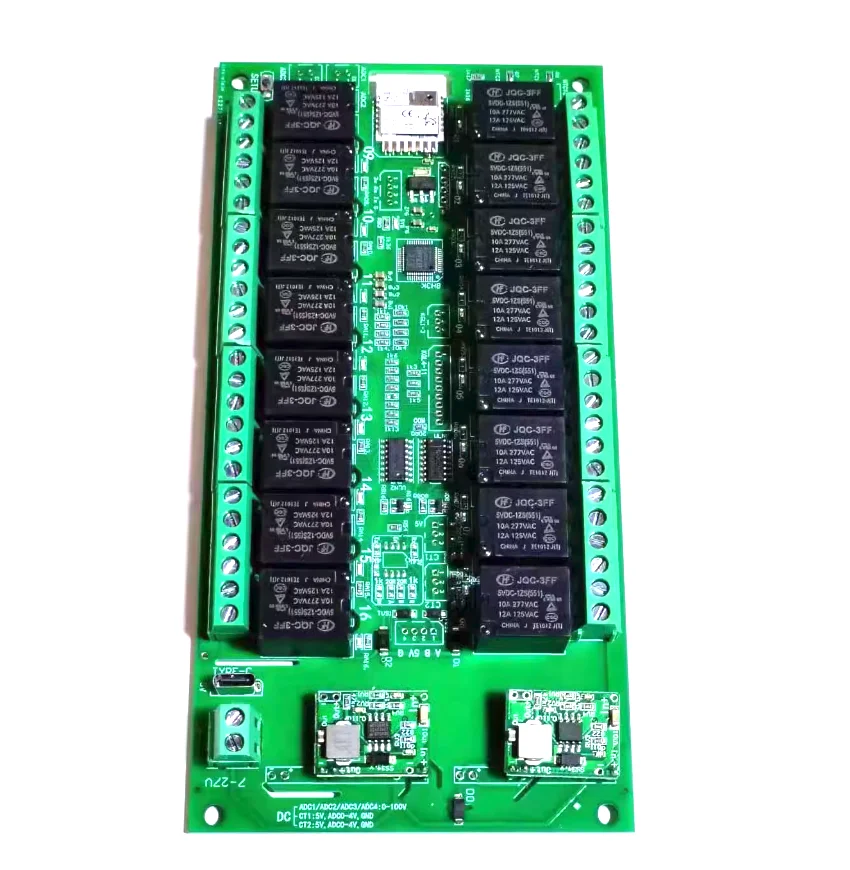
About Prime Living
Prime Living is a Canadian online store offering a carefully selected range of quality products for home, automotive, tools, outdoor living, electronics and more.
We are committed to fast order processing, secure packaging and reliable tracked shipping to provide an excellent shopping experience.
Shipping policy
We carefully handle each order to ensure your package arrives quickly and safely. Please note that factors such as weather, postal traffic, or carrier performance may occasionally cause delays beyond our control.
We provide free shipping and dispatch all orders within 2 business days of payment, often sooner. All shipments are sent via international express air shipping, with a tracking number provided so you can follow your order every step of the way.
. Please provide a physical address, as we do not ship to P.O. Boxes.
Returns
Your satisfaction is important to us. Hexlight offers a 14-day Free return policy: if you are not fully satisfied with your purchase, you may request either a full refund or an exchange. All return shipping costs are fully covered by us.
Condition
Brand New
Shipping
This item is shipped directly from our supplier in China with tracking.